
Sell a Used Game Console: Reset, Storage, Controllers
Sell a used console with fewer buyer questions. Use this reset, storage, controller, cable, test-proof, and pickup checklist before you post.
ARTICLE LANGUAGE
Showing original language
If a game console is sitting unused under your TV, in a closet, or in a kid's room after an upgrade, you can turn it into a real local listing today. The fastest path is not a vague "console for sale" post. Use the Brixaz console posting form with the reset status, storage size, controller condition, cables, games, and pickup plan already clear, so a buyer can decide without asking ten basic questions.
This guide is for the seller who owns a real console now: a PlayStation, Xbox, Nintendo Switch, older system, or bundle with controllers and games. Your job is to post the exact package you can hand over this week. Brixaz is still a smaller marketplace than the huge platforms, but that also means lower category competition, free posting, and direct contact with buyers instead of fees or checkout friction.
Start with the exact console bundle
Buyers do not search for "game system" in their head. They compare exact bundles: the console generation, storage size, controller count, included cables, included games, and whether the system is ready for a new account. A clear bundle description does two things at once. It helps the right buyer find the listing, and it protects your price because the buyer understands what is included before they message.
Write the first line like an inventory label, not a sales pitch. A weak version is "Xbox for sale, works great." A better version is "Xbox Series S, 512GB, one white controller, HDMI cable, power cable, factory reset, tested today." The better version is short, but it answers the questions that decide whether a buyer keeps reading.
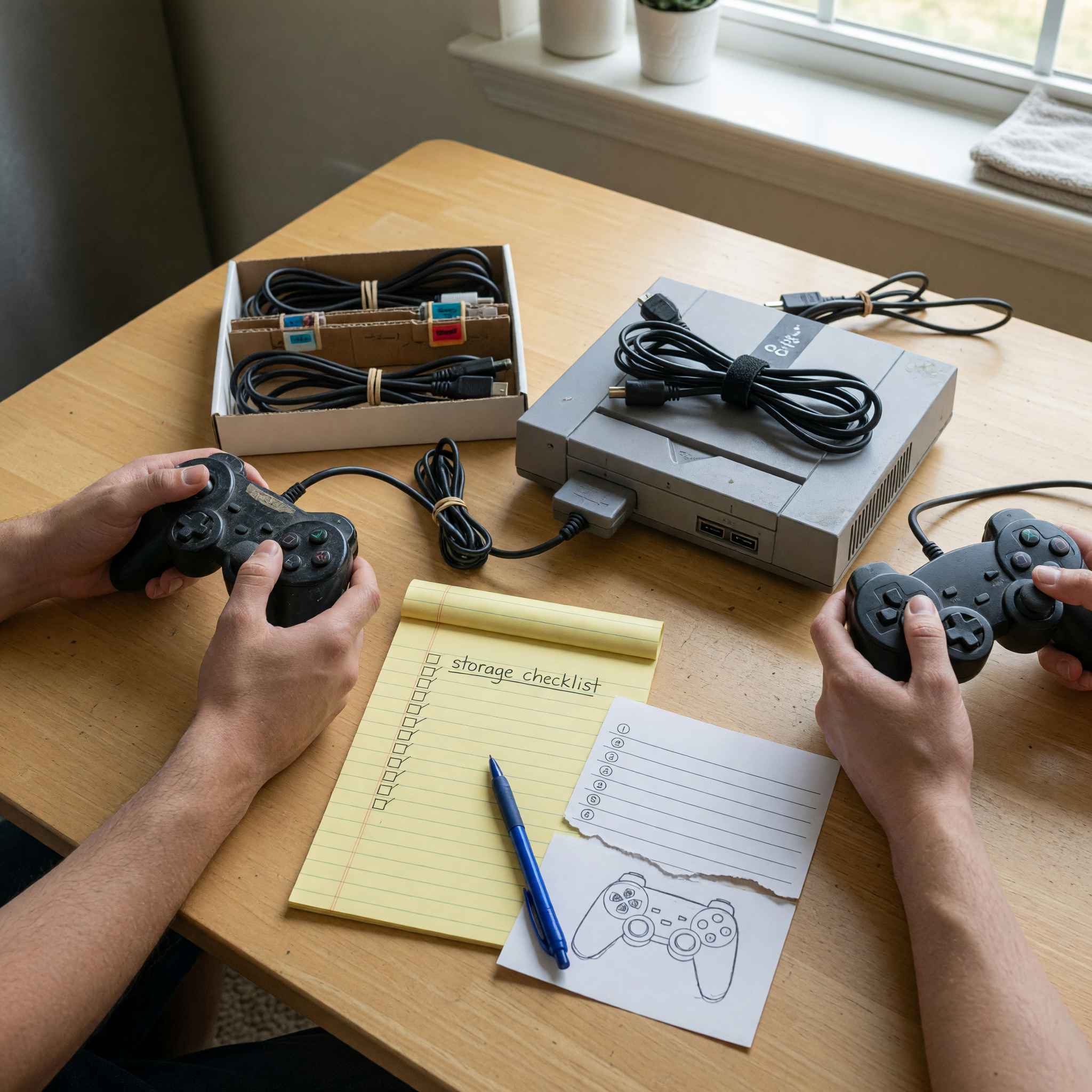
If you have games, a headset, a charging dock, or extra controllers, list them separately inside the same bundle. Do not make buyers guess whether "comes with everything" means the original cables, a controller that drifts, or a box full of old accessories. The more exact you are, the less room there is for a buyer to discount the item at pickup.
Reset the console without erasing trust
A factory reset is one of the highest-trust details in a console listing. It tells the buyer that your account, payment details, parental controls, and downloaded profile are not still tied to the machine. It also tells them the console is ready to set up as theirs. Before you reset, back up any saves or screenshots you want to keep, sign out of subscriptions, remove the console from your account if the platform requires it, and confirm that no personal profile opens when the console starts.
Then say exactly what you did. Good wording: "Factory reset completed, signed out of all accounts, ready for new setup." If you have not reset yet because you want to show the console working at pickup, say that too: "Currently set up for testing; I will factory reset in front of the buyer before payment." That is better than silence because it gives the buyer a clear plan.
Do not include account access, downloaded games tied to your account, or subscription promises unless you are certain the platform allows transfer. In most local sales, physical items are the cleanest promise: console, controllers, cables, disc games, dock, stand, headset. Account-based extras create confusion and can make a buyer worry the bundle will stop working later.
Show storage, controllers, cables, and games
Storage size changes the value of many consoles, especially when buyers plan to install modern games. Put the storage in the title or first sentence if you know it: 512GB, 1TB, 32GB, OLED model, digital edition, disc edition. If you are unsure, open the system settings and check storage before posting. "Not sure" is a lowball magnet because the buyer has to price the risk.
Controllers deserve their own line. Controller drift, sticky buttons, weak batteries, missing thumb grips, and charging problems are common buyer fears. Test each controller in a game menu or settings screen, then describe it plainly: "Two controllers included. Blue controller works normally. Black controller has slight left-stick drift, priced into bundle." Naming the flaw may feel painful, but it prevents the worst outcome: a buyer discovering it in person and trying to renegotiate the entire sale.
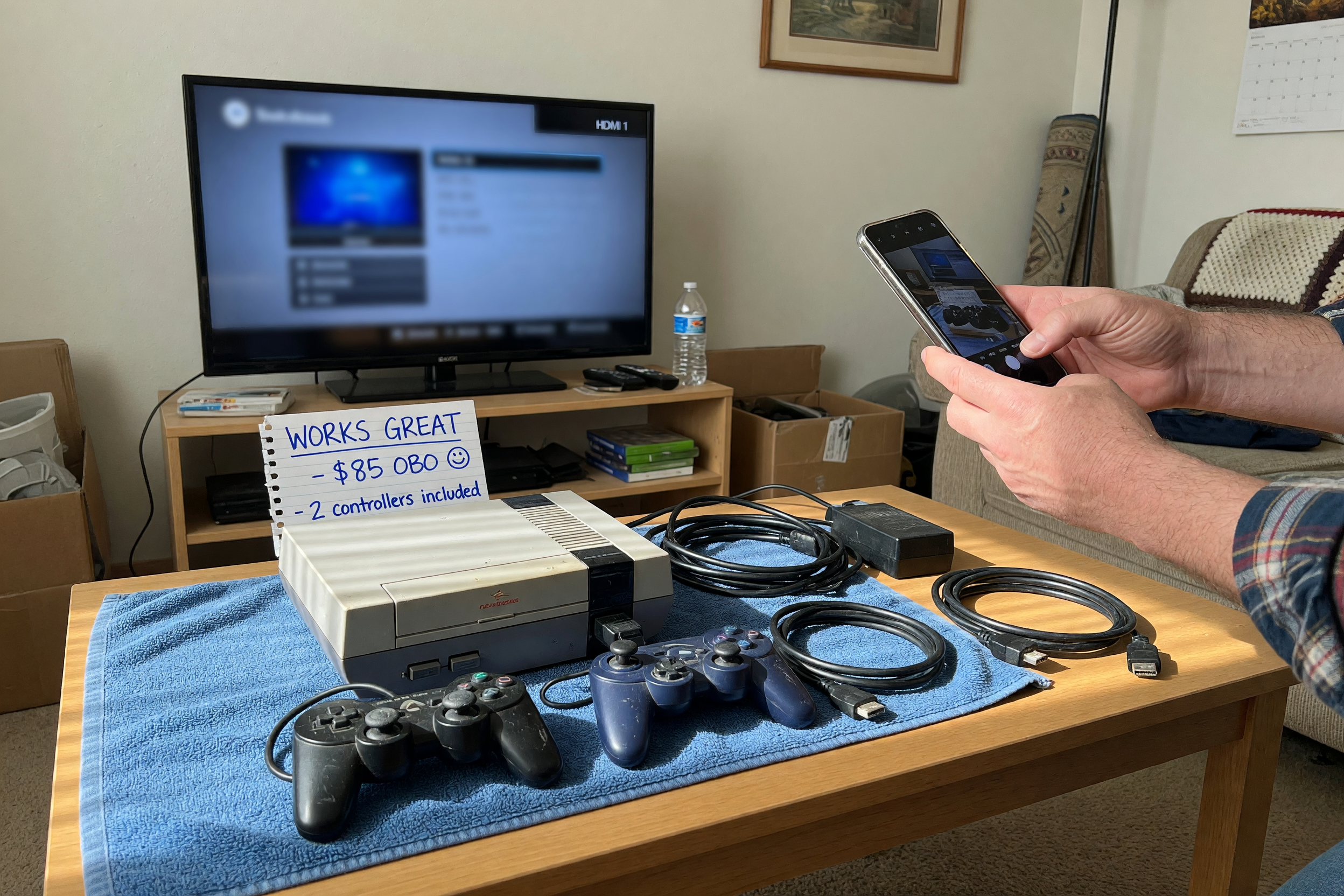
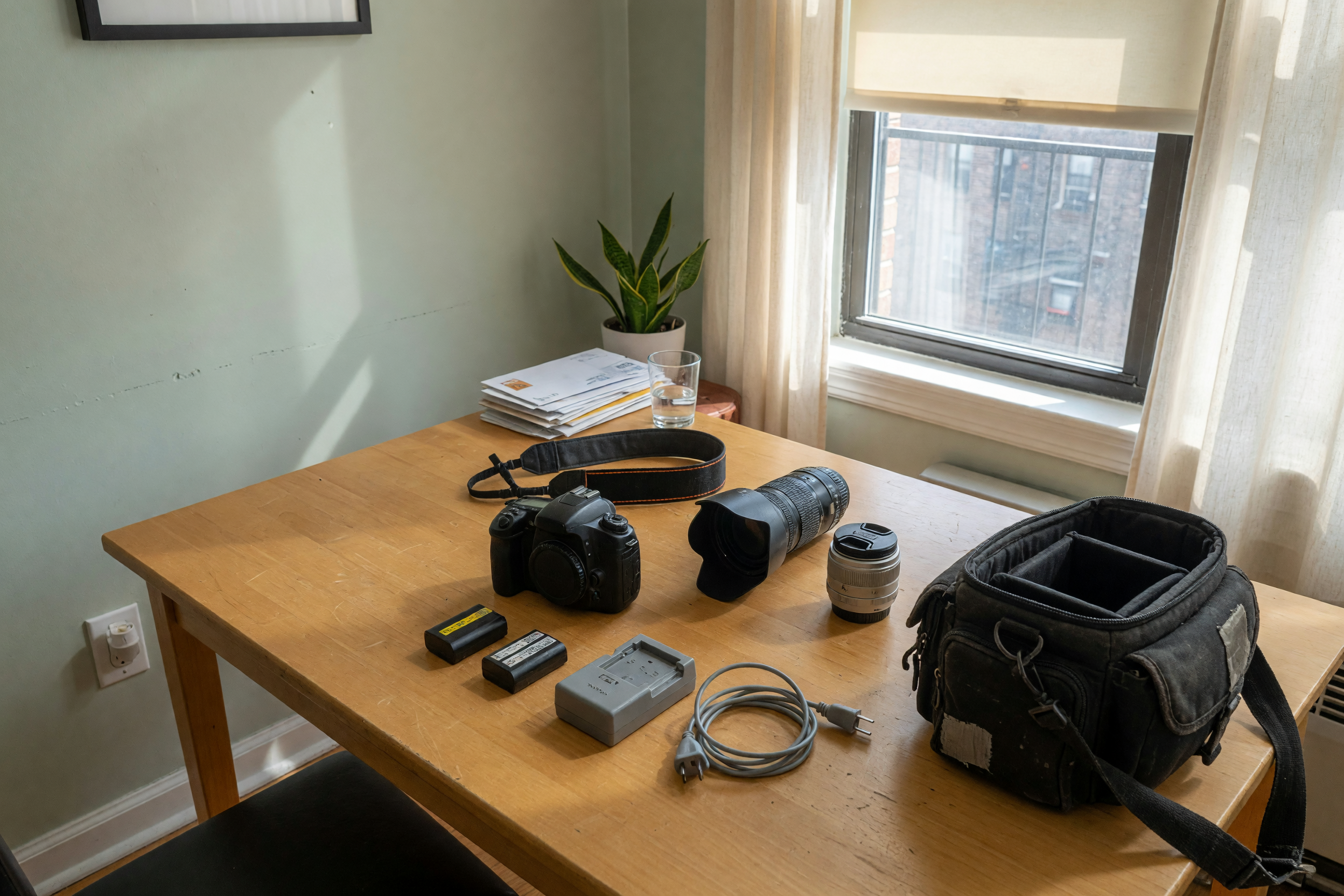
Lay out every cable and accessory in one photo. For most consoles, buyers expect the power cable, HDMI cable, at least one controller, and sometimes a dock or stand. For handheld systems, mention the charger, dock, case, screen condition, and whether the Joy-Con or sticks have drift. For disc games, name each title and show the cases or discs in the photo. A bundle that is visible and counted feels safer than a pile of mystery plastic.
Use a test-proof checklist before you post
Console buyers need proof that the system works beyond "turns on." Run this checklist before you write the listing. It gives you better copy, better photos, and fewer pickup surprises.
| Proof to collect | What to check | Listing wording to use |
|---|---|---|
| Power and startup | Console boots to setup or home screen | "Powers on and boots normally." |
| Storage size | Settings screen confirms capacity | "512GB storage confirmed in settings." |
| Controller buttons | Sticks, triggers, D-pad, and buttons respond | "Controller tested; no drift noticed." |
| Disc drive or cartridge slot | Physical game loads if the console has one | "Disc drive tested with game shown in photo." |
| Wi-Fi and update | Connects online or shows current status | "Wi-Fi connects; console reset after testing." |
| Ports and display | HDMI, power, USB, dock, or charging port works | "HDMI and power ports tested today." |
| Noise and heat | Fan sounds normal during a short play test | "Ran for 20 minutes without overheating." |
| Cosmetic condition | Scratches, missing covers, worn grips, cracked plastic | "Light scratches on top shell; shown in photo 5." |
You do not need professional testing equipment. You need honest, specific proof. A buyer who sees the system powered on, the storage confirmed, the controllers tested, and the cables laid out has fewer reasons to ask for a discount. If you are unsure how to price the bundle after checking condition, use the Brixaz listing price checker before you publish.
Write copy that gets serious buyer messages
The best console listing reads like a handoff note. It is specific, calm, and complete. Avoid hype words that do not prove anything: "mint," "rare," "must go," "no scammers," "works perfect." Replace them with facts the buyer can verify.
Bad: "PS5 for sale. Works good. Comes with controller and games. $400 obo."
Better: "PlayStation 5 disc edition, 825GB, one DualSense controller, power cable, HDMI cable, and three disc games included. Factory reset completed and signed out. Tested today: boots normally, disc drive loads, controller buttons work, no stick drift noticed. Console has light surface scratches on the glossy panel, shown in photos. $360 firm for local pickup near 78704."
The better version does not guarantee a sale, but it changes the first message. Instead of "Does it work?" you are more likely to get "Can I pick it up tonight?" That matters on Brixaz because direct contact is the whole path: the listing has to give the buyer enough confidence to message you with a plan, not a questionnaire.
Keep the title searchable too. Use "Sell used game console" thinking in reverse: buyers search the model, storage, and bundle. Good titles include "Nintendo Switch OLED bundle with dock and case," "Xbox Series S 512GB with controller," or "PS4 Pro 1TB with two controllers and games." You can browse the broader Brixaz electronics section to see how clean category choice helps local discovery.
Set pickup, payment, and safety boundaries
Console sales go smoother when the buyer knows the handoff rules before they message. Include your pickup area, available times, inspection plan, and payment expectation. You do not need to publish your exact address. A neighborhood, ZIP code, or nearby public meetup spot is enough until a serious buyer confirms.
Use wording like this: "Local pickup near Austin 78704. I can meet at a public spot weekday evenings or Saturday morning. Buyer can power it on and test the controller before payment. Cash or confirmed instant transfer only." This is clear without sounding hostile. It also filters buyers who want shipping, unclear payment, or endless holds.
For electronics, do not rush the inspection. Let the buyer see the console turn on, confirm the controller works, and check the included items. Keep your account signed out, and do not hand over the item until payment is complete. If your buyer wants a receipt-style note, a short message thread confirming the console, price, and pickup time is usually enough for a local used-item sale.
If you are selling several used items after a move or upgrade, the same structure works across categories. The Brixaz sell-used hub is useful when you are deciding whether to post a console, furniture, electronics, or household items separately instead of burying them in one messy listing.
The same proof-first approach applies to other tested gear: used musical instrument model and condition checklist
Si también atiendes vendedores en español: vender una consola usada
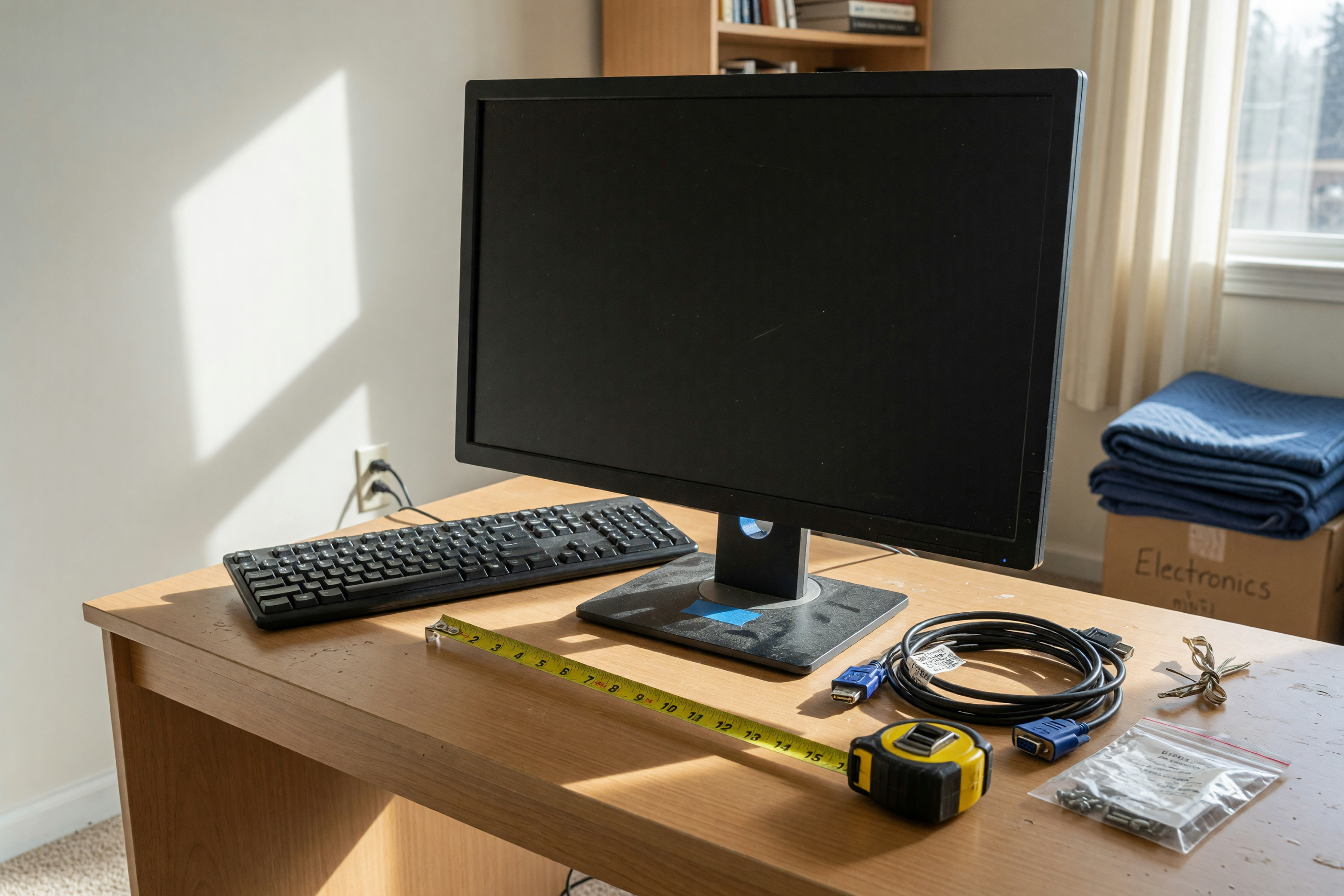
Related electronics listing guide: sell used monitor
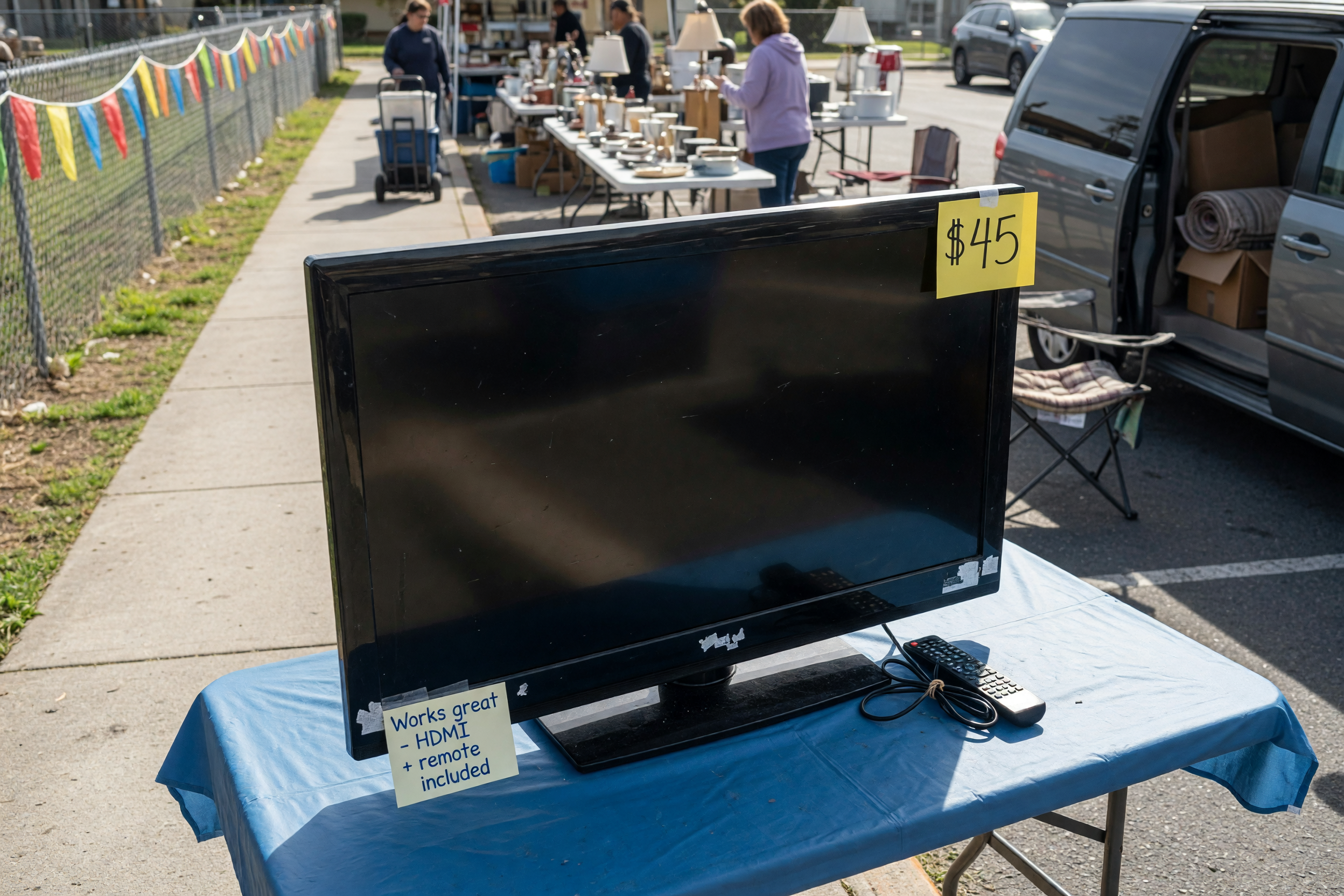
If the screen is part of the same entertainment setup, this TV guide helps sellers list it clearly: sell a used TV with size and pickup details
Frequently asked questions
Should I factory reset a console before selling it?
Yes, in most cases. Back up anything you need, sign out of your accounts, remove payment details, and complete the reset before handoff. If you want to show the console working first, say that you will reset it in front of the buyer after testing.
What should I include in a used console listing?
Include the model, storage size, disc or digital edition, controller count, cables, games, account reset status, tested functions, cosmetic flaws, pickup area, and payment terms. Those details answer the questions buyers usually ask before they decide to meet.
How do I test controller drift before posting?
Open a game, settings screen, or controller test screen and move each stick slowly in every direction. If the cursor or character moves without touching the stick, mention drift clearly. A controller with drift can still sell, but the buyer should know before pickup.
Should I sell games with the console or separately?
Bundle common games when they make the console more attractive, especially if you want one quick pickup. Sell valuable or niche games separately if they have their own demand. Either way, name each physical game and show it in the photos.
How should I price a used game console?
Compare the same model, storage size, edition, controller count, and included games. Adjust down for missing cables, controller drift, heavy scratches, or no original dock. A clean tested bundle can justify more than a bare console, but only if the listing proves what is included.
Where should I post a used game console on Brixaz?
Post it in the console category with selling and offering selected. Use the prefilled Brixaz route in this guide, add your checklist details, and keep the pickup plan clear so nearby buyers can contact you directly.



Comments
Loading comments...
Checking sign-in status...