
Sell Used Monitor: Size, Ports, Panel Type, Condition
A practical guide for listing a used computer monitor locally: what specs to include, how to show condition, how to price, and how to make pickup simple.
ARTICLE LANGUAGE
Showing original language
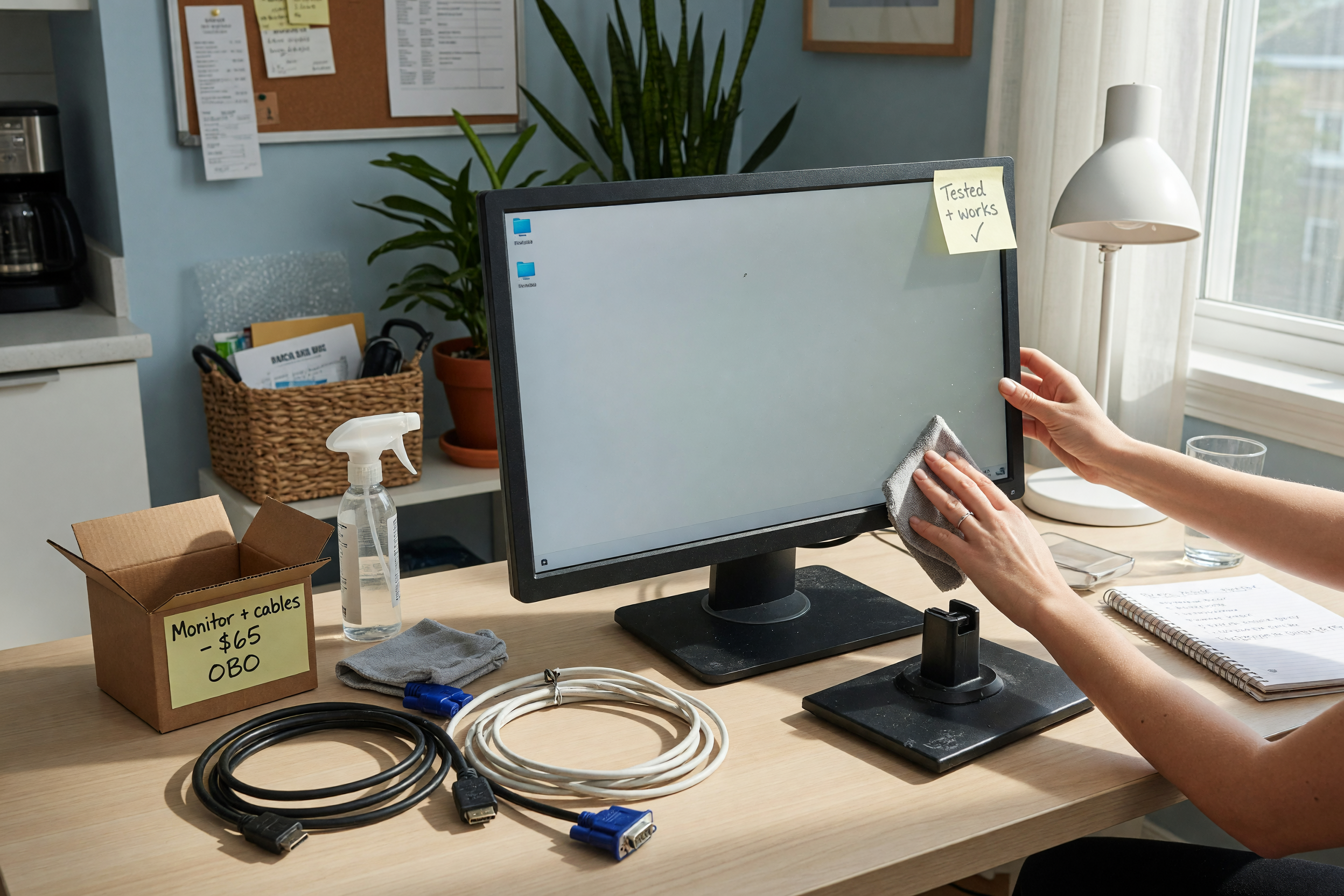
A used computer monitor is one of the easiest electronics items to sell locally when the listing answers the buyer's first questions before they message you. If you have a spare display from a desk upgrade, a closed office setup, a gaming build, or a college move-out, start with a clear local listing on Brixaz's monitor posting form instead of waiting until the screen is buried in a closet.
The hard conversion question is simple: who can post after reading this? A person with a working monitor, its power cable, a few clear photos, and honest notes about size, ports, panel type, and condition. The exact thing to post is a used computer monitor for local pickup, preferably with the model number and a photo of the inputs. The Brixaz route is a prefilled electronics listing, so the buyer can contact you directly and you do not lose part of the sale to a platform fee.
Start with the monitor facts buyers compare first
Most weak monitor listings say only "monitor for sale" or "works good." That forces every serious buyer to ask the same questions: How many inches? Is it 1080p, 1440p, or 4K? Does it have HDMI? Can it work with a laptop dock? Is the stand included? A stronger listing puts those answers near the top so the right buyer can self-select quickly.
Write the first two lines as if the buyer is scanning results on a phone. Lead with the usable identity of the screen, not a vague adjective. For example: "24-inch Dell 1080p monitor with HDMI and DisplayPort, adjustable stand, power cable included." That one line tells an office worker, student, gamer, or remote employee whether the monitor might fit their setup.
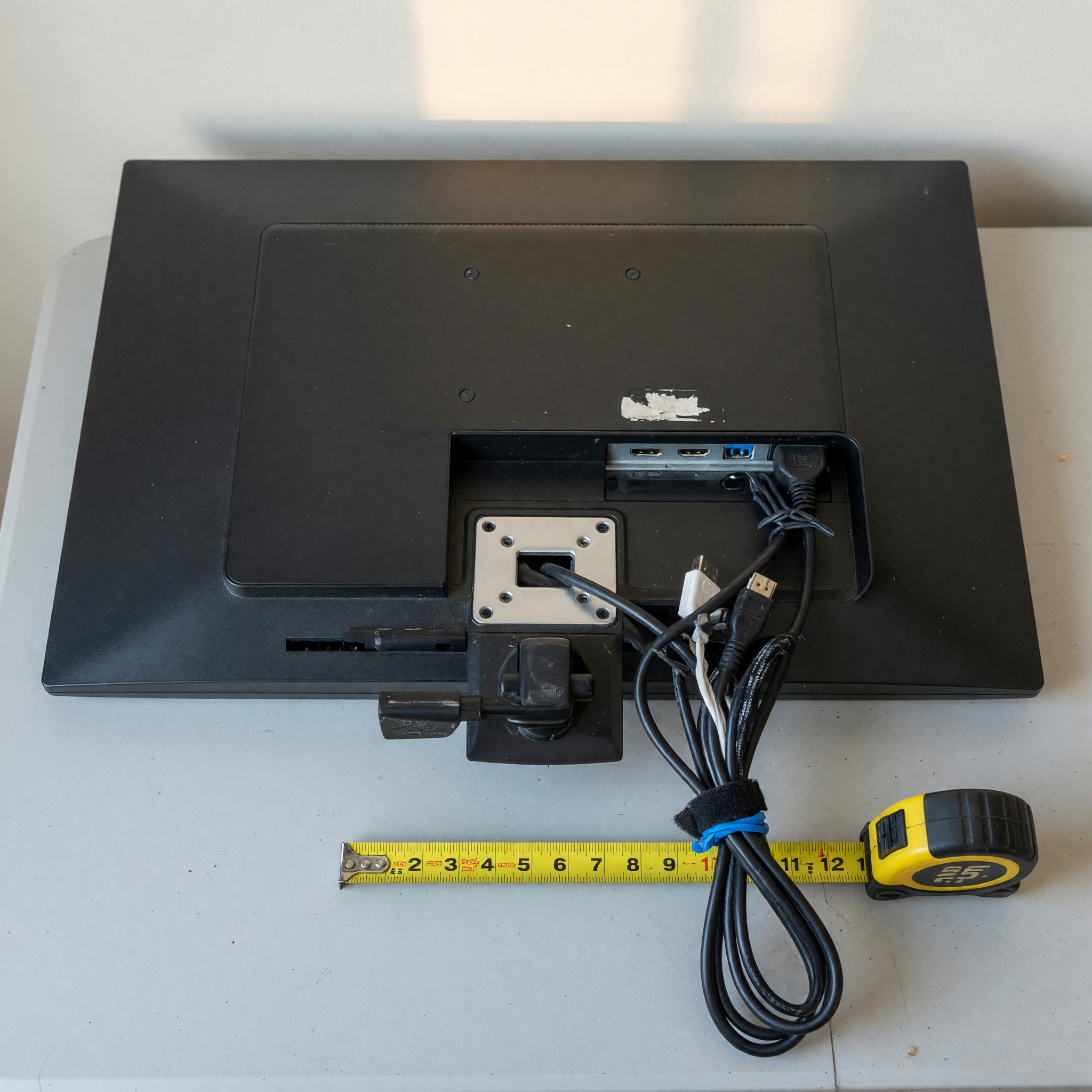
If you do not know every spec, use the model number. It is usually printed on a label on the back or underside of the monitor. Add the model exactly as shown, then describe what you can verify yourself. A listing that says "model on back is U2419H; tested today with HDMI" is more trustworthy than a listing that guesses at features.
Use this spec table before you publish
Copying a clean spec set into your listing helps buyers compare your monitor without a long back-and-forth. It also protects your time because people who need USB-C, VESA mounting, or a certain refresh rate can decide before messaging.
| Listing field | What to include | Why it matters |
|---|---|---|
| Screen size | Measure diagonally or use the model spec, such as 24", 27", or 32" | Buyers match the monitor to desk space and dual-screen setups |
| Resolution | 1080p, 1440p, 4K, ultrawide, or unknown if you cannot verify | Resolution changes value and use case |
| Panel and refresh | IPS, VA, TN, OLED, 60Hz, 75Hz, 144Hz, or unknown | Gaming, design, and office buyers care about different specs |
| Ports | HDMI, DisplayPort, USB-C, VGA, DVI, audio, USB hub | Ports decide whether the buyer needs an adapter |
| Included items | Power cable, HDMI cable, stand, mount screws, original box | Missing parts affect price and pickup readiness |
| Condition | Dead pixels, scratches, wobble, brightness, stand movement | Honest condition notes reduce returns and no-shows |
Do not invent specs to make the listing sound stronger. If you cannot confirm the panel type or refresh rate, say "not sure" and give the model number. Local buyers often appreciate a truthful listing more than a polished one that turns out to be wrong at pickup.
Show condition without making the buyer guess
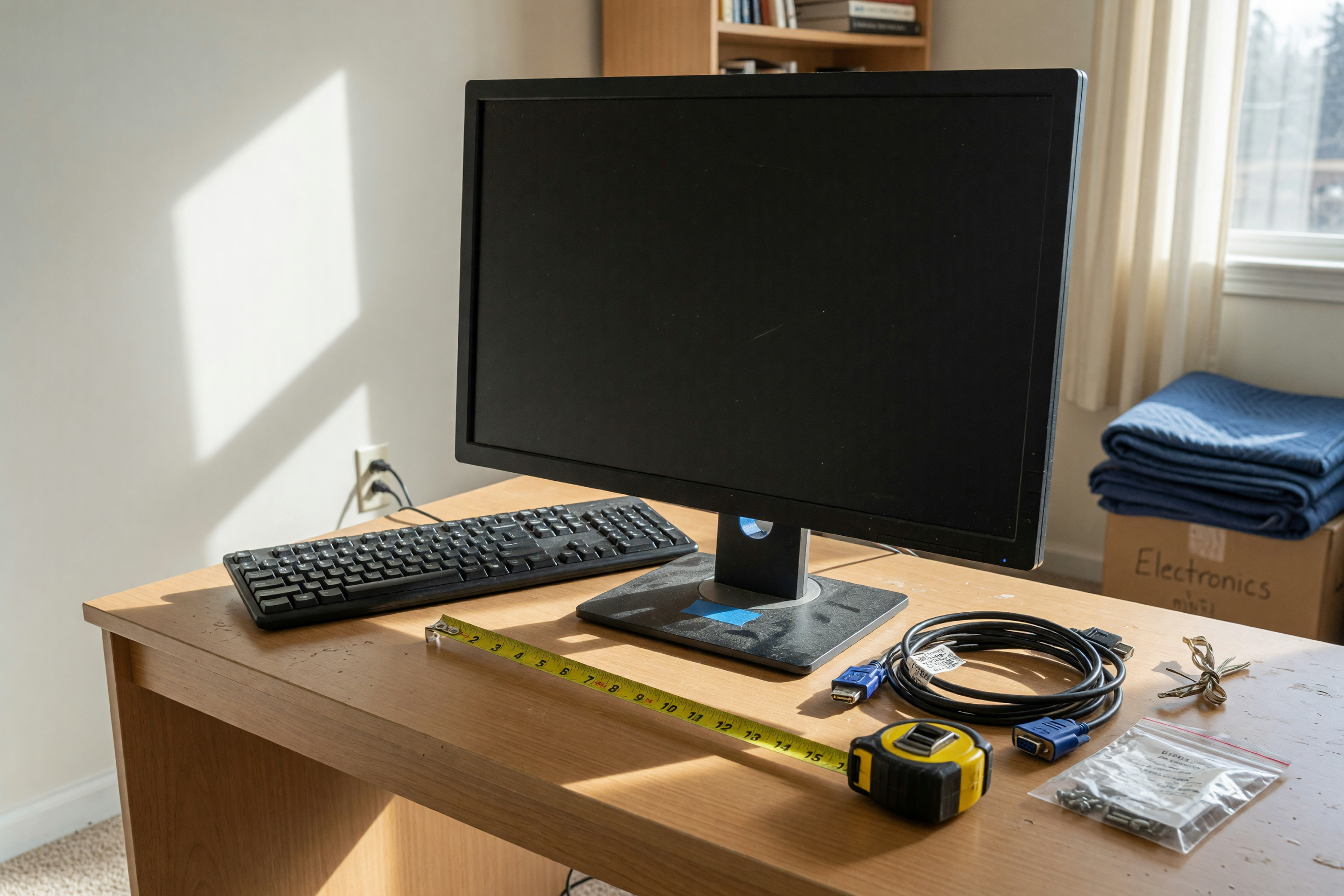
A monitor's condition is not just whether it turns on. Buyers want to know if the screen has dead pixels, heavy scratches, flicker, color issues, a loose stand, missing buttons, or a power problem that appears after a few minutes. Test it for at least ten minutes before writing the listing. Open a white page, a dark screen, and a normal desktop so you can see obvious marks or lighting problems.
Use plain condition language. Bad copy: "Great monitor, no issues." Better copy: "Tested with HDMI today. Screen turns on, no dead pixels I can see, small scuff on back plastic, stand tilts but does not raise." The better version gives the buyer enough detail to trust the listing, and it avoids overpromising.
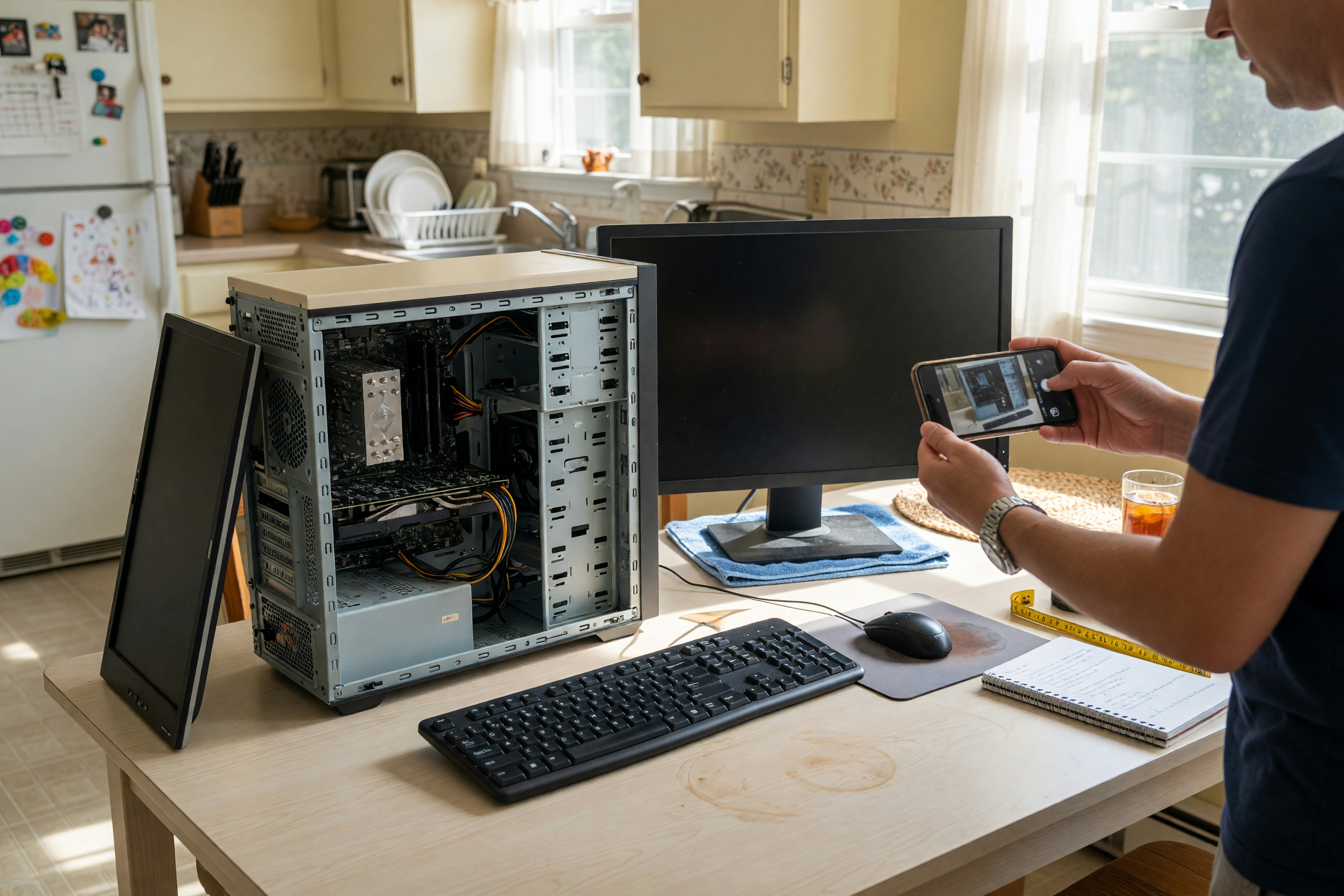
Photograph the monitor on and off. A powered-on photo proves the display works; an off photo can show scratches and bezel condition better. If there is a flaw, show it directly. A small scratch photographed honestly is less damaging than a buyer discovering it after driving across town.
Brixaz is still building supply in many categories, so clean listings have more room to stand out. The trade-off is direct and practical: the audience is smaller today, but the category competition is lower, posting is free, and buyers contact you directly. For broader seller context, the sell used items guide explains why accurate details matter more than hype when a marketplace is young.
Set a local price with cables, stand, and urgency in mind
Used monitor pricing depends on the same things buyers compare first: size, resolution, age, panel type, refresh rate, included cables, and condition. A 24-inch 1080p office monitor is a different sale from a 27-inch 1440p high-refresh gaming monitor, even if both are technically "computer monitors." Before posting, search a few active listings for similar specs and check whether they include a stand and power cable.
If you need help turning your notes into a reasonable asking range, use the Brixaz listing price checker before publishing. Keep the number honest rather than defensive. A monitor priced like a new display will sit; a working screen priced with clear pickup details can move faster because the buyer does not have to wait for shipping.
Be specific about what changes the price. A listing can say, "Asking $60 because it includes the stand, power cable, and HDMI cable; open to pickup today." Avoid fake urgency, but do state real urgency: moving this weekend, office cleanout, upgrading to a larger screen, or clearing a spare desk. Urgency helps only when the buyer can act on it.
Do not promise warranty, calibration, or professional gaming performance unless you can back it up. If the monitor was used for work, say that. If it was used for gaming, include the refresh rate if known. If it has been stored for a year, test it again instead of relying on memory.
Write pickup details that reduce no-shows
Pickup wording can decide whether a buyer follows through. Monitors are fragile enough that buyers want to know how they will get the screen home safely, but easy enough that a well-written pickup plan can close the sale quickly. Mention the general area, pickup window, whether the box is included, and whether you can meet at a public place.
Use safe, low-drama wording: "Pickup near downtown Austin weekday evenings. I can meet in a public parking lot. Monitor will be unplugged and ready with power cable." If the monitor is large, curved, or boxed, say whether it fits in a normal car. If it is for apartment pickup, keep the address private until you have a confirmed buyer.
Avoid adding unrelated items to the same listing unless they are truly part of the setup. A monitor with a keyboard, mouse, dock, or desktop PC can be attractive, but bundle details should be clear. If you are selling a larger computer setup, list the monitor as included and consider using the relevant electronics category in Brixaz electronics so buyers scanning for computer gear understand the offer.
The Brixaz-specific advantage here is direct contact. A buyer who sees the right ports and pickup window can ask one final question instead of going through a slow platform relay. Your listing should make that first message easy: "Can pick up tonight; does it include HDMI?" is a better outcome than "What kind of monitor is this?"
Use better listing copy than the average monitor ad
Here is a weak version: "Computer monitor for sale. Works. Pickup only." It technically describes the item, but it hides every detail that would make a buyer confident. It also attracts low-effort messages because the listing gives people no reason to believe the monitor fits their desk or computer.
A stronger version: "24-inch 1080p computer monitor, tested today with HDMI. Includes power cable, HDMI cable, and original stand. Screen is clean with no dead pixels I can see. Small scuff on back plastic, not visible from front. Good for home office, student desk, or second screen. Pickup near Plano evenings or Saturday morning."
That better copy does three jobs. It qualifies the buyer by use case, gives the specs that determine compatibility, and makes pickup concrete. It also sets a trust boundary by saying what the seller can verify without pretending the monitor is perfect. For a young marketplace, that kind of listing is valuable because it teaches buyers that Brixaz posts can be specific, local, and worth contacting.
Before you publish, run a quick checklist: photo of the monitor on, photo of the back ports, photo of the stand, model number if visible, screen size, resolution if known, included cables, pickup area, and one honest condition note. That is enough for a useful local listing today.
A television listing needs a few different pickup and smart-app details than a monitor: sell a used TV locally
For a newer monitor listing checklist with pickup wording: sell a used monitor with size and port details
FAQ
What should I include when I sell a used monitor?
Include screen size, resolution, model number, ports, stand details, included cables, condition notes, and pickup area. If you know the panel type or refresh rate, add those too. If you do not know them, say so and give the model number so buyers can check.
Do I need the original box to sell a computer monitor locally?
No, but the original box helps with transport and can make the listing feel more complete. If you do not have it, mention that the monitor will be ready for careful local pickup and include whether the stand and power cable are included.
How do I describe dead pixels or screen scratches?
Test the monitor on light and dark backgrounds, then describe what you can actually see. Use wording such as "no dead pixels I noticed during a ten-minute test" or "small scratch on lower left bezel, screen surface looks clean." Photograph any visible flaw.
Should I list a monitor as local pickup only?
For most sellers, yes. Monitors are awkward and risky to ship without the right packaging. Local pickup lets the buyer see the screen working and lets you avoid shipping damage, return disputes, and packing costs.
Can I sell a monitor without knowing the exact specs?
Yes, as long as you are honest. List the model number, screen size if you can measure it, visible ports, and what you tested. Avoid guessing at 4K, refresh rate, or panel type unless you can confirm those details from the settings, box, manual, or manufacturer label.


Comments
Loading comments...
Checking sign-in status...