
How to Sell a Used TV on Brixaz: Size, Apps, Support, and Pickup
A strong used TV listing explains the screen size, smart features, stand or wall-mount support, and pickup options clearly so local buyers can decide fast. This guide shows how to write a trustworthy post that matches wh
ARTICLE LANGUAGE
Showing original language
If you can post today, start on electronics and keep the listing specific enough that a local buyer can decide fast.
Use why early listings matter if you want the no-fee, direct-contact trade-off in plain words.
Lead With the Screen Size Buyers Actually Search For
Screen size is the first detail most buyers notice, so place it near the top of your listing. Write the exact measurement in inches, and if possible add the diagonal size and a simple room reference, such as suitable for a bedroom, apartment, or living room. This helps people quickly decide whether the TV fits their space. If you are trying to vender televisión local, size matters because nearby buyers often want something they can pick up and use the same day.
Do not hide the basics inside a long paragraph. A clean listing should say whether the TV is 32, 43, 50, 55, or another common size, plus the brand and model if you know it. If the screen has a thin bezel, wide viewing angle, or 4K resolution, mention that too. Buyers often search with broad terms, but they filter with size. The faster they can confirm the inches, the more likely they are to message you.
Describe Smart Features and Apps in Plain Language
If your set is a smart model, mention which apps work and how the TV connects to the internet. Buyers want to know whether they can use streaming apps without extra devices. Say if the TV has built-in Wi-Fi, works with Roku, Fire TV, Android TV, or another system, and whether the remote still supports app navigation. This is especially helpful when you want to sell a TV that feels ready to use, not like a project.
Keep the description honest and simple. If the app store is limited, mention that. If the TV opens Netflix, YouTube, Hulu, Disney+, or similar apps smoothly, say so. If it needs a reset or a new login, explain that clearly. A buyer looking for a smart TV segunda mano is usually comparing convenience, not just price. The more specific you are about features, the less likely you are to deal with misunderstandings after someone arrives.
Show Condition, Ports, and Support Details That Reduce Questions
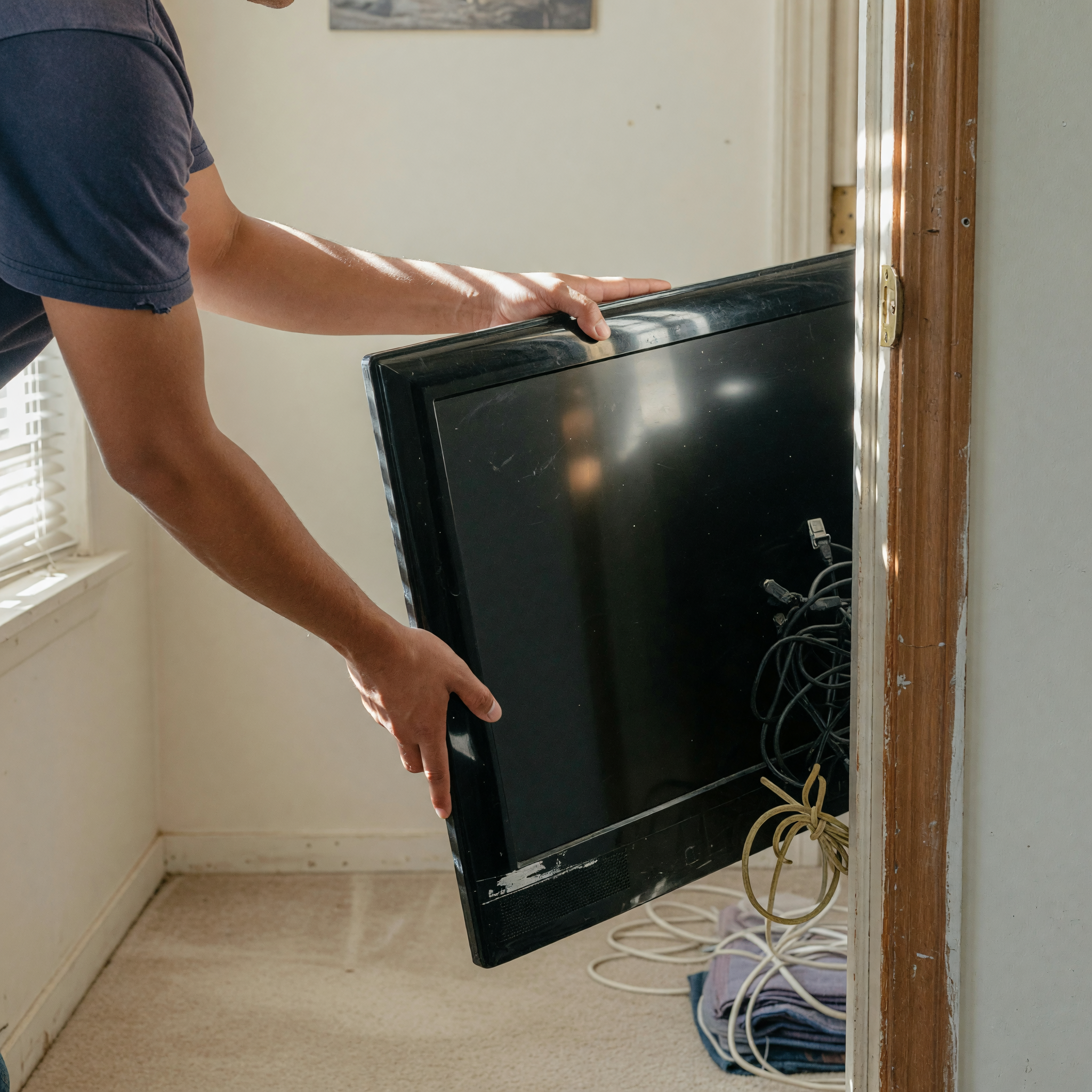
Condition language should be direct and useful. State whether the screen has scratches, dead pixels, discoloration, or burn-in. If the TV works perfectly, say that, but also mention any cosmetic wear on the frame or stand. Include the ports available on the back or side, such as HDMI, USB, optical audio, Ethernet, or AV inputs. Many buyers need to connect a console, soundbar, or streaming stick, so port details help them judge compatibility before they message you.
Support matters too. Tell buyers whether the TV includes the original stand, a wall mount, a remote, batteries, power cable, or manuals. If the stand is missing but wall mounting is possible, say that clearly. If you still have the box, that can be worth mentioning. These details build trust because they show you know what you are selling. When people can see the full package, they spend less time asking basic questions and more time deciding to buy.
Write Pickup and Delivery Terms That Local Buyers Understand
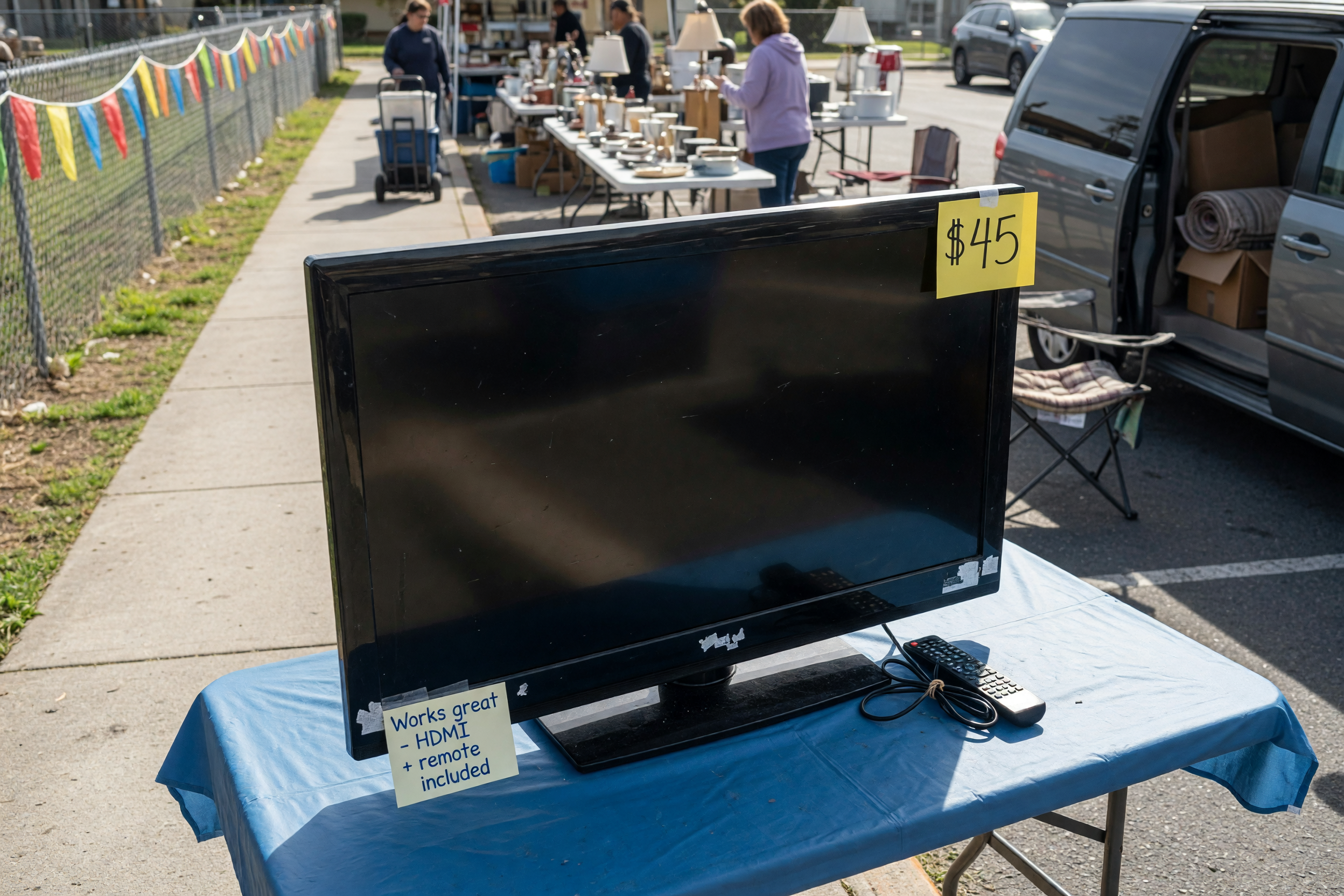
Local pickup details can make or break a sale. Tell buyers the neighborhood or general area, and explain whether pickup is curbside, from an apartment, or from a house. If the TV is large, say whether you can help carry it to a vehicle. When you want to sell a television locally, buyers like knowing exactly how easy the handoff will be. Clear pickup terms save time and help people plan transportation before they contact you.
Also mention whether delivery is available, and if so, under what conditions. A small TV may be easy to transport, while a large one may need a car or two people. If you only accept pickup, say that plainly. If you can meet at a nearby public spot, explain where and when. Many buyers prefer a simple exchange for electronics because it feels faster and safer. The more precise your pickup note, the more serious the messages you receive tend to be.
Take Photos That Show Size, Use, and Honest Condition
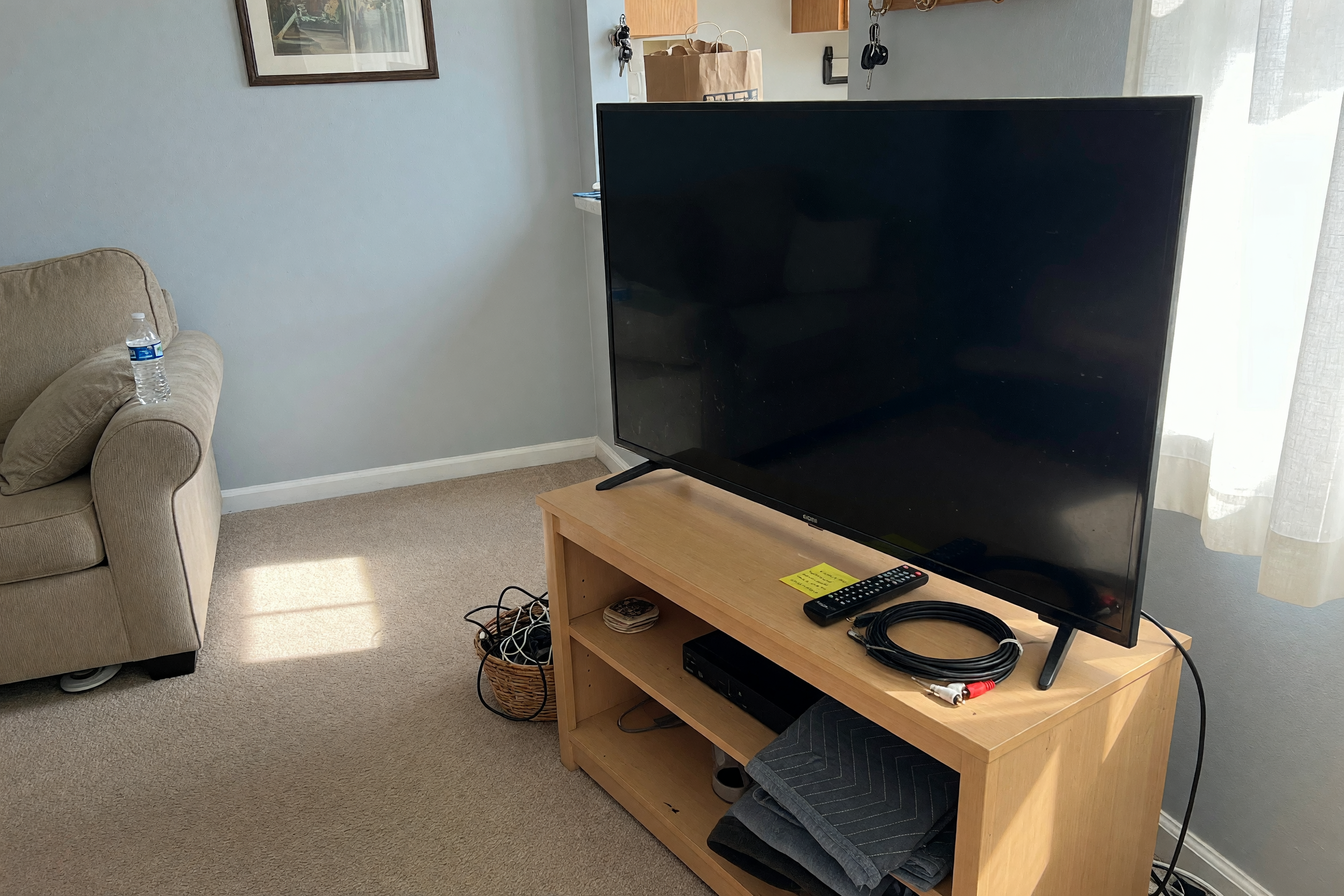
Good photos do more work than long descriptions. Start with a front view of the TV turned on, then add side angles, the back ports, the remote, the stand, and any accessories included. A picture with the screen on helps buyers see brightness and image quality. Another photo with the TV off can show bezel condition and any marks. If possible, include a photo that shows the TV next to furniture so the size feels real. This is especially useful when buyers compare several listings at once.
Use bright natural light and avoid reflections that hide the screen. Do not over-edit or filter the images, because buyers want accuracy, not a polished surprise. If there are scratches or wear, photograph them close enough to be clear. Honest photos reduce disputes and make your listing feel trustworthy. When someone is ready to publicar TV usada, the photos often decide whether the listing gets saved or skipped. Clear pictures turn curiosity into messages faster than vague claims ever will.
Price the TV for Its Age, Features, and Market Demand
Pricing a used TV is easier when you think about what buyers compare first: size, resolution, smart features, brand, and condition. A newer 4K smart model with a remote and stand usually holds value better than an older basic TV. If the set has a well-known brand, multiple HDMI ports, and reliable apps, you can usually ask a stronger price. On the other hand, older models, visible wear, or missing parts should lower the asking amount.
Check similar local listings before you publish. Look for TVs of the same size and feature set, not just the same brand. If your goal is to move it quickly, price it slightly below similar options and mention the reason, such as a fast sale or upgraded replacement. If you are not in a rush, leave room for polite negotiation. A fair price makes your listing easier to trust. Buyers searching to vender televisor usado or buy one locally usually respond best when the price matches the real condition and features.
Use listing assistant when that is the next step.
Frequently asked questions
What size details should I include in a used TV listing?
Include the screen size in inches, the brand, the model if available, and a short note about where the TV fits best, such as bedroom or living room use.
Should I mention apps in a smart TV listing?
Yes. List the apps that work, the smart system, and whether Wi-Fi and the remote function properly so buyers know how ready it is to use.
What condition issues should I disclose?
Disclose scratches, dead pixels, discoloration, burn-in, missing accessories, and any problem with the remote, ports, or stand.
How can I make local pickup easier for buyers?
Share the general area, pickup type, available times, and whether you can help load the TV into a vehicle.
What photos help sell a used TV faster?
Use clear photos of the front while on, the front while off, the back ports, the remote, the stand, and any visible wear.


Comments
Loading comments...
Checking sign-in status...