
Sell a Used TV: Size, Smart Apps, Mount, Pickup
A used TV listing works better when it names the screen size, model, smart apps, inputs, stand or mount, condition, included accessories, and the exact pickup path before buyers message.
ARTICLE LANGUAGE
Showing original language
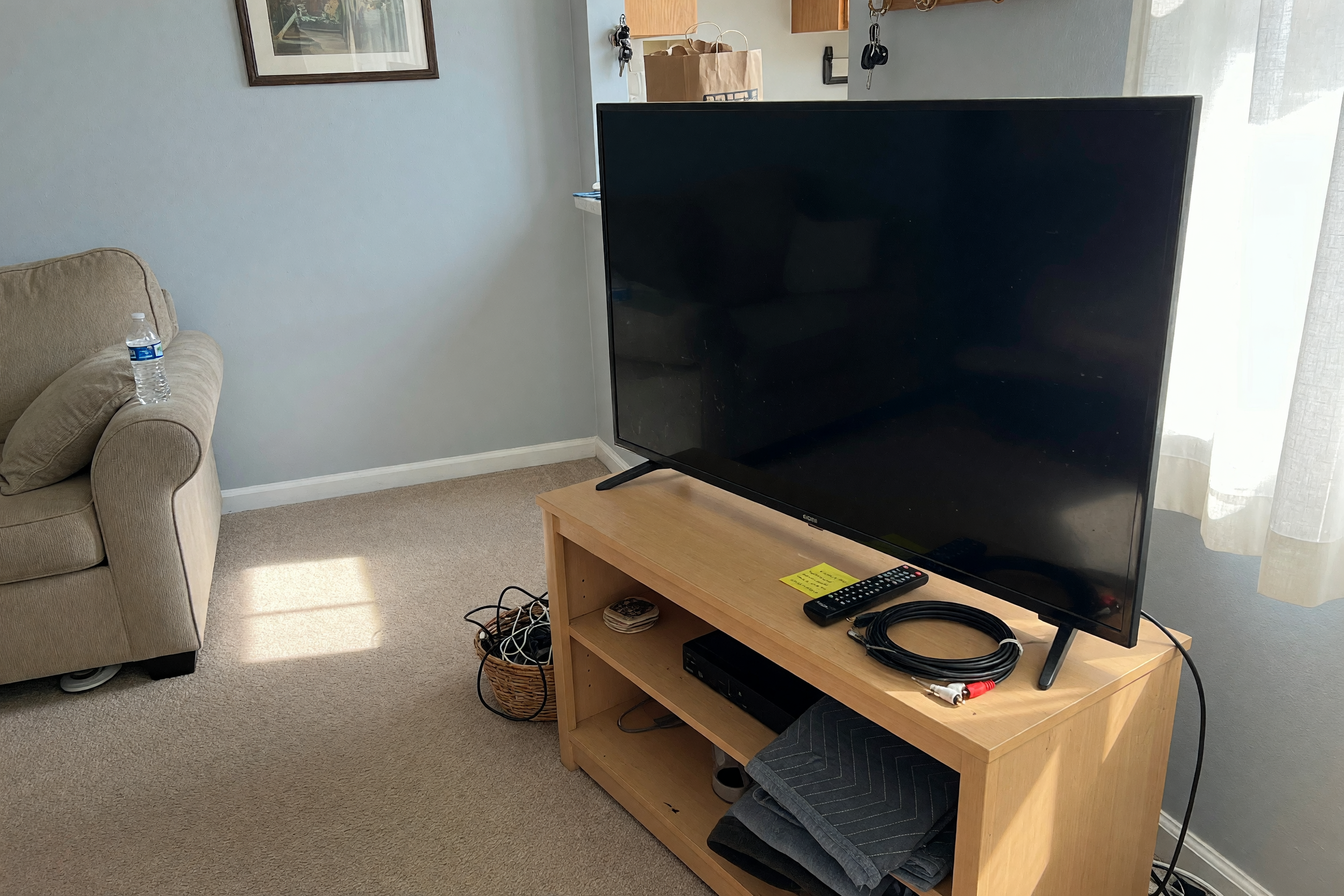
If you have a working flat screen, smart TV, bedroom TV, gaming display, or older television that still has buyer value, start with a clear Brixaz used TV listing. The post should answer the questions a local buyer asks before they carry a screen out of your home: exact size, brand and model if known, smart apps, ports, stand or wall mount, condition, remote, and pickup path.
The conversion question is narrow. A homeowner, renter, student, reseller, parent, or office manager with one real TV can post after reading this. The exact thing to publish is a used television listing with photos of the powered-on screen, the back ports, the stand or mount hardware, the remote, measurements, price, and safe pickup instructions. Brixaz is still in founding-seller mode, so the honest advantage is free posting, direct buyer contact, and lower category competition, with no guaranteed sale or view count.
Write the title buyers actually search
Most buyers do not start with poetic copy. They search for a practical match: "55 inch smart TV," "used TV for sale," "TV with stand," "Roku TV," "Samsung TV local pickup," or "cheap bedroom TV." Your title should put the screen size and basic type first, then one or two details that change buyer interest.
Weak title: "Great TV must go." Better title: "55-inch 4K smart TV with remote and stand." The second title gives the buyer a reason to open the listing. If you know the brand and model, include them. If you do not, do not invent them. A clean title can still work: "43-inch smart TV with HDMI ports and remote."
Use the first paragraph to say whether the TV works, why you are selling it, what is included, and where pickup generally happens. For example: "Selling a working 50-inch smart TV because we upgraded. Includes remote, power cord, and original stand. Screen turns on cleanly with no visible cracks. Pickup from a second-floor apartment; buyer should bring help and a vehicle that fits the screen."
Confirm size, model, apps, and ports
Screen size drives most used TV searches, but buyers also care about what the TV can connect to. Measure the screen diagonally if you are unsure. Then check the back label or settings menu for the model number. If the label is hard to reach because the TV is mounted, say "model number not checked because TV is wall mounted" instead of guessing.
List the smart platform or built-in apps only if you know they still work. Say whether it has HDMI, USB, optical audio, antenna input, Ethernet, headphone jack, component inputs, or other ports a buyer might need. Gamers may ask about HDMI count and refresh rate. Parents may ask whether streaming apps load. Office buyers may ask if it works as a presentation screen. A few specific facts prevent generic messages.
Use this used TV listing checklist
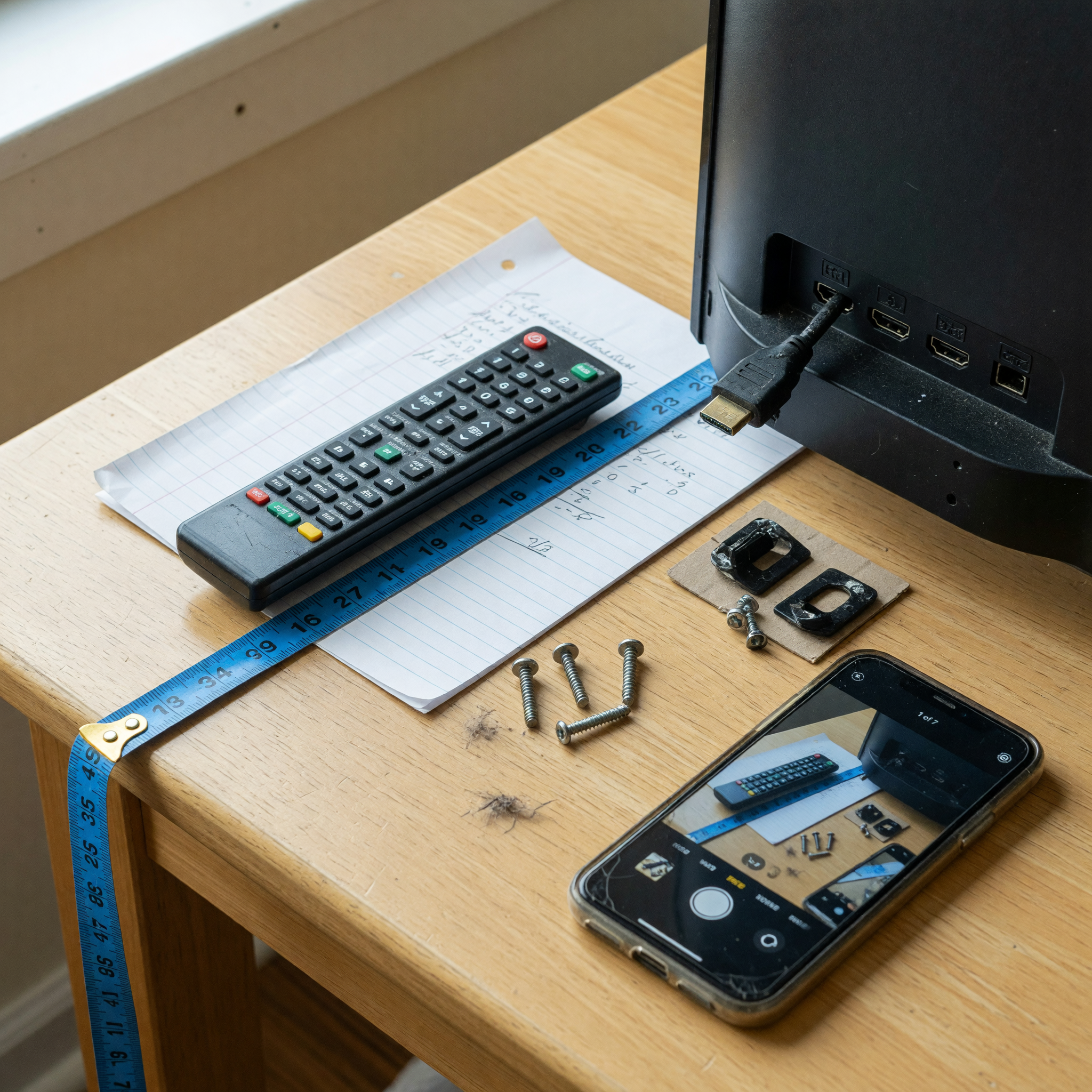
Before you post, collect the facts in one place. You do not need a perfect listing, but you do need enough detail for a buyer to compare your TV against other local options without pulling every answer from you one message at a time.
| Listing field | What to include | Better wording |
|---|---|---|
| Screen size | Diagonal inches, measured or from model specs | 55-inch screen, measured diagonally |
| Brand and model | Brand, model number, year if known | TCL 55-inch 4K Roku TV, model on back label |
| Smart features | Built-in apps or streaming platform that still loads | Roku menu opens and Wi-Fi connects |
| Ports | HDMI count, USB, optical audio, antenna, Ethernet | Three HDMI ports, one USB, optical audio out |
| Condition | Screen, pixels, sound, remote, scratches, mount marks | No cracked screen; small scuffs on back panel |
| Included items | Remote, power cord, stand, wall mount, screws, box | Includes remote, power cord, stand legs, and screws |
| Pickup | Floor level, elevator, stairs, parking, help needed | Pickup from elevator building; buyer brings padding |
| Price | Asking price, firm or negotiable, bundle terms | $120 firm if picked up this week |
| Test plan | Whether buyer can see it powered on before pickup | Buyer can see screen and sound working before carrying it out |
| First message | Pickup window, vehicle fit, cash or agreed payment | Send pickup day, vehicle type, and whether you need stand attached |
If you have the facts but the listing still sounds messy, build a cleaner first draft with the marketplace listing template generator. If price is the part slowing you down, compare similar local TVs by size, condition, and included accessories, then sanity-check your ask with the listing price checker. A tool cannot know your exact local demand, but it can help you avoid posting "make offer" when a clear asking price would get faster replies.
Photograph proof, not just the front
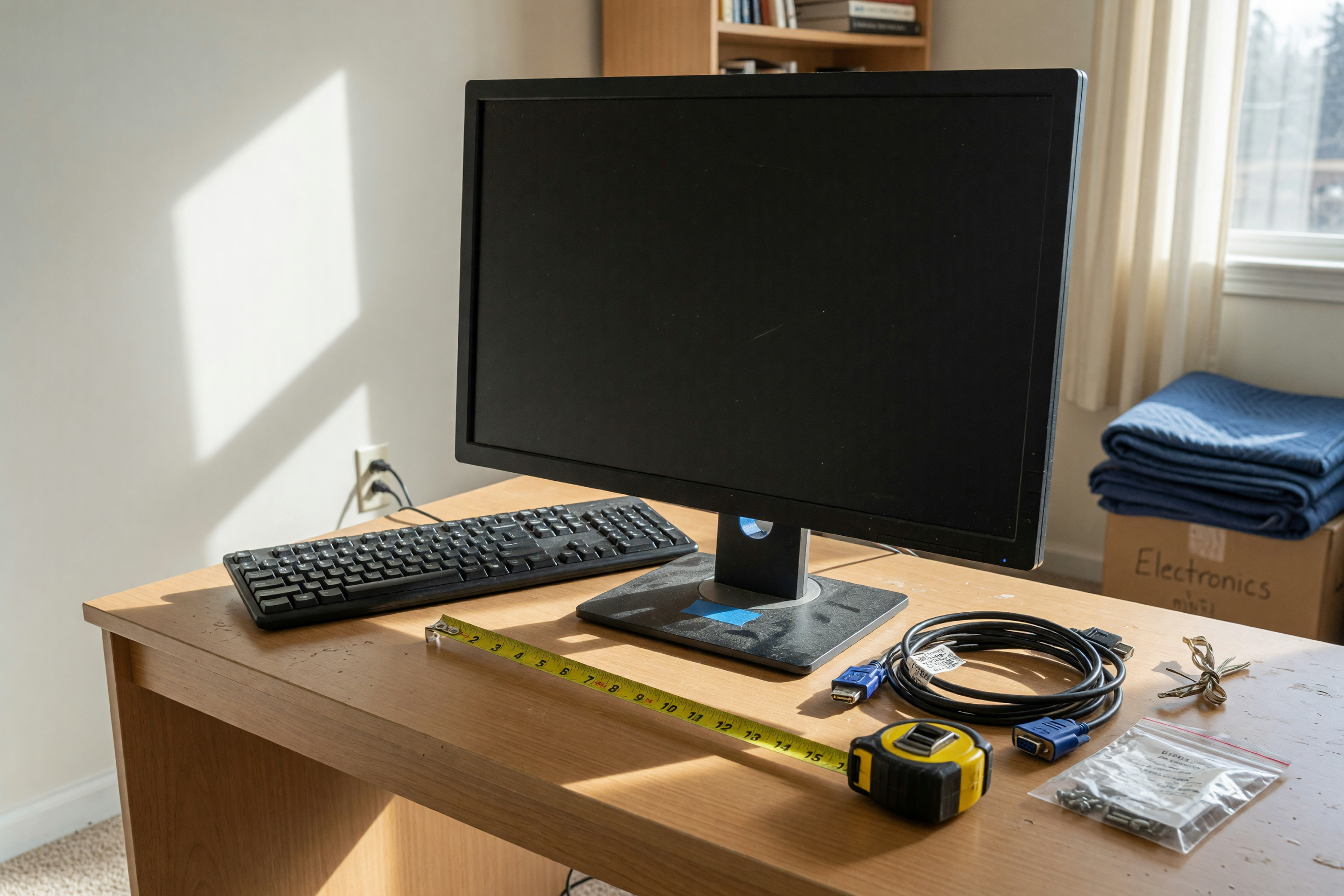
One front-facing photo is not enough for a used TV. Take a straight-on photo with the screen powered on, a close photo of the screen surface in good light, the back panel with ports, the remote, the stand or wall mount hardware, any label that does not expose private information, and the TV in the pickup area so buyers understand size.
Do not show account names, streaming profiles, private photos, Wi-Fi network names, children, mail, house numbers, or readable personal documents. Log out of apps before pickup. If the TV has a scratch, dead pixel, missing remote, weak speaker, damaged stand, or mount-only setup, photograph and write it plainly. Hidden flaws create last-minute negotiation or no-shows.
Choose the right category when you publish. Brixaz groups TV listings under electronics and audio/video, so buyers browsing the electronics section can find screens near speakers, game consoles, laptops, and other local pickup items rather than inside a generic household pile.
Price around convenience, condition, and pickup
Used TV pricing changes quickly because new screens go on sale often, but the local buyer is not only comparing model specs. They are comparing convenience. A clean, working TV with remote, stand, power cord, and easy ground-floor pickup can be easier to sell than a cheaper mounted screen with missing screws and a complicated pickup.
Be direct about firmness. "Asking $140, open to reasonable offers after buyer sees it working" invites a different conversation than "$100 firm, pickup today only." If your goal is speed, say so and price for speed. If your goal is maximum value, add proof: model, condition, accessories, and why the screen still fits a buyer's need.
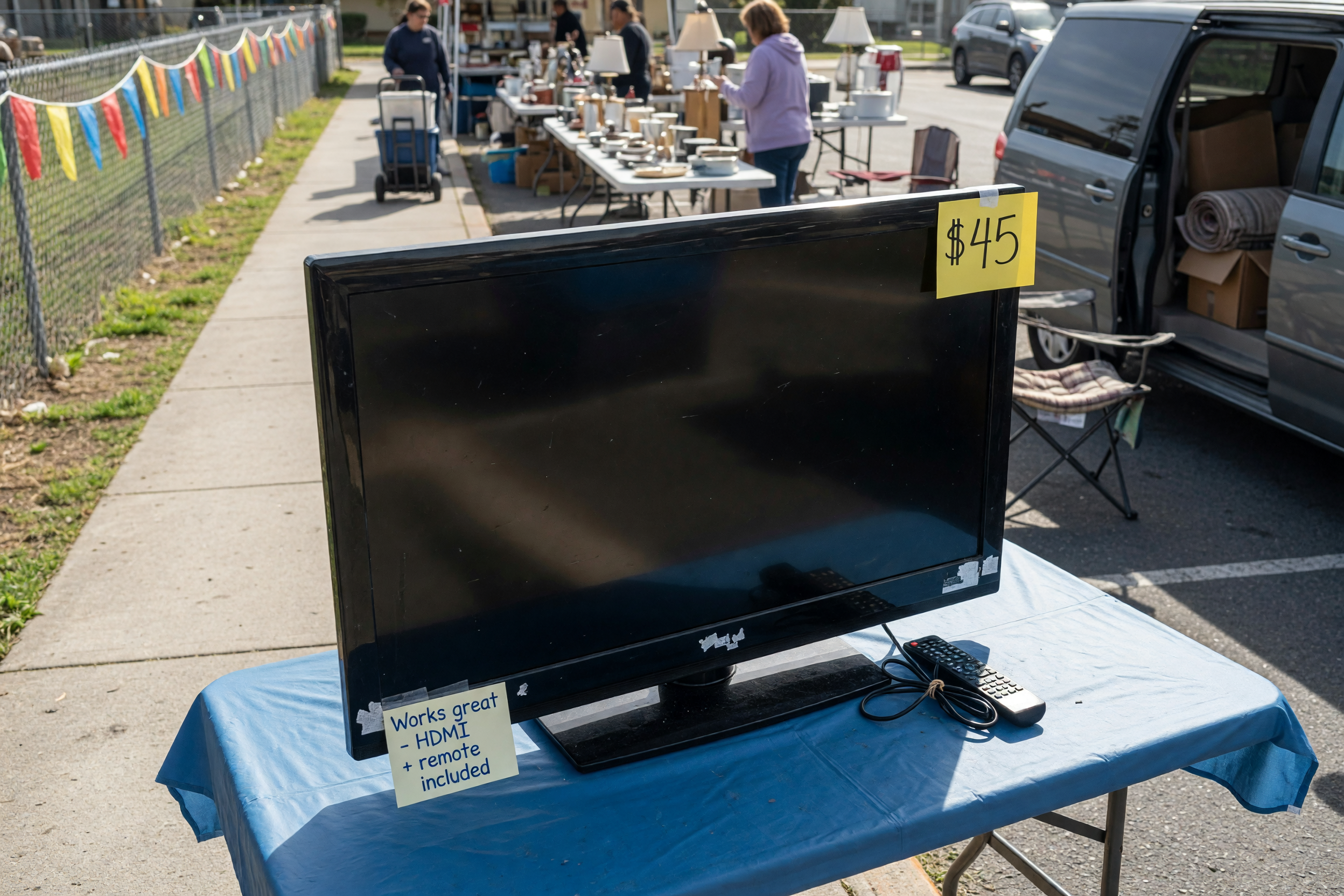
Bad copy: "Works good, no lowballs." Better copy: "Working 50-inch smart TV, no screen cracks, sound works, remote included, stand attached. Asking $100 firm because pickup is simple this week. Buyer can test screen before carrying it out." The better version sets a boundary and gives the buyer confidence.
Make pickup clear before anyone commits
A TV is easy to damage during pickup, especially a large thin screen without a box. State whether the buyer should bring a blanket, straps, a second person, a cart, or a vehicle with enough flat space. Mention stairs, elevator access, parking distance, gate codes handled privately, and whether the stand will be attached or removed.
Keep your safety boundary simple. Use the Brixaz message thread first, share exact pickup details only after the buyer confirms a time, and do not hold the TV indefinitely without a clear agreement. Have the TV plugged in and ready to demonstrate, but remove personal accounts and profiles before the buyer arrives. If you are uncomfortable with home pickup, choose a safe public handoff only for a TV size that can be moved and tested reasonably.
The founding sellers page explains why posting early on Brixaz can still be worthwhile: the audience is smaller today, but posting is free, contact is direct, and thin categories give clear listings more room to stand out. For a used TV seller, the practical move is to publish one honest, pickup-ready listing instead of waiting for a perfect marketplace moment.
FAQ
What should I include when I sell a used TV?
Include screen size, brand and model if known, smart platform, HDMI and other ports, condition, remote, stand or wall mount, price, pickup constraints, and whether the buyer can see it powered on.
How do I find the size of my TV?
Measure the screen diagonally from one visible corner to the opposite visible corner, not including the outer frame. You can also check the model number, since many TV models include the size.
Should I include the wall mount with the TV?
Only include it if you are willing and able to remove it safely and provide the hardware. If the TV comes without a stand or mount, say that clearly because it changes buyer cost and pickup planning.
How many photos does a used TV listing need?
Use at least five practical photos: powered-on screen, screen surface, back ports, remote and accessories, and the stand or mount setup. Add a photo of any scratch, missing part, or pickup constraint.
How should I handle smart TV accounts before selling?
Log out of streaming apps, remove profiles, disconnect saved accounts, and factory reset when possible. Then confirm the TV still powers on and reaches the setup or home screen before pickup.
Where should I post a used TV on Brixaz?
Post it as a selling offer in the audio/video electronics category. The prefilled route in this guide carries the listing type, category, and article source so the TV lands in the right marketplace context.


Comments
Loading comments...
Checking sign-in status...