
Used PC Prices: Sell a Desktop PC With Specs and Pickup
Used desktop PCs sell better when the listing proves the specs, reset status, included gear, and pickup plan. Use this checklist before you post locally.
ARTICLE LANGUAGE
Showing original language
If you are trying to figure out used PC prices, the fastest answer is not one magic number. A desktop computer is worth what a nearby buyer can verify: processor, graphics card, memory, storage, ports, condition, reset status, included monitor or keyboard, and how easy pickup will be. If the PC is ready to sell today, start with a focused used desktop computer listing on Brixaz and make the post prove those details before anyone has to message you.
This guide is for one specific seller: someone with a working desktop PC, gaming tower, mini PC, all-in-one, or parts bundle who wants direct local contact instead of shipping a heavy, fragile machine. Brixaz is still in founding-seller mode, so the audience is smaller than the biggest marketplaces, but the trade-off is useful for early sellers: free posting, direct buyer messages, and less competition inside thin local categories. There is no guaranteed sale or view count; the practical edge is that a clean listing can become one of the clearest computer options in your city.
What a used PC buyer needs before they ask the price
Buyers compare used desktop computers differently from used phones or couches. They are not only asking whether the machine turns on. They are asking what it can run, what will need replacing, whether your asking price matches the parts, and whether they can safely test it before handing over money. A listing that says “gaming PC, works great” leaves too much risk on the buyer. A listing that says “Ryzen 5 desktop, 16 GB RAM, 512 GB SSD, GTX 1660, Windows reset, Wi-Fi adapter included, local pickup” gives them enough to decide.
Before you post, write down the exact model or component names you can verify. For a prebuilt desktop, include the brand and model from the case label or system settings. For a custom tower, list the CPU, GPU, RAM, storage, motherboard if known, power supply if known, and case size. If you do not know one part, say so plainly instead of guessing. “Power supply brand not confirmed” is better than an invented wattage that a buyer catches during pickup.
Price the PC by parts, proof, and pickup friction
Used PC pricing usually has three layers. First is the parts value: CPU, GPU, RAM, storage, monitor, accessories, and any upgraded cooling. Second is proof: photos of the computer on, a clean reset, screenshots of system specs with private information hidden, and a short note about what you tested. Third is pickup friction: whether the buyer has to carry a heavy tower down stairs, bring a monitor to test it, or accept that there is no keyboard included.
Use a realistic range instead of anchoring to what you paid years ago. A PC built for office work should not be priced like a gaming rig just because it has a tower case. A gaming desktop with an older graphics card may still be useful, but the card model matters more than the color of the fans. If you want a quick sanity check before publishing, run the same facts through the Brixaz listing price checker, then adjust for local pickup convenience and how complete your setup is.
Use this spec checklist in your listing
The easiest way to reduce lowball messages is to make the listing scannable. Put the strongest facts near the top, then add condition and pickup details below. A buyer should not have to zoom into a blurry photo to learn whether your desktop has an SSD or a dedicated graphics card.
| Listing field | What to include | Why it matters |
|---|---|---|
| Title | Desktop type, key part, and included items | Helps buyers spot the right machine fast |
| Processor | Exact CPU name, not just “i5” or “Ryzen” | Generation changes value a lot |
| Graphics | GPU model or say integrated graphics | Separates gaming, design, and office use |
| Memory and storage | RAM amount, SSD/HDD size, extra drives | Answers speed and upgrade questions |
| Condition | Dust, fan noise, dents, missing panels, known issues | Builds trust before pickup |
| Included | Power cable, monitor, keyboard, mouse, Wi-Fi adapter | Prevents surprise add-on questions |
| Pickup | City area, stairs/elevator, test plan, cash or app preference | Filters buyers who cannot complete the handoff |
A strong title is specific but still readable: “Gaming desktop PC, Ryzen 5, GTX 1660, 16 GB RAM, 512 GB SSD.” A weak title is “Fast computer for sale.” The better title attracts fewer random messages and more buyers who already know whether the machine fits their need.
Write copy that proves the PC is real
Good listing copy does not need to sound fancy. It needs to sound complete. Start with what the machine is, then explain what you tested, what is included, and what the buyer should know before pickup.
Bad copy: “Gaming computer. Works good. Need gone. No lowballs.”
Better copy: “Used gaming desktop PC for local pickup. Ryzen 5 processor, GTX 1660 graphics card, 16 GB RAM, 512 GB SSD. Windows has been reset and the computer boots to setup screen. Includes tower, power cable, basic keyboard, and Wi-Fi USB adapter. Case has light scratches and some dust inside, but fans run normally during a 20-minute test. Buyer can test startup at pickup. Price is firm for the first week.”
That better version does three important things: it names the specs, admits ordinary condition details, and explains the test plan. On Brixaz, direct contact means the buyer can still ask follow-up questions, but a complete post keeps those messages useful. Instead of “what specs?” you get “can I pick it up Thursday?”
Photograph the tower, ports, screen, and included gear
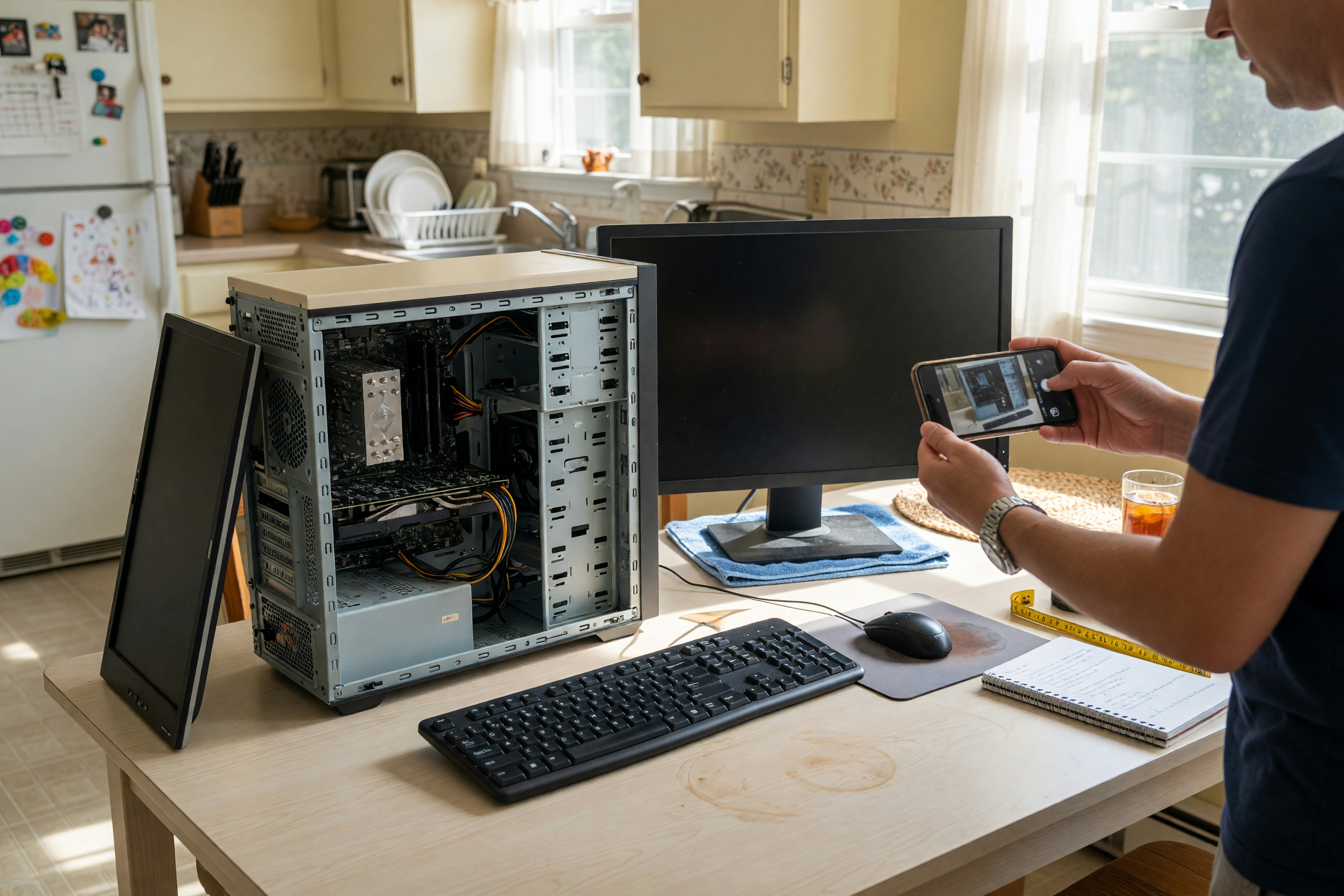
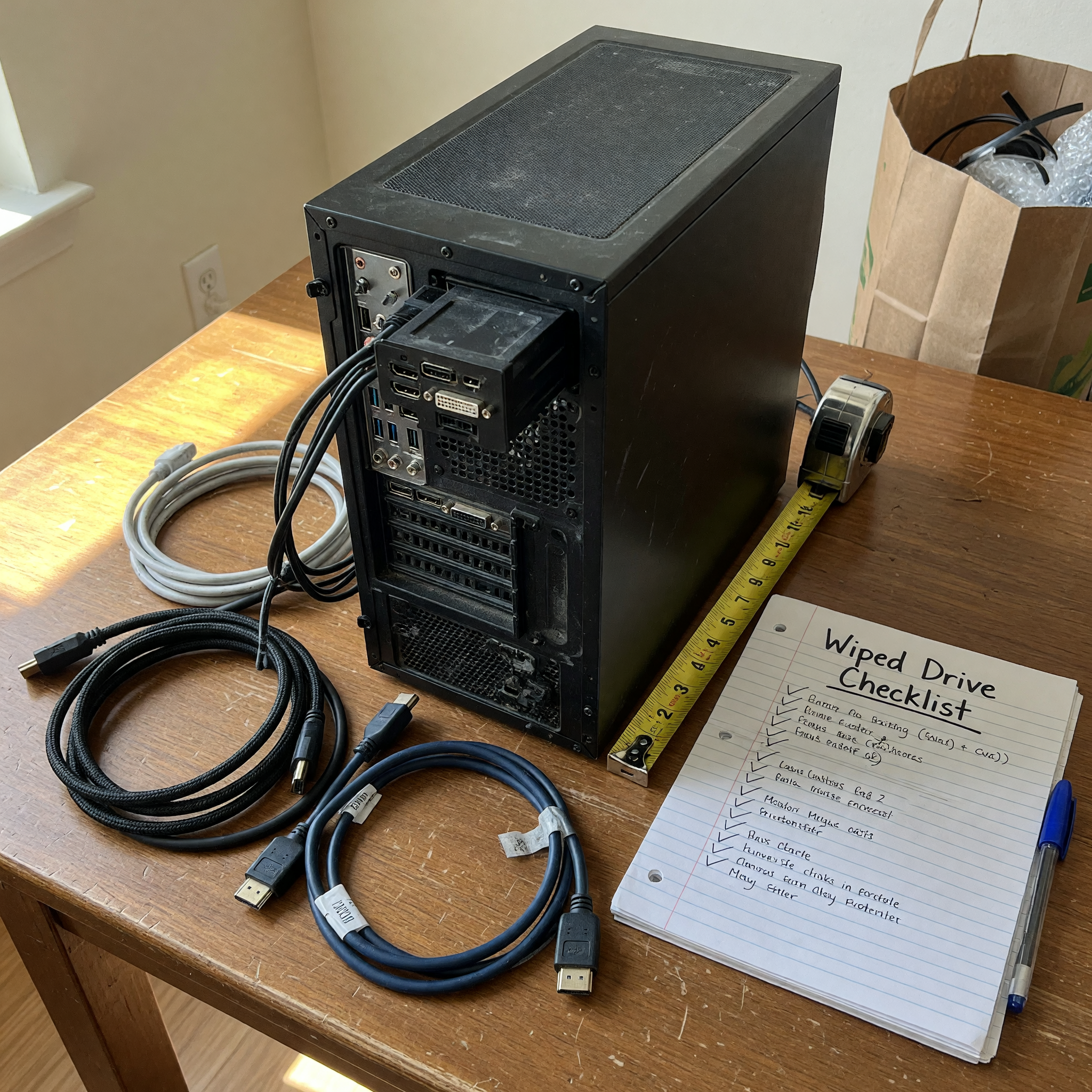
For a desktop PC, photos are not decoration. They are proof. Take one clear front photo, one back photo that shows the ports, one side photo of the case condition, one photo of the computer powered on, and one photo of everything included. If the side panel is transparent, show the inside with enough light to reveal dust, fans, and obvious missing parts. Do not show serial numbers, personal files, email addresses, or account names.
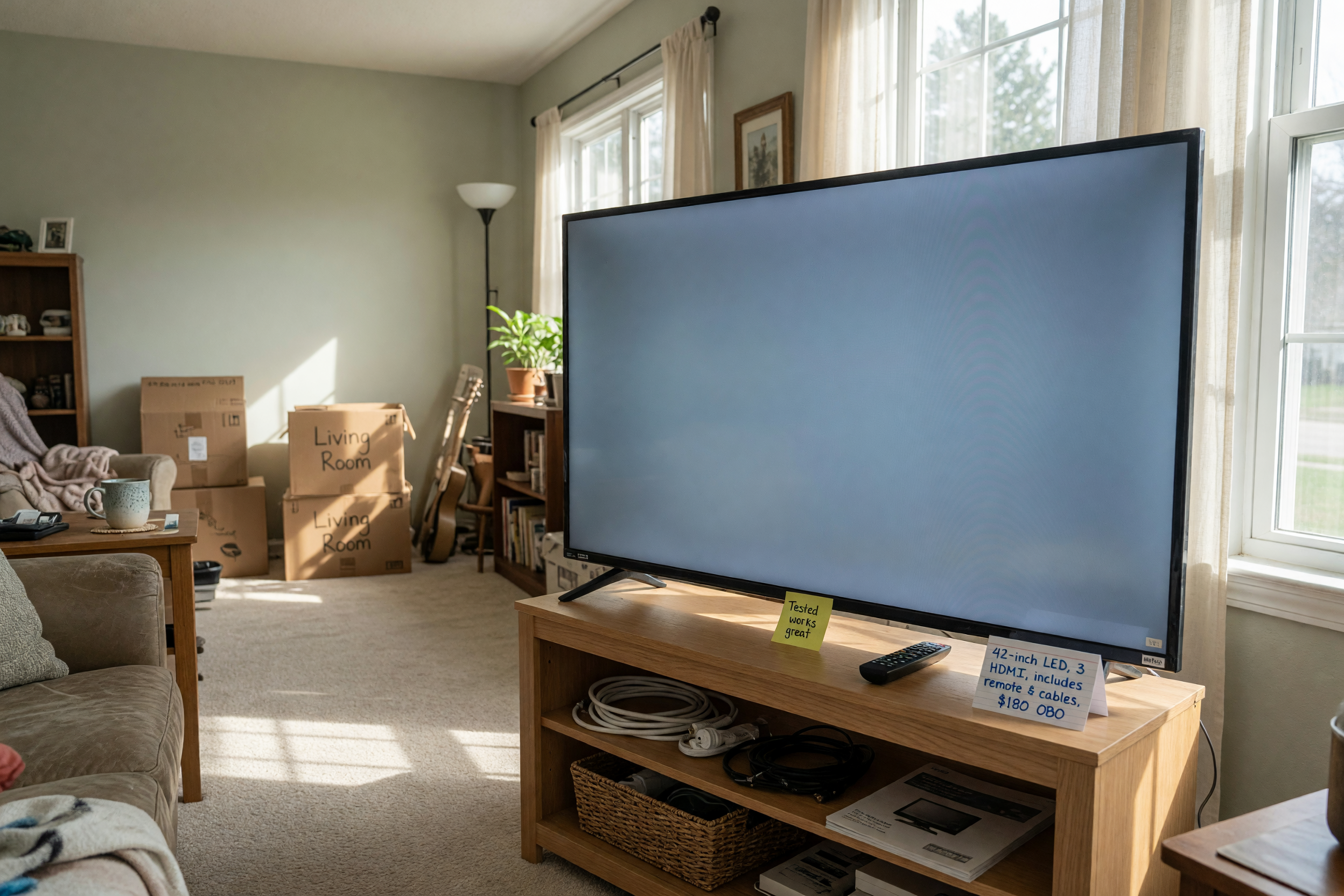
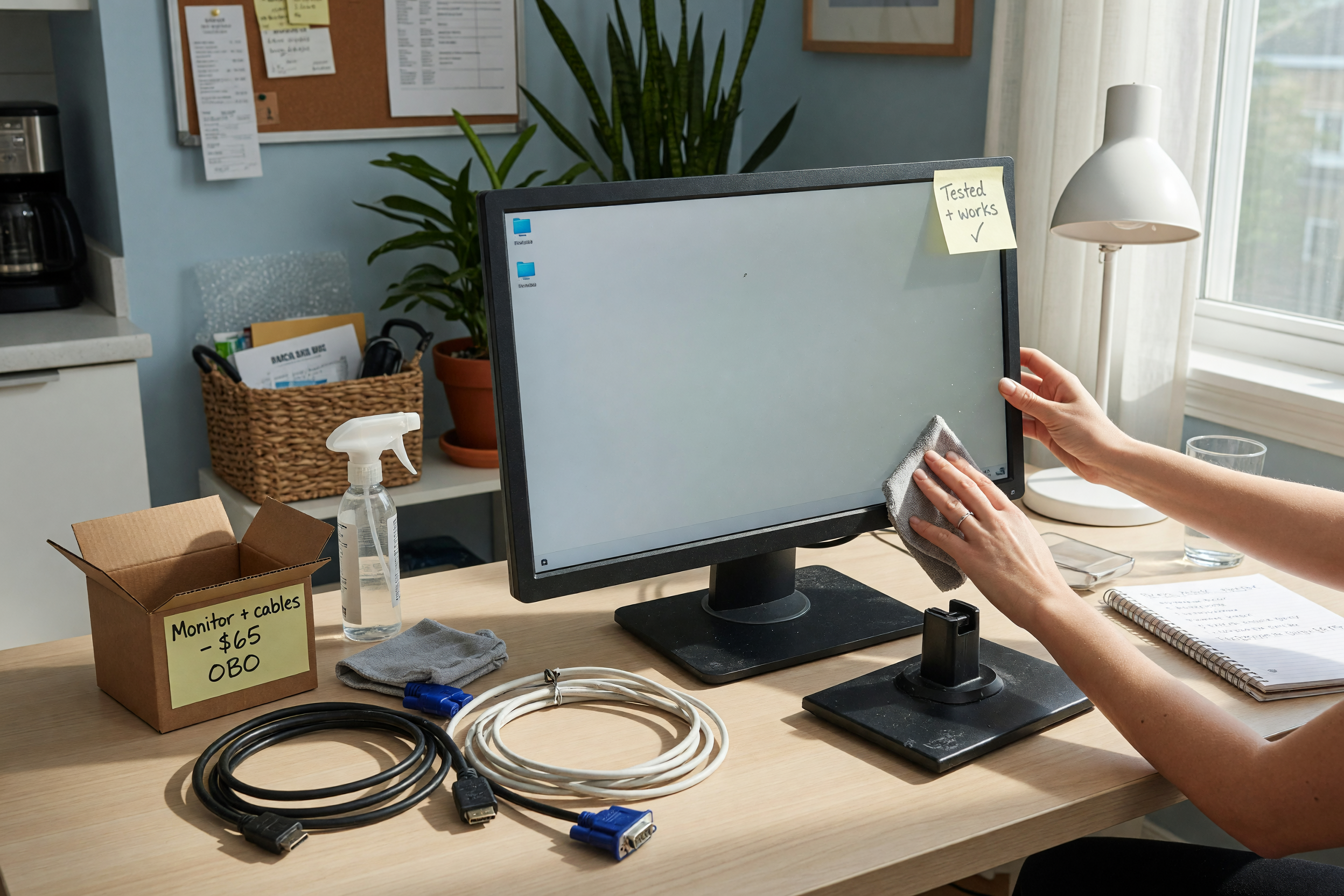
If you are selling an all-in-one or mini PC, add a size reference and ports photo. If you are including a monitor, photograph the screen on a plain background and mention size, resolution if known, and whether there are dead pixels or scratches. For parts bundles, group parts neatly and label them in the description instead of relying on the buyer to identify each item from a pile.
If writing the description still feels slow, use the marketplace listing template generator to turn your specs and pickup notes into clean listing copy, then paste the result into your Brixaz post.
Set pickup terms that protect both sides
A desktop PC is awkward to ship and easy to damage, so local pickup is often the cleanest path. State whether the buyer can test startup, how long you can hold it, and what payment you accept. Keep the test simple: boot to the setup screen, verify the monitor output, open BIOS or system specs if available, and confirm included accessories. Avoid logging into personal accounts during pickup.
Use direct, calm wording: “Local pickup near North Austin. I can plug it in and show startup before handoff. Please bring help if you want the monitor too. I will not ship or hold without a confirmed pickup time.” That wording is not rude; it saves both people from uncertainty. For broader used-item preparation beyond computers, the Brixaz sell-used hub can help you keep the same clarity for furniture, appliances, bikes, and other items.
Related electronics listing guide: sell used monitor
FAQ
What is the most important spec when selling a used PC?
The graphics card is usually the most important spec for a gaming PC, while processor, RAM, and SSD size matter most for office or school use. List all of them if you can. “i7 desktop” is not enough because an old i7 can be weaker than a newer mid-range chip.
Should I wipe the computer before selling it?
Yes. Back up your files, sign out of accounts, remove saved passwords, and reset or reinstall the operating system before pickup. In the listing, say that the PC has been reset and is ready for setup. Do not leave personal files on the machine for demonstration.
Can I sell a desktop PC that has a problem?
You can, but disclose the issue in the title or first few lines. A PC that needs a new drive, has fan noise, lacks Wi-Fi, or shuts down under load should be priced and described as a project or parts machine. Clear disclosure protects trust and reduces refund arguments.
Should I include a monitor, keyboard, or mouse?
Include them only if they help the sale and you are willing to part with them. If they are included, photograph them and list model, size, and condition. If they are not included, say “tower and power cable only” so the buyer knows what to bring for testing.
How do I handle buyers who ask for the lowest price immediately?
Answer once with a firm, specific line: “I priced it based on the listed specs and included accessories, and I can show it booting at pickup.” If you are open to offers after a few days, say when. Do not negotiate against vague messages from people who have not read the listing.
Where should I list the PC on Brixaz?
Use the computers category under electronics. That keeps the listing near buyers searching for desktops, laptops, parts, and related gear. You can also browse the Brixaz electronics section to see how phones, consoles, appliances, and computer listings are grouped.



Comments
Loading comments...
Checking sign-in status...