
Computer Repair Beaumont: Prices, Posts, and Fast Help
A practical Beaumont guide for posting computer repair, comparing local service options, and writing a listing that explains what you fix, where you go, and how you charge.
ARTICLE LANGUAGE
Showing original language
Computer repair Beaumont means finding, pricing, or posting help for broken PCs, Macs, Wi‑Fi issues, virus cleanup, upgrades, or remote support in Beaumont, Texas. Use Brixaz services listings to compare local service posts and see how nearby providers describe scope, timing, and contact details.
If you want to act today, decide whether you are offering on-site repair, drop-off help, or remote troubleshooting, then write that clearly before you post. Brixaz is free to post and lets buyers and sellers contact each other directly, so a simple, specific listing usually works better than a long one.
What to include before you post your service
Start with the problem, the device, and the result you can deliver. For example: “Windows laptop won’t boot, can diagnose and repair software issues” is much clearer than “tech help available.” Add the service area, whether you travel, and whether you also take drop-offs. If you handle remote work, say so plainly and mention the tools you use for screen sharing or guided troubleshooting. That helps people decide fast without sending three follow-up messages. Also note what you do not cover, such as cracked screens, soldering, or data recovery, so you avoid mismatched requests. A strong first message from a buyer usually includes device type, symptoms, and urgency, so mirror that in your listing. If you want a simple model, open free listing assistant and Lakewood Computer and IT Support: On-Site, Remote, and Pricing in separate tabs and compare how each one separates diagnostics, repairs, and upgrades. The goal is not to sound polished; it is to sound specific enough that a customer knows whether to contact you today.
A simple pricing check you can do today
For pricing, do not guess from one repair job. Check a few comparable local listings, note whether they charge by the hour, by the job, or with a diagnostic fee, and then choose a structure that matches your work. If you see a range, compare the included services carefully: one listing may include pickup, another may not, and another may charge extra for parts. You can also ask yourself what is hardest about the job: software cleanup, setup, networking, or physical repair. That answer helps you decide whether to quote flat-rate or estimate after diagnosis. If you want a local benchmark, ProMatcher’s Beaumont cost report says average computer repair in Beaumont was $67.47 per hour plus equipment, with a range of $59.33 to $75.60, but you should still verify current comps before using that as your own price. A good mistake to avoid is posting only “cheap repair” or “best prices,” because shoppers still need scope and turnaround before they can compare you fairly.
Paste-ready listing kit for a clear Brixaz post
- Title: Beaumont computer repair for slow, broken, or infected PCs
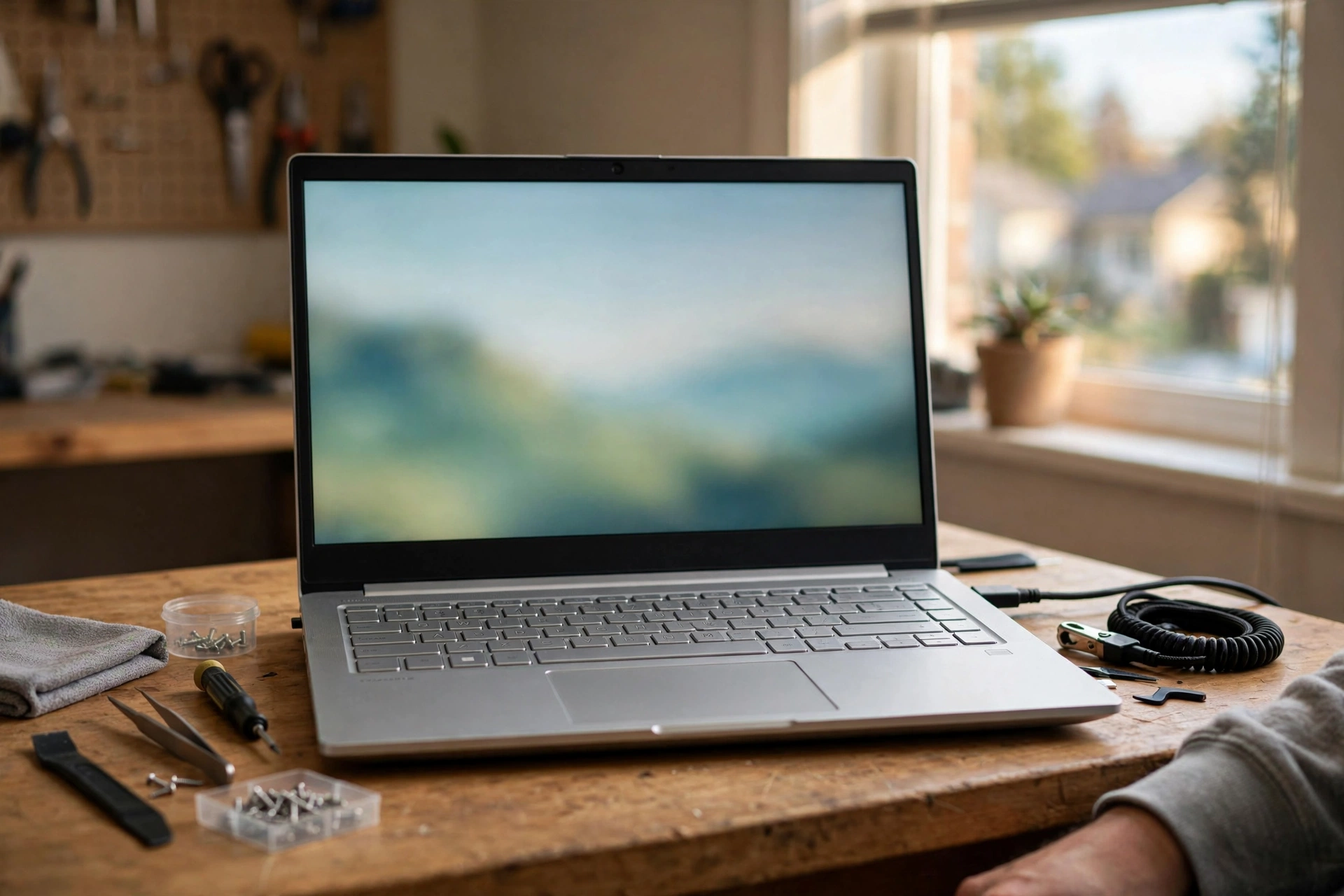
- Photo 1: The repaired laptop or desktop on a clean table, with the screen on and the case visible
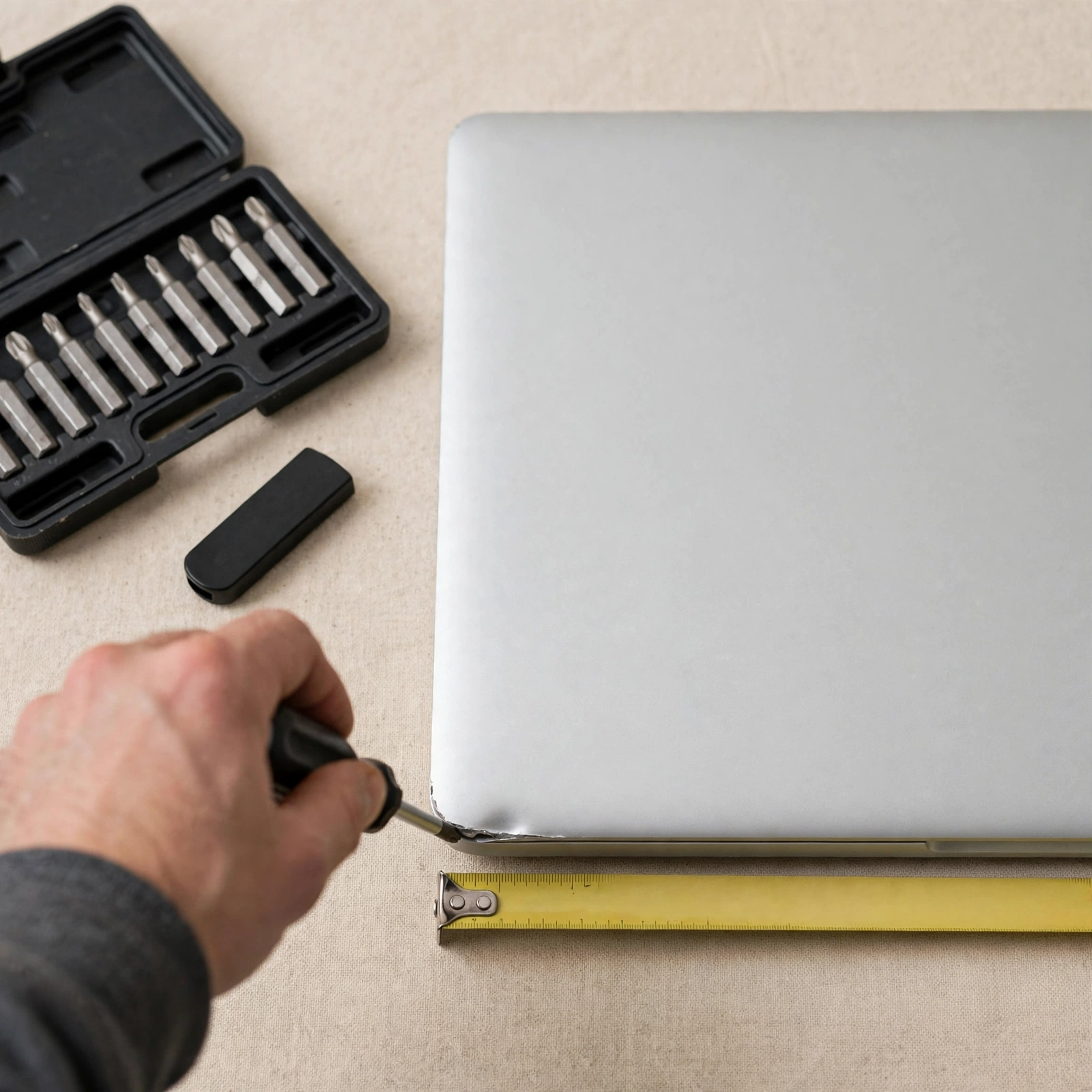
- Photo 2: A close shot of the keyboard, ports, or cracked corner that shows the problem
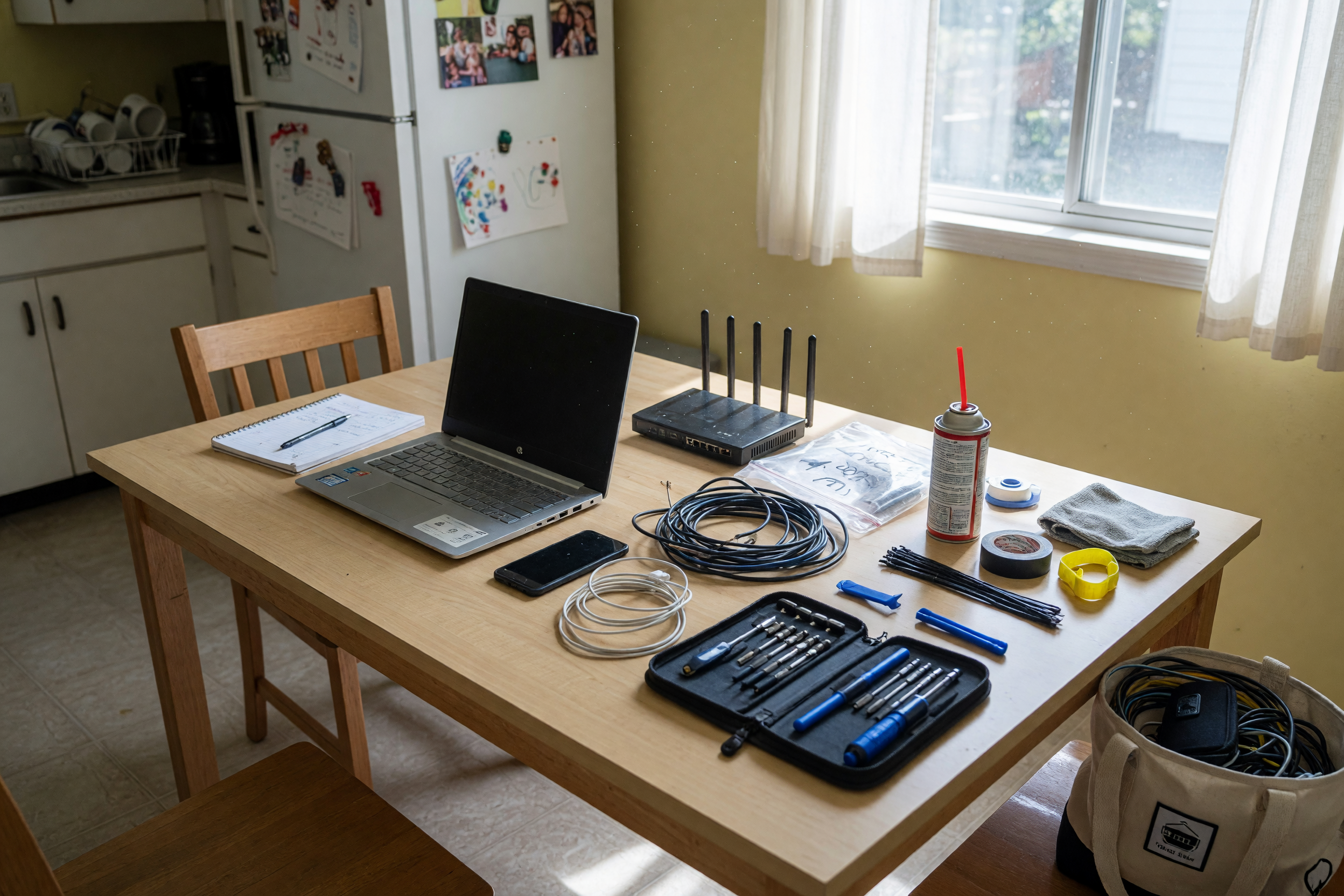
- Photo 3: Your tools laid out beside the device, like a screwdriver set, USB drive, or anti-static mat
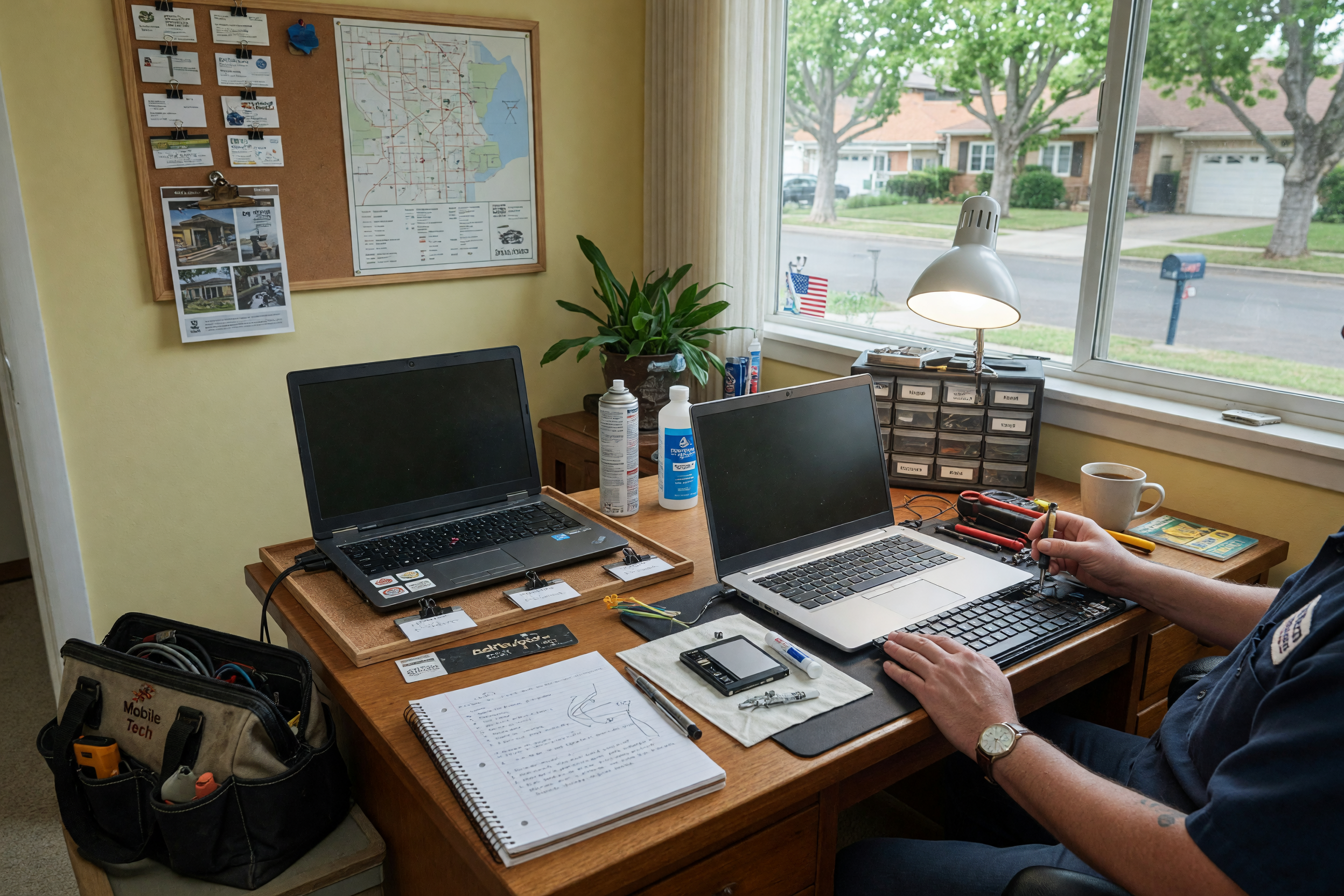
- Photo 4: The pickup or work setup, such as a tidy bench, service cart, or car trunk for on-site visits
- Edit this sentence: “I fix [device type] for [problem], offer [on-site/drop-off/remote] service in [area], and I’ll explain the diagnosis before any repair work starts.”
Keep the title under 70 characters and let the photos do some of the trust-building. If your work includes parts, say whether the customer supplies them or whether you source them. If you specialize in one category, such as gaming PCs, office laptops, or Apple devices, put that near the front. A buyer should understand the job from the title, the first photo, and one sentence. That is enough to get a reply without making the listing feel crowded.
How buyers compare local repair options
- Check whether the provider offers on-site, drop-off, or remote help.
- Look for the problem they mention most clearly, such as startup issues, malware removal, or hardware upgrades.
- See whether they explain diagnostics, parts, labor, and follow-up support.
- Compare turnaround language, like same-day, scheduled visit, or appointment only.
- Read the contact method and decide whether they expect calls, texts, or app messages.
A buyer comparing options should not have to decode jargon. If a post says “PC support” but never says what gets fixed, it is hard to trust or compare. The best listings make it easy to match a problem to a solution. For example, a customer with a laptop that overheats wants to know whether you clean fans, replace paste, or only inspect software. A customer with Wi‑Fi trouble wants to know whether you handle routers, mesh systems, or device setup. Clear categories save time for both sides. If you offer multiple services, break them into short lines instead of a single paragraph. That makes your listing easier to skim on mobile and reduces the chance that someone contacts you for work you do not do.
Common mistakes that cost replies
The biggest mistake is sounding too broad. “Computer help available” leaves buyers guessing about the device, the problem, and the outcome. Another mistake is hiding the service area; people want to know if you travel, meet at a shop, or only work remotely. A third mistake is not saying how you price. Even if you do not publish a full rate card, you can say whether you quote after diagnosis, charge by the hour, or use flat fees for common tasks. Avoid overpromising too: if you only handle software, do not imply hardware repair. If you only take appointments, say that early. Buyers often message the first listing that is easy to understand, not the cheapest one. So your job is to remove confusion. Make the first line answer what you fix, the middle lines answer where and how, and the last line answer how to contact you. That structure is more effective than long claims or technical details that a non-expert reader may skip.
A quick way to post today and improve later
Post a simple version now, then refine it after your first few messages. Start with one clear title, one service description, one photo of the work setup, and one sentence about how you diagnose problems. If you get repeat questions, add those answers to the listing. For example, if people keep asking about MacBook repairs, list Mac separately. If people want remote help, say which issues fit remote work best, such as password resets, software errors, or printer setup. If you want a local-service style listing, use the services category at /category/it-support?source=blog_it-support-beaumont-tx-en so buyers can browse nearby help easily. Also remember that Brixaz is still growing, so a direct, well-written post matters more than trying to sound like a large shop. The fastest way to improve is to copy the wording from the questions buyers ask, then replace vague phrases with exact ones. That makes your post easier to trust and easier to reply to.
Frequently Asked Questions
How much should I charge for computer repair in Beaumont?
Check a few local listings that match your service type, then compare whether they charge hourly, flat rate, or diagnostic plus parts. If you want a benchmark, ProMatcher’s Beaumont cost report lists an average of $67.47 per hour plus equipment, with a range of $59.33 to $75.60. Use that as a reference, not a rule, and adjust for travel, parts, and turnaround.
What should I include in a computer repair listing?
Include the device type, the problem you fix, the service format, and the area you serve. Add whether you do on-site, drop-off, or remote support, and say how you handle diagnosis and parts. A clear listing saves time because buyers can tell right away whether you are the right fit before they message you.
Is remote tech support a good option for local customers?
Yes, if the issue can be solved without hands-on hardware work. Remote support works well for software errors, setup, account access, printer issues, and some network troubleshooting. Say exactly what you can solve remotely so customers do not assume you can fix cracked screens, failed drives, or other physical damage from a distance.
What photos help a repair service listing get replies?
Use photos that show your work, not stock images. A clean repaired laptop, a close-up of the problem area, your tools, and your workspace help people picture the service. If you work on-site, include a photo of a tidy mobile setup. Buyers trust listings that show the actual service environment and the kind of job you handle.
computer repair Beaumont?
Look for local listings that explain exactly what they repair, whether they travel, and how they price. Then compare those posts with your own needs: software help, hardware repair, remote support, or a quick diagnosis. If you are posting your own service, make the first line specific enough that a buyer can tell in seconds whether you fix their exact problem.



Comments
Loading comments...
Checking sign-in status...