
How to Sell a Used TV Locally: Size, Apps, Stand, and Pickup
A strong used TV listing does more than name the brand. It explains screen size, smart apps, stand type, condition, and pickup details so buyers can decide fast.
ARTICLE LANGUAGE
Showing original language
If you can post today, start on electronics and keep the listing specific enough that a local buyer can decide fast.
Use why early listings matter if you want the no-fee, direct-contact trade-off in plain words.
Start With the Exact Size and Screen Type
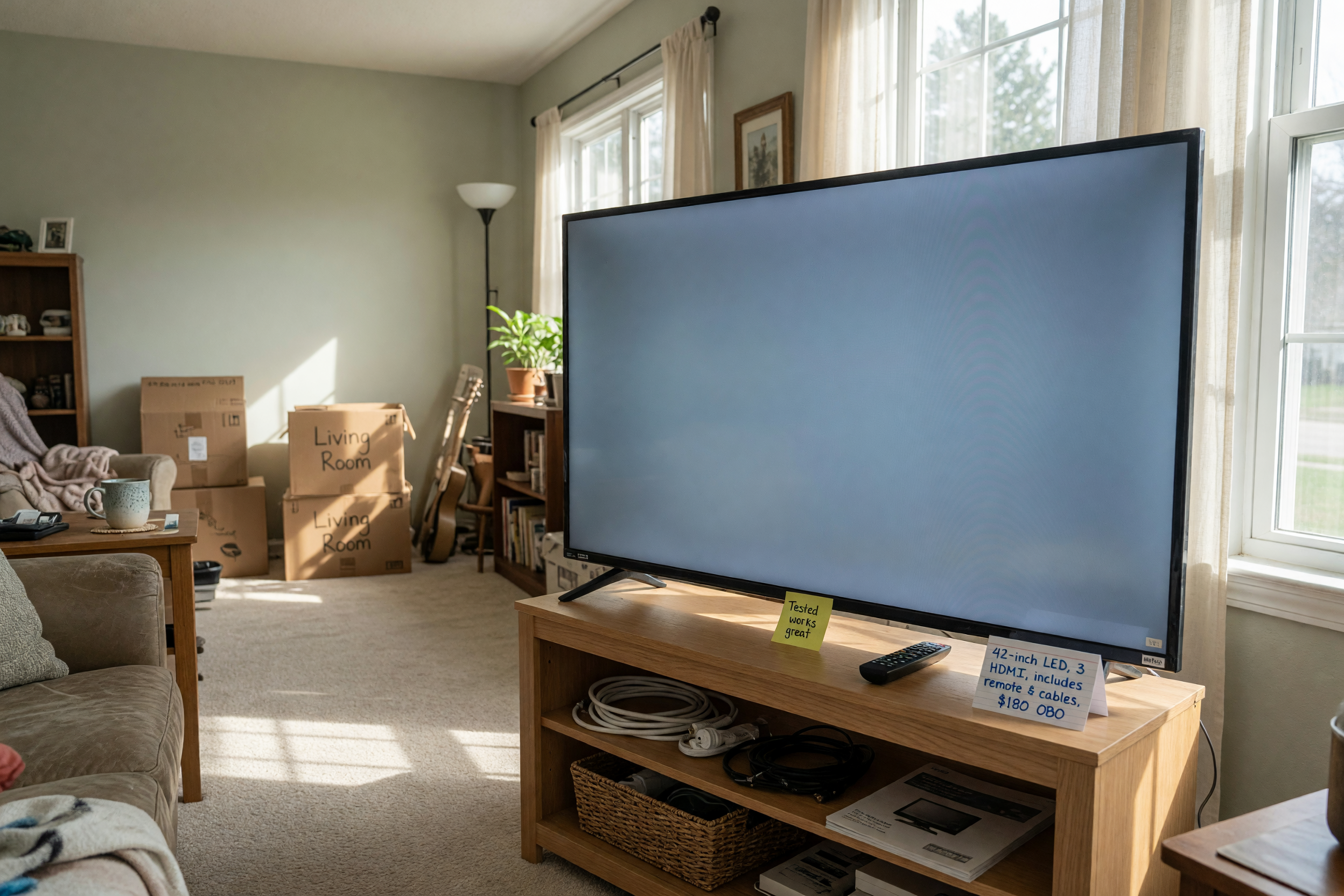
The first detail buyers look for is size. When you sell a used TV locally, put the diagonal screen measurement near the top of the post, such as 32, 43, 55, or 65 inches. If you know the full model number, include it too, because buyers often search that way when comparing options. Size matters because it tells them whether the TV fits a bedroom, living room, or rental setup.
Screen type also helps people decide faster. Mention whether it is LED, OLED, QLED, or another format, and note if the display is flat or curved. If the TV is slim enough for a wall mount or heavy enough to need a cabinet, say so clearly. For many buyers, a simple line like “43-inch smart TV, flat screen, ideal for small living rooms” removes uncertainty. Clear sizing is one of the easiest ways to make a public TV used post look organized and worth contacting.
List the Apps, Ports, and Smart Features
For a smart TV second hand listing, the app details can be just as important as the screen itself. Buyers want to know whether the TV supports popular streaming apps, Wi-Fi, Bluetooth, screen casting, or voice control. If the platform is built in, mention it. If the TV needs an external device to stream, say that too. Clear app information helps reduce back-and-forth messages later.
Ports matter for gamers, sound bars, and streaming boxes. Include the number of HDMI ports, USB ports, optical audio, Ethernet, and any special connections you know are working. If the remote is original and included, write that in the description. If the TV has a smart menu that responds normally, mention that it powers on, connects to Wi-Fi, and loads apps without delays. Buyers are more comfortable when they can see the practical value, not just the brand name. When you publish TV used listings with these details, you make the decision easier for people who need a ready-to-use television.
Describe the Stand, Mount, and Placement Options
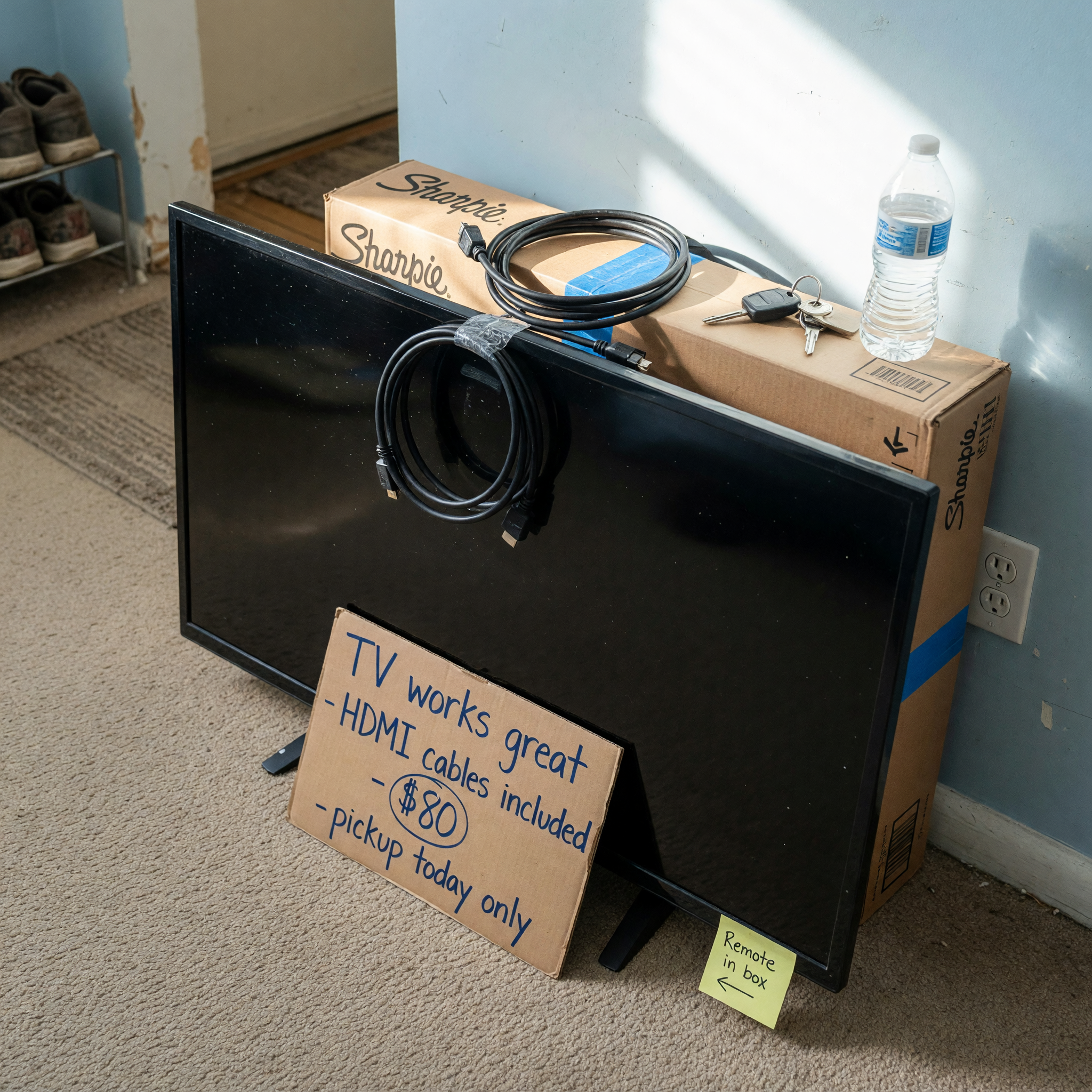
Support details can change how attractive your listing looks. Some buyers want a TV with its original stand, while others plan to wall mount it. When you sell television local listings, say whether the stand is included, whether it is stable, and whether the screws or legs are original. If the TV was previously mounted, note whether a bracket is included or only the TV itself. That information saves time and prevents misunderstandings.
You should also explain where the TV sits best. A compact unit may be perfect for a desk, bedroom, or kitchen, while a larger screen may be better for a living room or shared space. If the stand angle can be adjusted, mention that as a bonus. If the TV has a damaged foot, loose base, or missing parts, be honest so buyers can plan accordingly. Support and placement details are especially useful because they tell people whether the TV will be easy to install at home. A clear note about the stand can make a used television feel much more practical.
Be Specific About Condition and Function
Condition is where trust is won or lost. A buyer who sees vague words like “good” or “works fine” may keep scrolling. Instead, describe what actually works: power, picture, sound, buttons, remote control, Wi-Fi, HDMI, and input detection. If there are scratches on the frame, dead pixels, burn-in, discoloration, or a line on the screen, mention them. Honest detail helps serious buyers feel safe reaching out.
It also helps to separate cosmetic wear from performance issues. For example, a TV may have light marks on the bezel but still show a sharp image. Or it may work normally except for one weak port. Those details matter because they let buyers judge value accurately. If you recently tested the TV with streaming and cable, say so. If it was in daily use until recently, include that timeline. A trustworthy public TV used description is usually better than a perfect-sounding one. Buyers often respond faster to listings that sound real, not polished beyond belief.
Set a Price Based on Demand and Convenience
Pricing a used TV is easier when you compare size, age, brand, features, and local pickup convenience. A newer smart model with popular apps and a clean screen can usually ask more than an older model without streaming support. Larger TVs often sell faster if the price reflects the need for local pickup and transport. When you post TV used listings, avoid pricing only by memory. Check similar offers in your area first.
Convenience affects value too. If the buyer can collect the TV quickly, see it working, and take it home the same day, your listing can feel more attractive. On the other hand, a heavy TV without original packaging may need a lower price to move. A fair price often lands in the range that makes a buyer feel they are getting a deal without worrying about hidden problems. If you are flexible, you can mention that you are open to reasonable offers. That signals room to negotiate while keeping the listing grounded. The goal is to make your smart TV second hand price match the real condition and effort required to move it.
Make Local Pickup Simple and Safe
Pickup details should be easy to understand from the first read. If you want to sell a television local, tell buyers where the TV is located, what floor it is on, and whether help is needed to carry it. Large screens can be awkward to move, so a clear note about pickup access can prevent no-shows. If you have the original box, remote, or cables ready, say so because it makes transport easier.
It also helps to state how the TV will be handed over. Buyers usually appreciate being able to inspect the screen, power it on, and confirm the inputs before paying. If the sale is contactless or scheduled for a narrow time window, explain that in simple terms. For heavier TVs, mention whether a car with enough space is needed. Good pickup instructions reduce messages and improve the odds of a smooth exchange. When people can picture the handoff clearly, they are more likely to trust your listing and follow through.
Use listing assistant when that is the next step.
Related guide: How to Sell a Used TV Locally: Size, Apps, Stand, and Pickup
Frequently asked questions
What size details should I include when I sell a used TV locally?
Include the diagonal size in inches, the model number if possible, and a short note about the screen type. Buyers want to know whether the TV fits their room and setup before they message you.
Should I mention streaming apps in a used TV listing?
Yes. List the apps, Wi-Fi support, casting, Bluetooth, and any smart platform the TV uses. Those features often influence price and help buyers compare your TV with others.
Is it worth including the stand or wall mount information?
Definitely. Buyers need to know whether the stand is included, whether the legs are original, and whether a wall bracket comes with the TV. That detail can affect both convenience and value.
How honest should I be about scratches or screen issues?
Be direct and specific. Mention cosmetic marks, missing parts, dead pixels, burn-in, or other issues so buyers can decide fairly. Honest listings usually attract more serious responses.
What makes local pickup easier for a big television?
Clear pickup notes help a lot. Tell buyers the location, any stairs or carrying concerns, whether the TV is ready to test, and whether they should bring a vehicle with enough space.


Comments
Loading comments...
Checking sign-in status...