
New on Brixaz: Faster Posting and Smarter Alerts
The latest Brixaz update helps sellers move faster, lets buyers save filtered searches, and adds browser alerts so important listing activity is easier to catch.
ARTICLE LANGUAGE
Showing original language
Brixaz just shipped a set of updates built around one simple idea: a local marketplace should not make people do extra work. Sellers should not have to rewrite a listing they already posted somewhere else. Buyers should not have to refresh the same search every day. People should not miss a reply, a price drop, or a new match just because they closed a tab.
The latest release makes Brixaz faster to post on, easier to come back to, and better at helping good listings travel. The changes are practical, not flashy: importing listing copy, saving searches, browser push notifications, easier posting before signup, and stronger listing previews for search and sharing.
What changed for sellers
The biggest seller change is the new import-first posting flow. Many people already have their listing written on Craigslist, Facebook Marketplace, a group chat, a notes app, or an old classified post. Starting from a blank form creates friction at exactly the wrong moment: the seller is interested enough to post, but not interested enough to rewrite the whole thing.
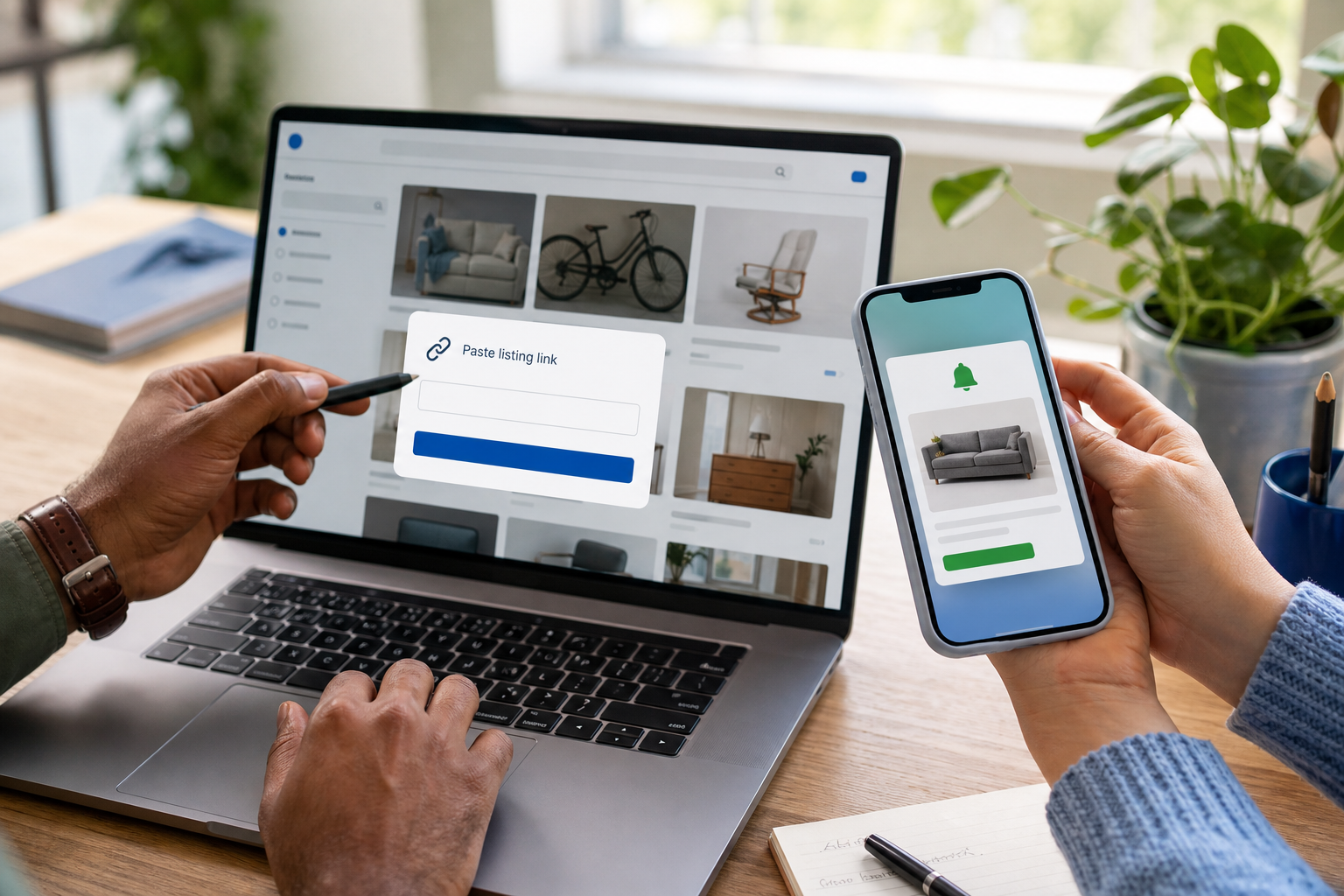
Brixaz now treats that existing copy as a starting point. Sellers can paste a listing link or the listing text, let Brixaz turn it into a draft, then review the details before publishing. It can pick up common signals like title, price, category, city, description, and contact details, while still leaving the seller in control of the final post.
This matters because a marketplace grows when posting feels light. A seller with three used items, a moving sale, a room for rent, or a local service should be able to move quickly from “I should list this” to “it is live.” The import flow is built for that moment.
Import old listing copy without rewriting it
If you already wrote a listing somewhere else, you can start from the post page and choose the paste/import shortcut. Paste the full listing text, or use a supported marketplace link when the page can be read. Brixaz creates an editable draft instead of publishing anything automatically.
The draft is intentionally not magic with no review. It is a fast first pass. You should still confirm the category, location, price, contact method, photos, and any details that matter to buyers. If the importer is not confident about a field, the form shows you what needs attention before you continue.
For sellers, this is especially useful in four common cases:
- You are moving listings over from another marketplace and do not want to rewrite them.
- You wrote a listing in a text message or notes app and want it structured quickly.
- You have several similar items to post and need a faster starting point.
- You want to clean up an old listing before sharing it again with a better title, photos, and contact options.
Nothing goes live until you review it. The goal is not to take control away from the seller; it is to remove the boring part.
Save a search and let Brixaz watch for you
For buyers, renters, job seekers, and people browsing local services, the most important update is saved-search alerts. A good marketplace should not require you to run the same search every morning. If you are looking for a used car under a certain price, an apartment in a specific city, a babysitter, a handyman, free moving boxes, or a local delivery gig, you should be able to save that search once and let the site do the watching.
Now, when you use Brixaz search with useful filters, you can ask to be notified when new listings match. Signed-in users can save from the results page. Visitors who are not signed in can leave an email for that search, which keeps the flow useful for people who are just browsing.
This turns Brixaz from a place you check manually into a place that can come back to you. It is especially helpful in categories where timing matters: rentals, used electronics, free stuff, local gigs, moving help, pet sitting, and anything priced well enough that it may disappear fast.
Push notifications make the marketplace feel alive
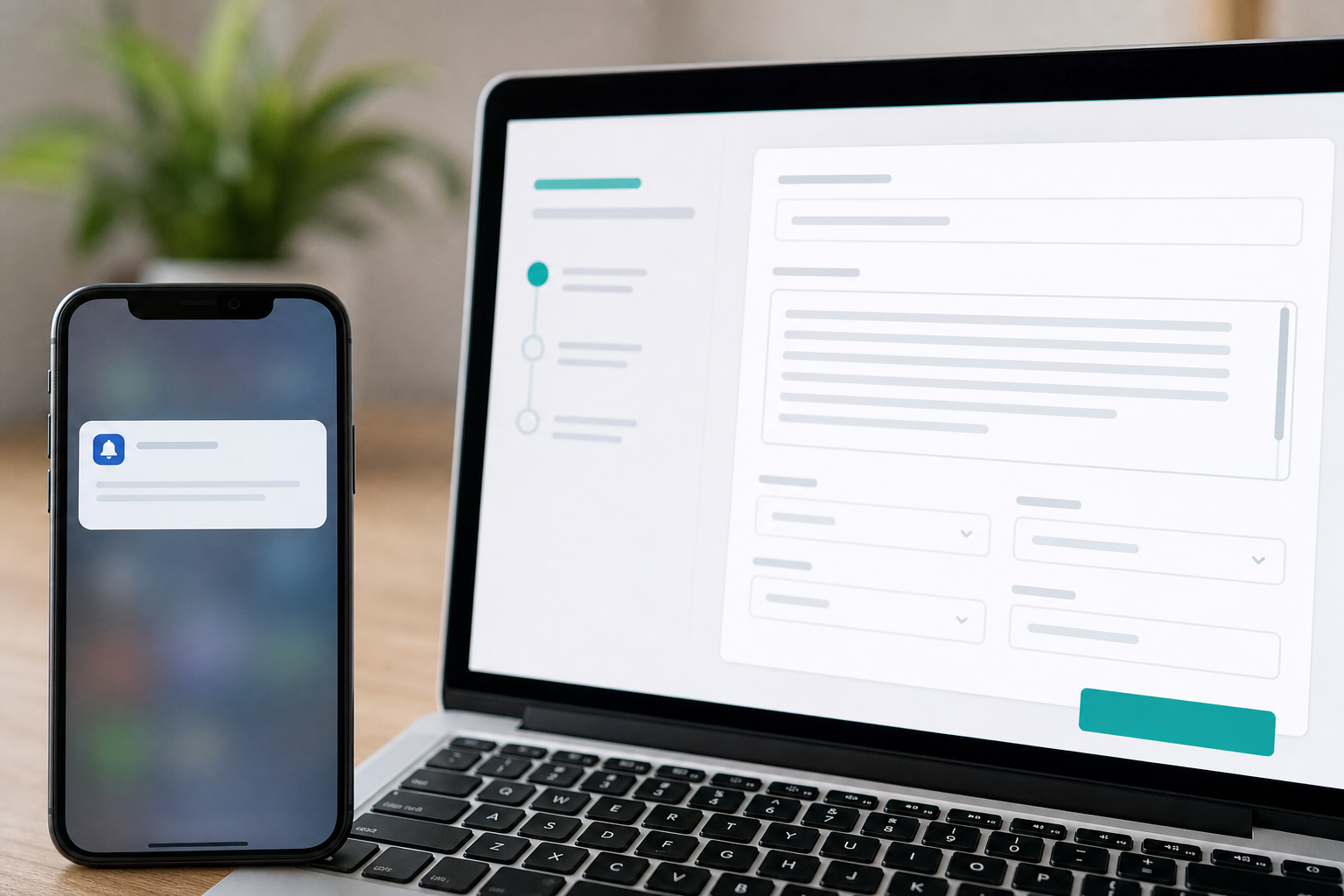
Email is useful, but it is not always fast. Brixaz now has the sender side of web push notifications wired into the notification system, so supported browsers can alert you when important marketplace events happen. That includes saved-search matches and the kinds of listing and message activity people expect from a modern marketplace.
You stay in control. If your browser supports push notifications and you are signed in, Brixaz can ask whether you want alerts in context, such as after saving a search. If you allow them, notifications can bring you back to the exact listing, message, or search that needs attention. If you do not want them, you can ignore the prompt and keep using email or normal site notifications.
For buyers, push helps with speed. For sellers, it helps with follow-through. A serious buyer who replies quickly is more likely to close the loop. A seller who sees a message quickly is less likely to lose momentum. Local marketplaces work best when both sides respond while the intent is still fresh.
You can always review site activity from your notifications area and manage saved searches from your account alerts when you are signed in.
Easier posting, better sharing, clearer listing pages
Another important change is quieter but valuable: you can build more of a listing before signing in. Instead of asking for account commitment before you have done the work, Brixaz lets you shape the listing first and asks for verification at publish time. The email or Google sign-in then doubles as the way to manage the listing later.
That is how posting should feel. You choose what you are posting, add details and photos, review the result, and only then confirm who owns the listing. The form still protects uploads and recovery drafts, but the experience is closer to the low-friction local classifieds behavior people already understand.
Listing pages also keep getting stronger for discovery and sharing. When a seller shares a listing, the page should carry the photo, title, price, and useful context clearly. Search engines and social previews need structured signals to understand what the listing is, where it belongs, and whether it is active. The latest work tightens those signals so every listing has a better chance of looking like a real marketplace item when it travels outside Brixaz.
How to use the new tools today
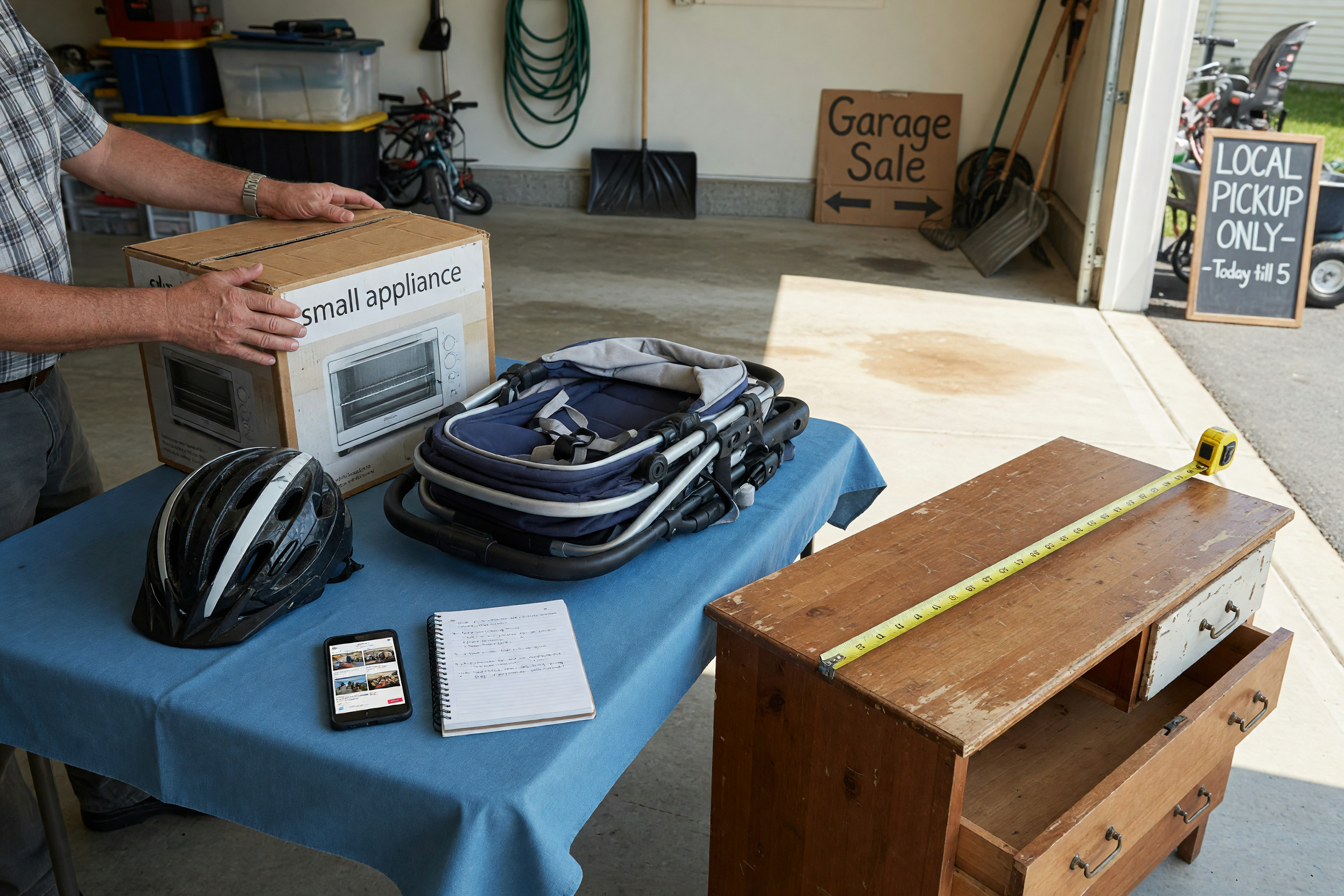
If you are selling, start with the fastest path: open the posting flow, paste any existing listing copy, then review the draft before publishing. Add real photos, be honest about condition, choose the closest category, and write pickup or availability details clearly. If you are selling used furniture or household items, our guide to where to sell used stuff locally is a useful companion.
If you are searching, run a filtered search once and save it. Use the category, city, and price filters that actually matter to you. A saved search for “everything” is noisy; a saved search for the item, place, or service you really want is powerful.
If you are a service provider, the same tools apply. A cleaner, mover, tutor, pet sitter, delivery helper, handyman, or weekend gig worker can post faster, respond faster, and be discovered through city and category pages over time. That is the bigger direction for Brixaz: fewer dead ends, more direct contact, and less repeated work.
Frequently asked questions
Does importing a listing publish it automatically?
No. Importing creates an editable draft. You review the title, category, city, price, contact method, photos, and description before anything goes live.
Can I save a search if I am not signed in?
Yes. When a filtered search can be saved, visitors can leave an email for alerts. Signed-in users get the smoother one-tap save flow and can manage alerts from their account.
What kinds of searches should I save?
Save searches where timing matters: a city and category, a price ceiling, a rental type, a service category, or a specific item you are waiting for. Narrow alerts are more useful than broad ones.
Do push notifications replace email?
No. Push is an additional option for supported browsers. Email alerts and on-site notifications still matter, especially if you use multiple devices or prefer not to enable browser alerts.
Why did Brixaz move the signup step later in posting?
Because people should be able to build the listing first. Verification still happens before publish, but the form no longer interrupts the seller before the listing has taken shape.


Comments
Loading comments...
Checking sign-in status...