
How to Post a Dallas Job Listing That Saves You Time
A vague post floods your inbox with the wrong applicants. Here is a Dallas job listing template that pre-answers pay, hours, and commute so you screen less and hire faster.
ARTICLE LANGUAGE
Showing original language
Hiring in Dallas is a race against your own inbox. Between the diners on Greenville Avenue, the shops in Bishop Arts, the warehouses out toward Garland, and every busy household in Plano and Richardson, there are plenty of people ready to work this week. The problem is not finding applicants — it is not drowning in the wrong ones. A vague post like "seeking reliable help, competitive pay, apply within" pulls in a pile of messages that all ask the same three questions you never answered, and you spend your evening typing the same replies instead of interviewing.
A job listing that saves time does the first screening before anyone hits send. It answers what a real Dallas candidate wants to know — what it pays, when the shifts are, and whether the commute from their side of the metroplex is realistic — so the people who message you are already a fit. This guide gives you a reusable Dallas job listing template, before-and-after copy you can steal, a commute detail most posts skip, and a prefilled way to post that turns one listing into qualified applicants instead of a full inbox.
Why most Dallas job posts waste your time
The cost of a vague post is not zero applicants — it is the wrong ones. When a listing hides pay, skips the schedule, and just names "Dallas" as the location, three things happen. People whose rate is above your ceiling message anyway and drop off after you name a number. People who cannot make the hours apply and then vanish. And someone commuting from Frisco does not realize your shop is 40 minutes each way until the interview. Every one of those is time you spend and never get back.
Four gaps sink most local job posts. No pay range, so strong candidates assume it is low and skip it. No real schedule, so anyone with school or a second job cannot tell if it fits. No neighborhood or commute detail, so nearby people do not realize the job is close and far ones apply blind. And no clear next step, so even interested readers are not sure whether to message, call, or show up. Close those four gaps and your post already screens harder than most listings in the metroplex.
When you post on Brixaz jobs, applicants message you directly through the listing — no resume portal or third party sitting in the middle. That is what makes local Dallas hiring fast, but it also means every question your post leaves open becomes a message you have to answer by hand. A listing that pre-answers the obvious questions does that first round of screening for you and brings in warmer, better-matched people.
The Dallas job listing template that pre-screens for you
Use this structure top to bottom. It mirrors how a candidate scans on their phone during a lunch break: what the job is, what it pays, when and where, who you want, and exactly how to apply. Fill each line and you have a post that filters before you read a single message.
- Headline: role + one specific detail + Dallas area. Example: "Part-Time Barista, Weekday Mornings — Deep Ellum."
- The role in one line: a plain sentence on what the person actually does each shift.
- Pay: an hourly range or salary, plus tips, overtime, or bonuses when they apply.
- Schedule: hours per week, which days, shift times, and whether it is fixed or flexible.
- Location & commute: the neighborhood or ZIP, on-site or remote, and parking or DART transit notes.
- What you need: the two or three requirements that truly matter — a license, weekend availability, lifting, experience level.
- About the workplace: one honest line about who you are and what a day feels like.
- How to apply: exactly what to send and when you respond.
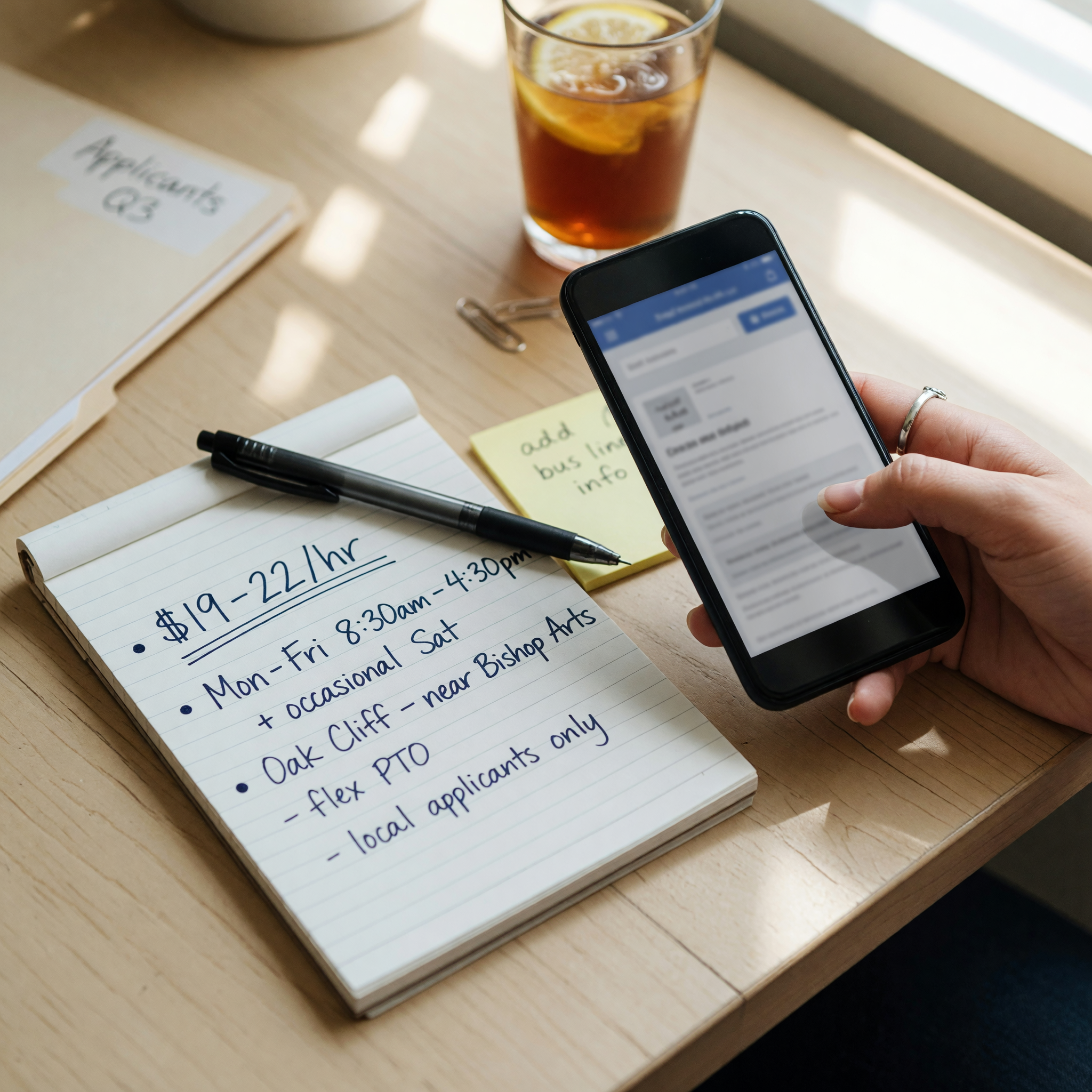
Say where the job is — commute is the Dallas make-or-break line
Dallas-Fort Worth is spread across dozens of cities, and a candidate's first quiet question is "how far is that from me?" A post that only says "Dallas" forces every reader to guess, so nearby people underrate the fit and far ones apply and then ghost. Name the neighborhood, the nearest major road or DART stop, and the parking situation, and you instantly sort your applicants by who can realistically show up on time.
Compare the two. Weak: "Located in Dallas." Better: "Store is in Lower Greenville near Ross and Greenville Ave; free street parking after 6 p.m., and a 5-minute walk from the DART stop." The second version lets someone in Richardson or Oak Cliff decide in ten seconds whether the drive works for them — which means the applications you get are already filtered for a commute they can live with. That one detail saves you the interviews that fall apart over the drive.
If you are hiring across the metroplex, it also helps to point candidates to the wider Texas listings so they can see how nearby employers describe the same roles. Clear location wording is the cheapest way to look established, and it is the field most Dallas posts leave blank.
Post pay and hours honestly so you skip the mismatches
The fear is that naming a number costs leverage. In practice a visible range does the opposite: it repels people whose minimum is above your ceiling and reassures the right ones that you are serious. Posts that hide pay get more applicants and worse ones, because the strongest candidates read "competitive" as "below market" and never message. Here is the difference in the copy candidates actually read:
| Weak copy | Better copy |
|---|---|
| "Competitive pay based on experience." | "$16–$19/hour depending on experience, paid weekly. Kitchen shares a tip pool that has averaged about $3/hour." |
| "Flexible hours available." | "About 25 hours a week, Tuesday through Saturday, 6 a.m. to 11 a.m. One weekend day required." |
| "Must be reliable and hardworking." | "Needs one year on a line, comfort on your feet for a five-hour shift, and a food handler card, or willingness to get one in week one." |
| "Located in Dallas." | "On-site in Bishop Arts, near Davis and Bishop; staff parking in the back lot." |
Notice the "or willingness to get one in week one" line. Requirements written as hard walls scare off good people who are one small step from qualified. Written as "here is what we need, here is the flexibility," they filter honestly without shrinking your pool to zero. Never post a number you cannot honor — a candidate offered less than the listing promised walks away and remembers the name.
Turn the apply step into a filter that saves hours
The last inch of the post is where you win or lose the evening. Tell the reader exactly what to send and when you reply. "Message me your availability for the next two weeks and one line about any kitchen experience, and I'll set up a 10-minute call" beats "apply within" every time, because it lets a busy person act at 9 p.m. without guessing — and it hands you the two facts you need to sort applicants at a glance.
You can save even more time before the post goes live. When you create your listing through a prefilled Dallas job post, the form already knows you are offering a job, so the category and type are set and you go straight to filling in pay, hours, and location. Set a response expectation you can keep — "I reply within a day to everyone who messages" keeps good candidates from drifting to the next listing while they wait, and it means fewer repeat "did you get my message?" texts for you to answer.
Jobs vs. gigs: pick the right Dallas surface
One quiet decision saves a surprising amount of time: posting an ongoing role and a one-time task in the same place mixes two audiences and doubles your bad-fit messages. If you need steady, week-after-week help — a line cook, a store associate, a nanny — post it as a job. If it is a single Saturday move, a one-day event setup, or seasonal overflow, post it under Brixaz gigs, where people are specifically browsing for short work and are ready to start now.
Choosing the right surface puts your listing in front of people who want exactly that kind of work, so the applications match on the first try. Someone browsing gigs wants a weekend; someone browsing jobs wants a schedule they can build a life around. Sorting that up front is the difference between screening five good fits and wading through twenty mismatches.
For a broader hourly hiring template: post hourly job free
If the opening is hospitality or food service, this related checklist helps tighten it: restaurant hiring checklist
Frequently asked questions
What should a Dallas job listing always include?
Five things a candidate needs before applying: the role in one plain line, the pay or a real range, the schedule and hours, the Dallas neighborhood and commute notes, and exactly how to apply. Add the two or three requirements that genuinely matter and one honest line about the workplace. If your post answers those, it already screens better than most listings in the metroplex.
Should I list the pay in a Dallas job post?
Yes. Post an hourly range or salary rather than "competitive pay." Hiding pay drives away your strongest candidates, who assume the number is low, and wastes your time on people whose expectations do not match. A real range like "$16–$19/hour, paid weekly" plus any tips or bonuses filters for fit and signals you are serious.
Why does the neighborhood matter so much in Dallas-Fort Worth?
Because the metroplex is huge and commute is a candidate's first quiet question. Naming the neighborhood, nearest road or DART stop, and the parking situation lets someone decide in seconds whether the drive works. That single detail sorts your applicants by who can actually show up on time and saves the interviews that fall apart over the drive.
Should I post an ongoing role and a one-time task differently?
Yes. Post an ongoing position as a job and a one-time or seasonal task under gigs. Choosing the right surface puts your listing in front of people who want that kind of work — someone browsing gigs wants a single weekend, while someone browsing jobs wants a steady schedule. Mixing the two just doubles your bad-fit messages.
How is posting a job on Brixaz different from a big job board?
Applicants message you directly through the listing instead of routing through a resume portal or a third party. That makes local Dallas hiring faster and more personal, but it also means your post has to pre-answer the obvious questions, because anything you leave vague turns into a message you have to answer by hand.
How do I stay safe when hiring locally?
Be a real, named Dallas workplace in your post, and never ask an applicant to pay a fee, buy equipment, or share bank details to apply — legitimate jobs never charge the worker. Keep pay, hours, and interview details in writing in the message thread, hold first interviews at your actual business address, and trust your read on anyone who dodges basic questions.





Comments
Loading comments...
Checking sign-in status...