
Computer Repair Peoria: Prices, Posts, and Fast Help
A practical Peoria guide for finding computer help or posting your own service with clear photos, pricing, and a message that gets replies.

ARTICLE LANGUAGE
Showing original language
Computer repair Peoria shoppers usually want two things fast: a clear fix and a clear price. If you’re posting or searching for computer repair Peoria, use Brixaz services listings to compare listings, then narrow by device, problem, and whether you need on-site or remote help.
Brixaz is free to post, so you can describe the issue directly, share photos, and talk with the seller or buyer without a middleman. This guide shows what to include, how to compare local listings, and how to write a listing that helps people decide today.
Start with the problem, not the device
When someone is looking for tech support Peoria, the best listing starts with the problem in plain English. Don’t lead with “I fix computers.” Lead with what you actually solve: slow startup, cracked screen, no Wi-Fi, virus cleanup, data transfer, printer setup, or a laptop that won’t charge. That helps the right person contact you and avoids back-and-forth messages. A good test is whether a stranger could skim your first line and know if you can help. If you’re a buyer, use the same rule when you message a seller: say the device, the symptom, and how soon you need help. For example, “Windows desktop won’t boot after update” is better than “Need computer help.” If you offer both shop work and house calls, say that clearly so people know the difference. Avoid stacking every service into one sentence; it reads vague. One sharp problem statement usually gets a faster reply than a long list of general repairs.
How to compare local listings without guessing
To compare computer repair Peoria listings, look at three things: the exact issue, what is included, and whether the seller explains next steps. A listing that only says “computer repair” is harder to compare than one that says diagnostics, malware cleanup, screen repair, or data recovery. If price is not listed, check a few nearby listings for the same problem and compare what is included, such as pickup, return, parts, or remote support. You can also ask for a written estimate before meeting. If you see one listing with a flat total and another with a low starting price, make sure you are not comparing a quote to a base fee. The same goes for a service call versus in-shop work. For buyers, the mistake is choosing by the shortest ad alone. For sellers, the mistake is leaving out the repair type, because people then assume the worst or ignore the post. A clear service note makes it easier to understand the value without inventing a “market price” that may not fit your exact job.
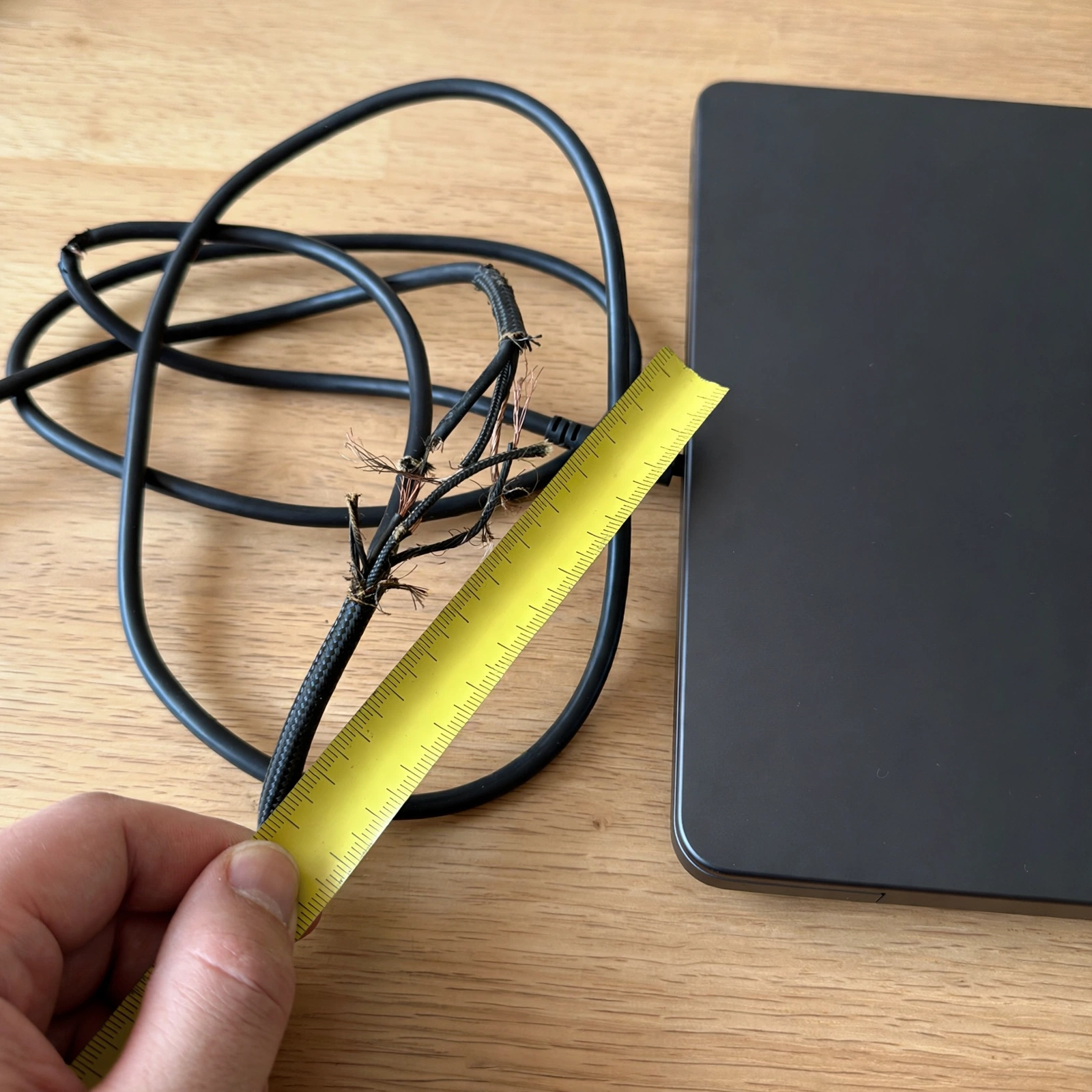
Paste-ready listing kit for a repair post
- Title: PC Repair Help for Slow, Broken, or No-Start Issues
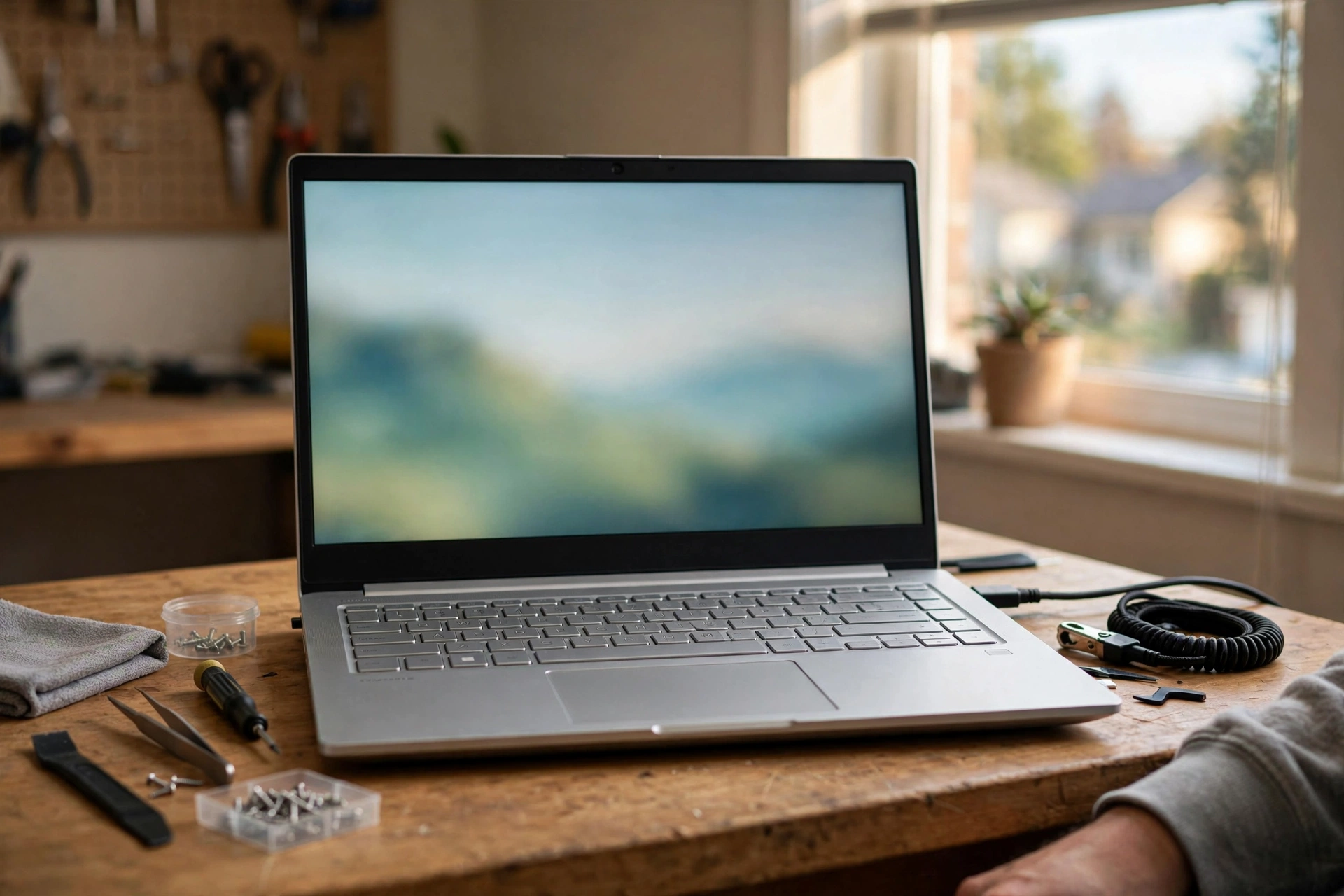
- Photo 1: Front of the laptop or desktop tower on a clean table
- Photo 2: Close-up of the damaged port, screen crack, or error light
- Photo 3: The charger, cable, or accessory that comes with it
- Photo 4: Any included box, mouse, keyboard, or receipt in the same room
- Description sentence: I fix [device type] for [main problem], can meet for [on-site or pickup], and I’ll confirm the next step after I see the issue.
Keep the title specific, but not overloaded. A title under 70 characters works best because people can scan it on mobile. For photos, make sure each image proves something different: the device type, the condition, the accessory set, and the setting where the handoff happens. If your post is for remote help, swap one photo for a clear shot of the serial label or setup area, but never include private data. free listing assistant can help you see how other sellers structure a service post, and Computer IT Support in Lakewood: Post Your Service is useful when you want to compare a more detailed listing style. The biggest mistake here is writing a polished paragraph that still does not say what problem you solve. One editable sentence is enough if it is concrete.
Set your price the simple way
If you are charging for local IT support Peoria, don’t guess a number from thin air. Start by checking comparable local listings for the same type of work: diagnostics, malware removal, setup, screen replacement, data transfer, or home network help. Compare like with like, because a quick software cleanup is not the same as a parts-heavy repair. If you want to quote fairly, write down three inputs for each job: the issue, the device type, and whether travel is included. Then decide whether you want a flat fee, hourly rate, or a quote after inspection. If you do not know what to charge yet, say “estimate after inspection” rather than posting an unclear price. Buyers should ask what is included and whether parts are extra. Sellers should avoid hiding travel or return fees in the fine print. This is also where photos help: if the laptop has a broken hinge, a picture reduces surprises. A good local service listing makes the pricing method obvious, even when the final amount depends on the repair.
Choose the service style that fits the job
Not every repair needs the same setup. Remote support works well for software issues, account setup, email problems, printer troubleshooting, and some cleanup tasks. On-site help is better when the device will not boot, the network equipment is in a home or office, or the person needs setup at the location. In-shop service is often easier for hardware checks, parts replacement, and jobs that need more time. If you offer more than one option, say which one is best for each situation so customers do not guess. A buyer message should also be specific: “Can you do this remotely?” is much better than “Can you help?” If you are posting in Brixaz, include the setting and the handoff method in the description so people know whether they should bring the laptop, wait for a call, or stay at home for a visit. The mistake to avoid is promising every format for every issue. Clear boundaries save time and lead to fewer mismatched messages.
What to ask before you hand over a device
Before you let anyone work on your computer, ask for the repair plan in plain language. A short checklist helps: What is the likely problem? What diagnostics are included? Are parts extra? How will you back up data? How long should the next step take? If remote help is involved, ask what software or account access is needed and how they protect your files. If a seller is meeting you in person, confirm the exact device, charger, and any password or unlock step that must happen on site. Sellers should also prepare a simple intake note so the customer knows what was received and what the machine looked like at drop-off. A common mistake is skipping the basics because the job seems small; that is how misunderstandings start. If you are unsure about warranty terms, return policy, or licensing rules, confirm them with your city or state. Clear questions make the transaction smoother and help both sides know what happens next.
Frequently Asked Questions
What should I include in a computer repair listing?
Include the device type, the exact problem, whether you offer on-site, remote, or in-shop service, and what happens next after the first message. Add a few photos that show the device condition and any included accessories. If you can, note whether parts are extra or whether you give an estimate after inspection.
How do I price computer repair locally?
Check comparable local listings for the same kind of job and compare what is included. A software cleanup is not the same as a screen replacement or data recovery. If you are unsure, post an estimate-after-inspection price or a clear starting point, then explain what can change the total.
Is remote computer repair better than on-site service?
It depends on the problem. Remote support can be faster for software, account, printer, or cleanup issues. On-site service is better for hardware failures, setup jobs, or anything that needs physical access to the device or network gear. The best listing says which option fits each problem.
computer repair Peoria: how do I find the right help?
Use the same filters a repair pro would use: device, problem, service style, and whether you need a quick estimate or a full fix. Look for listings that say exactly what they handle, not just “computer help.” Then message with your device model, the symptom, and your timeline so you can compare apples to apples.
What photos help a computer repair post get replies?
Use photos that show the actual device, the problem area, and what comes with it. A good set includes the front of the laptop or desktop, a close-up of damage or error lights, the charger or cable, and the handoff setting. Avoid blurred photos or screen-only shots that do not show condition.



Comments
Loading comments...
Checking sign-in status...