
Computer IT Support in Lakewood: Post Your Service
People searching for computer and IT support in Lakewood need clear local help, not vague tech ads. Use this guide to post services with a menu, fees, boundaries, and direct contact.
ARTICLE LANGUAGE
Showing original language
If you fix slow laptops, set up home Wi-Fi, connect printers, clean up basic device problems, or help small offices get unstuck, a clear Lakewood service listing can turn scattered referrals into direct local messages. Start with a focused computer and IT support service post on Brixaz that says exactly what you handle, what you do not handle, where you travel, and how a customer should describe the problem.
This article is for the solo tech helper, mobile computer repair person, student technician, retired IT pro, or small support shop that can take real appointments this week. Brixaz is still early, which means no guaranteed lead volume, but it also means lower category competition, free posting, and direct contact instead of paying for every inquiry before you know whether the job is real.
Use the search demand without writing a vague ad
Search behavior shows a simple need: people type phrases like computer and IT support wanted in Lakewood when a device, router, printer, or account setup problem is already interrupting their day. That searcher is not looking for a national brand story. They want to know whether someone nearby can help, what the first visit costs, how soon the provider can come, and whether the issue is within scope.
The mistake is writing one broad line such as, "I do all computer repair, call me." That sounds available, but it does not let the customer decide if you are the right fit. A better service post names the exact jobs you want: laptop tune-ups, virus cleanup, Wi-Fi troubleshooting, printer setup, smart TV connection, data transfer, new computer setup, email help, basic small-office workstation support, or remote screen-share help.
Make the location useful without overclaiming. If you serve Lakewood plus nearby neighborhoods or suburbs, say that. If your Lakewood is in Colorado, California, Ohio, New Jersey, Washington, or another state, include the state in the body and select the right city when posting. Brixaz discovery depends on clean city and category choices; a precise service category helps buyers find you faster than a clever headline buried in the wrong place.
Build a service menu that customers can compare
A service menu does not need to be fancy. It needs to answer the first practical question: "Can this person handle my problem?" Group your work into three to five simple offers. For example: home Wi-Fi setup, computer tune-up, printer and scanner setup, new device setup, and small-office help. Each line should include what is included, what information the customer should bring, and whether the work is on-site, remote, or either.
Use plain language. Many customers do not know whether they need networking, malware cleanup, a driver update, or account recovery. They only know that the printer will not connect, the laptop is slow, the Wi-Fi drops in one room, or a new device is hard to set up. Write the problem in the customer's words, then add the technical boundary underneath.
Bad service copy: "Full-stack IT solutions, all systems supported, best rates." Better service copy: "I help Lakewood homes and small offices with slow Windows laptops, home Wi-Fi dead zones, printer setup, email setup, file transfer to a new computer, and basic router troubleshooting. I do not repair cracked screens or recover locked accounts without proof of ownership." The better version filters faster because it names the work and the line you will not cross.
Use this computer support listing checklist
Before you publish, fill in the details a serious customer would ask in the first message. The goal is not to make the listing long. The goal is to remove avoidable back-and-forth so the first reply can be about the appointment, not the basics.
| Listing field | What to include | Example wording |
|---|---|---|
| Service area | City, nearby areas, travel limits, remote option | Lakewood and nearby areas; remote help available for simple setup |
| Service menu | Three to five jobs you want most | Wi-Fi troubleshooting, printer setup, laptop tune-up, new PC setup |
| Starting price | Call-out fee, hourly rate, minimum, or estimate rule | Starting at $X for a basic setup visit; quote after problem details |
| Device details | Computer type, operating system, router, printer, phone, tablet | Please send device type, model if known, and what changed recently |
| Availability | Weekday, evening, weekend, same-day limits | Evenings and Saturday appointments; same-day only when open |
| Boundaries | What you cannot do, safety requirements, account ownership | No password bypassing; customer must be present for account changes |
| Proof of trust | Experience, certifications, former role, simple work photos | Former office IT support; familiar with home routers and Windows setup |
If you are unsure how to turn rough notes into listing copy, use the Brixaz marketplace listing template generator first. Put the strongest details into the final post: service area, menu, starting fee, appointment window, and first-message prompt.
Write the title and first paragraph for the problem
Your listing title should match what a local customer is trying to solve. "Computer help available" is understandable, but it is weak. "Lakewood computer and Wi-Fi setup help" is stronger because it says where, what, and why someone should click. If your best jobs are printer setup and slow laptop cleanup, say that instead of hiding behind general IT language.
The first paragraph should answer four questions in order: where you work, what you fix, how appointments work, and what the customer should send first. A useful opening can be short: "I provide computer and IT support in Lakewood for home users and small offices. I help with slow laptops, Wi-Fi troubleshooting, printer setup, new computer setup, and basic file transfer. Message with your device type, the problem, your neighborhood, and your preferred appointment window."
Do not promise emergency repair unless you actually hold time for it. Do not write "all brands" if you avoid some devices. Do not imply that you can access private accounts without the owner. A listing that states limits gets fewer low-quality messages, but the messages it does get are easier to answer.
Make pricing clear without locking yourself into bad jobs
Computer support jobs vary. A simple printer setup is different from diagnosing a router, a weak signal, three old laptops, and an email issue in one visit. You do not need to publish a full price sheet, but you should give the customer enough structure to know whether contacting you is reasonable.
Use one of these honest pricing formats: a starting price for simple setup, an hourly rate with a minimum, a flat call-out fee plus hourly work, or "quote after device details" for complex jobs. The weakest option is hiding all pricing. That often creates messages from people who are not a fit and wastes time on both sides.
For example, write: "Basic setup visits start at $X. Larger troubleshooting jobs are quoted after you send device type, router or printer model if known, and what you already tried." Keep the number realistic for your market, experience, and travel time. If you charge extra for long drives, evening visits, or parts, say so before someone books.
Set trust and safety boundaries before the first visit
Trust matters more in home tech support than in many service categories because customers may be handing over a laptop, router, phone, or account screen. Your listing should make both sides safer. Say whether the customer must be present, whether you take devices off-site, whether you offer remote support, and what proof you need before account changes.
Good boundaries sound professional, not suspicious. Try: "For account, email, or device login help, the owner must be present and able to verify the account. I do not bypass passwords, remove ownership locks, or handle devices that may not belong to the requester." That single paragraph can prevent the wrong kind of job and make serious customers more comfortable.
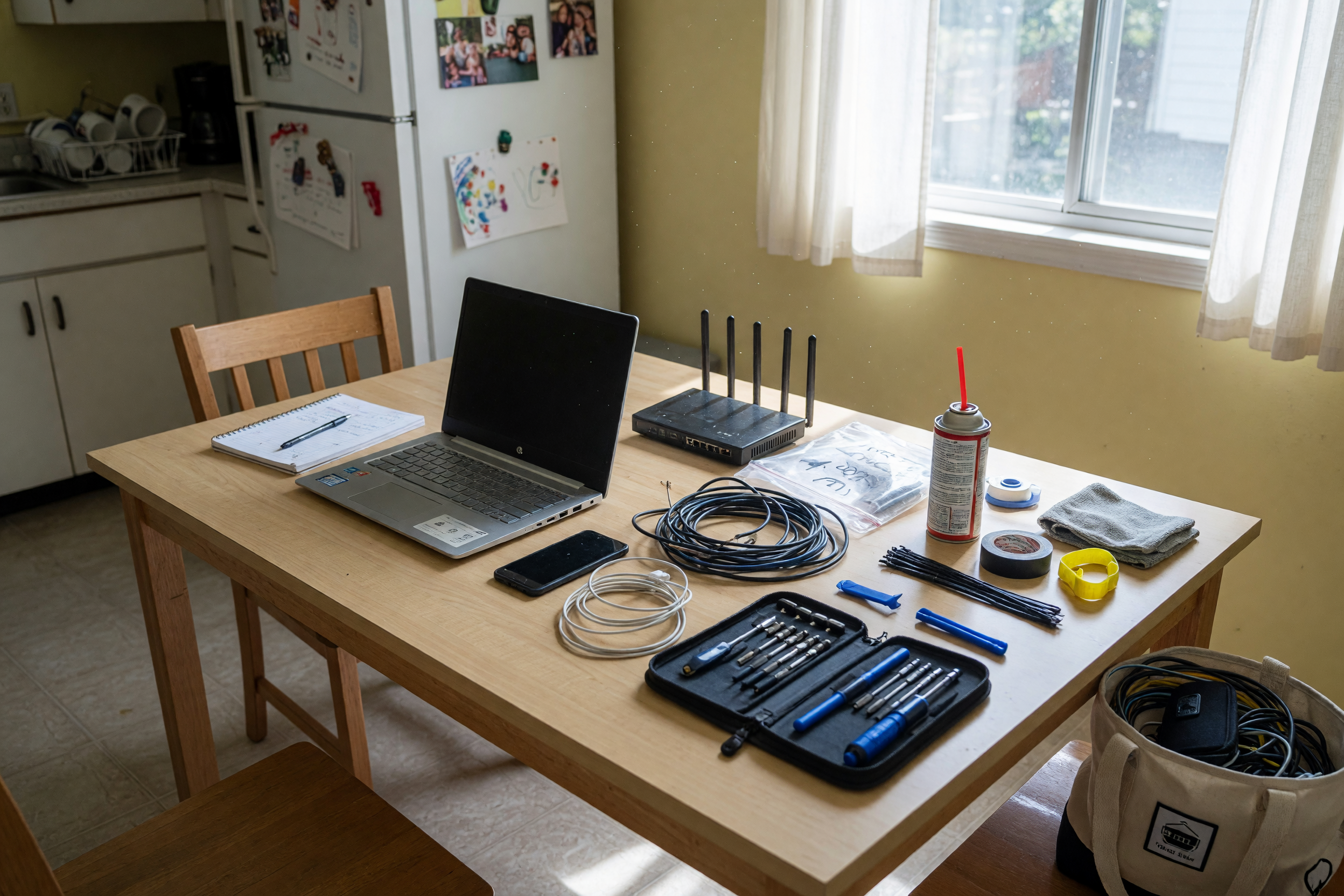
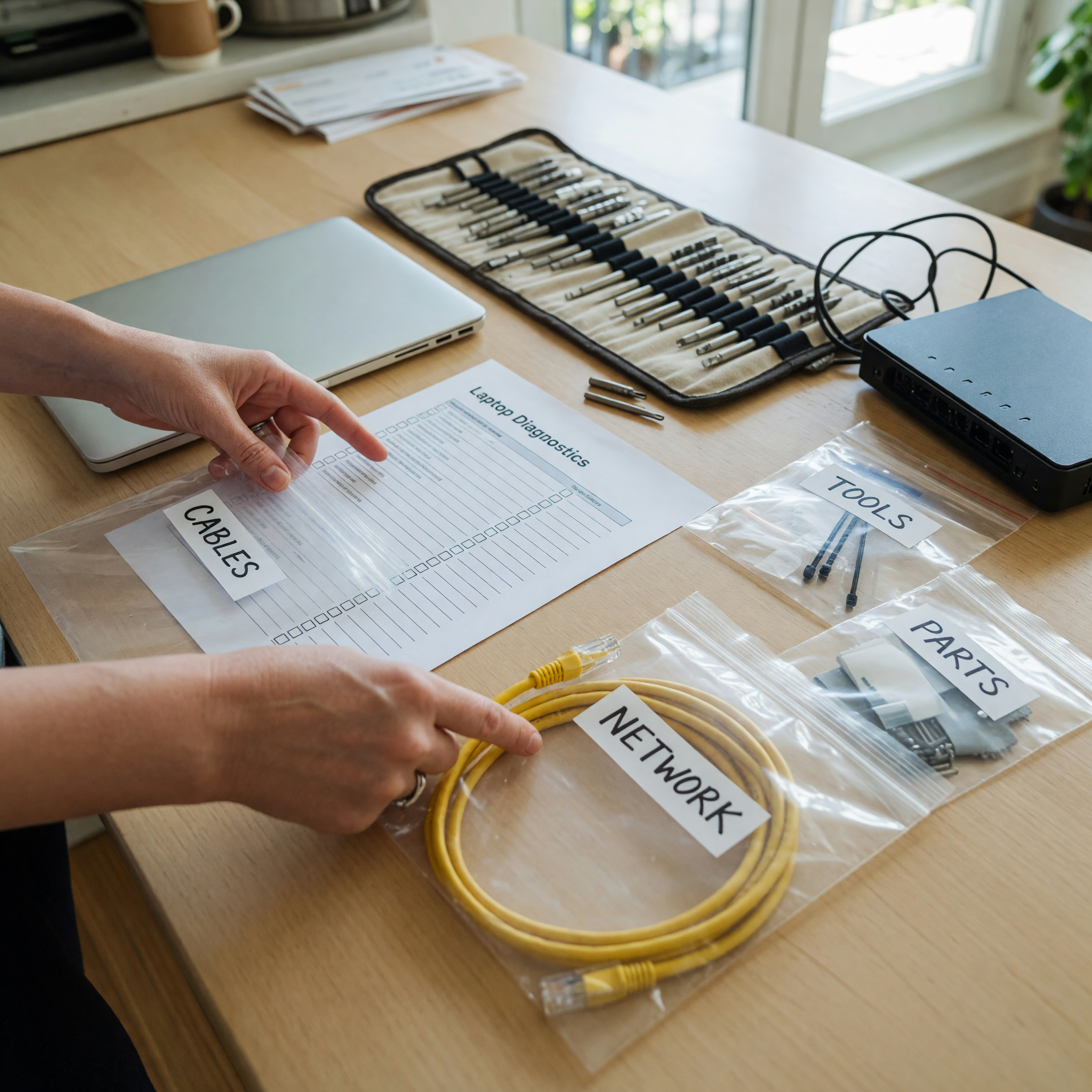
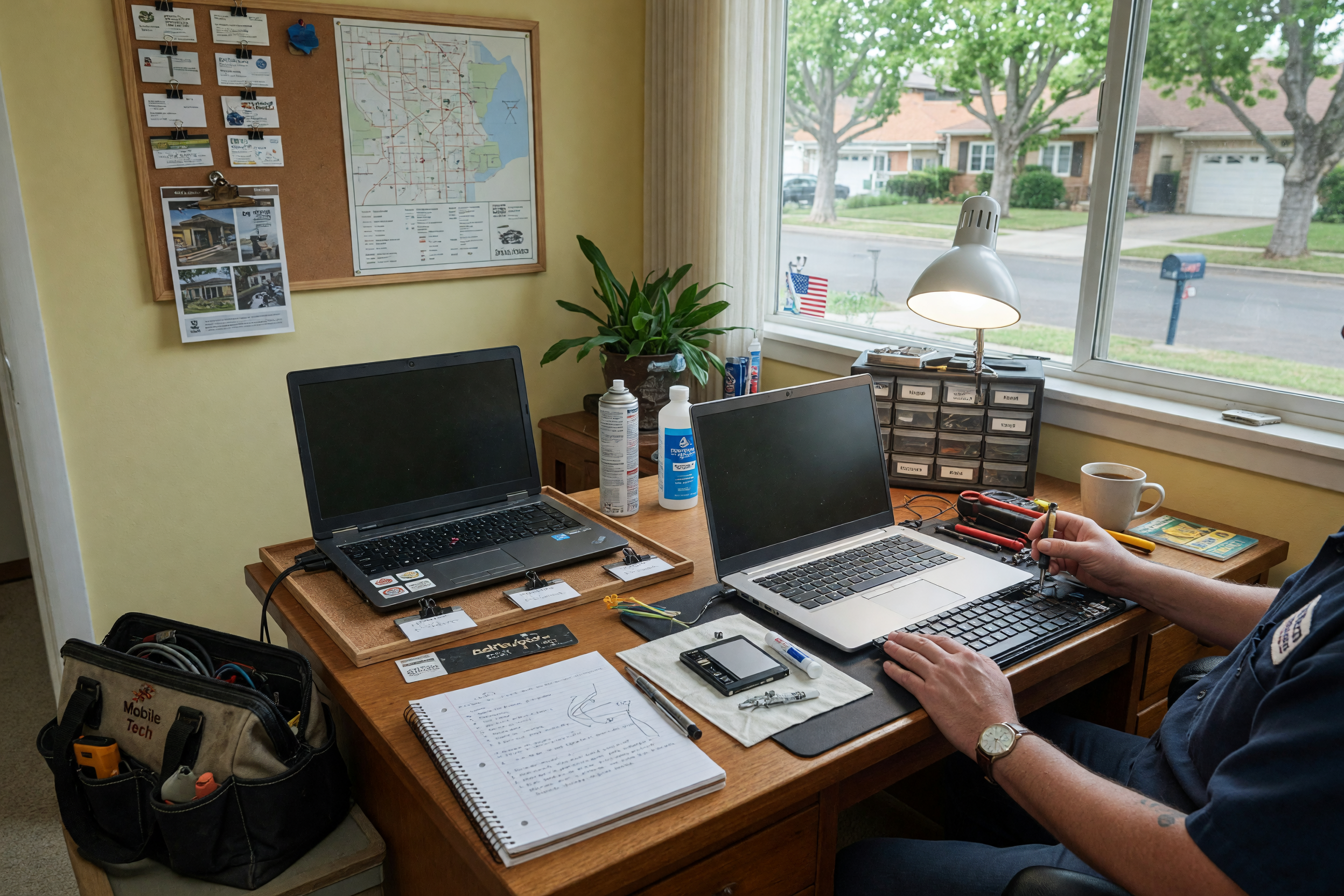
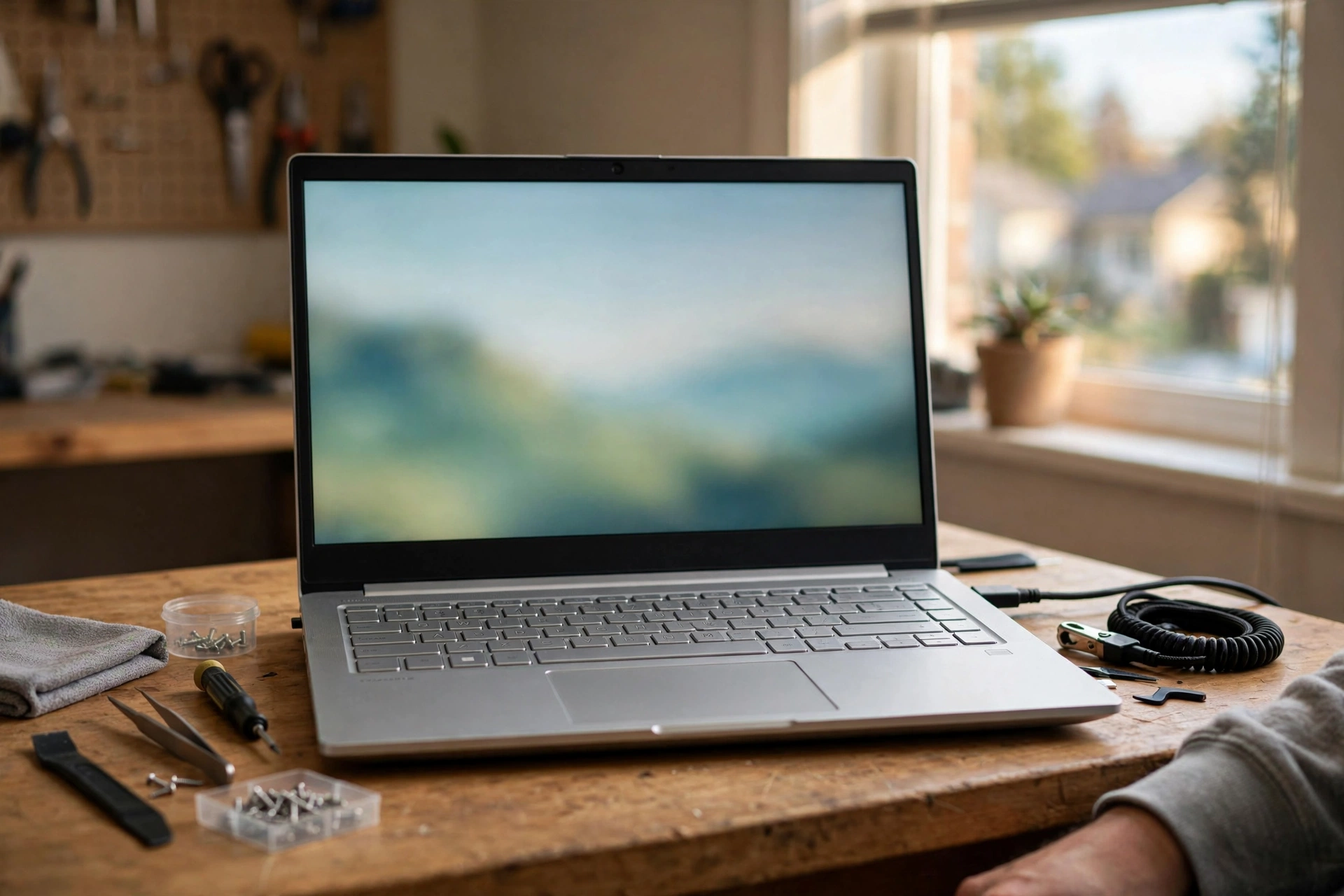
Photos also help, even for a service. You do not need faces, logos, certificates, or private customer screens. Use clean photos of your work kit, laptop setup area, router and cable organization, or before-and-after cable cleanup where no personal data is visible. On the Brixaz local services surface, a specific service photo often says more than a generic stock image because it shows you understand the work.
Publish for direct replies, then improve the listing
Once the listing is live, treat the first week as a clarity test. If messages ask the same question repeatedly, add the answer to the post. If people ask for a service you do not want, move that boundary higher. If people ask whether you serve a nearby area, name your travel radius. The advantage of a direct-contact marketplace is that real questions can improve the listing quickly.
Because Brixaz is in founding-seller mode, the trade-off is straightforward: the audience is smaller today, but posting is free, the category is less crowded, and early service providers can occupy clearer local search paths. The founding sellers page explains that early-listing trade-off more plainly for providers who want to understand why posting before a marketplace is crowded can still be worthwhile.
Keep the next step small. You are not building a website, buying ads, or writing a long company profile. You are publishing one local service listing that says: here is the computer help I provide, here is where I provide it, here is what it may cost, and here is what to send before booking.
FAQ
What should I include in a computer IT support listing?
Include your service area, the devices you support, the exact problems you handle, starting price or estimate rules, availability, whether you offer remote help, and what the customer should send in the first message.
Should I list computer repair and Wi-Fi help together?
Yes, if you actually handle both and can explain each clearly. Separate them inside the service menu so a customer can tell whether you fix laptops, troubleshoot routers, set up printers, or do all three.
How specific should my Lakewood service area be?
Be specific enough for someone to know whether to message you. Name Lakewood, add your state when posting, and describe nearby areas or travel limits without publishing a private home address.
Do I need to post exact prices?
You do not need a full price sheet, but you should give a starting price, hourly rate, minimum, or quote rule. Clear pricing reduces messages from people who are not ready to book.
What safety rules should a tech support provider state?
State that the device or account owner must be present for login or account changes, that you do not bypass passwords or ownership locks, and whether you take devices off-site. Clear rules protect you and the customer.
Can I post if I only do remote computer help?
Yes. Say that the service is remote, list the issues you can handle by screen share or phone, and name the problems that require an in-person visit, such as cabling, router placement, or hardware swaps.

Comments
Loading comments...
Checking sign-in status...