
Lakewood Computer and IT Support: On-Site, Remote, and Pricing
If you offer computer repair Lakewood customers can trust, your Brixaz listing should make your service area, response time, and pricing style easy to understand. This guide explains how to package on-site and remote sup
ARTICLE LANGUAGE
Showing original language
Lakewood buyers usually want fast answers, a clear price range, and a technician who can solve the problem without extra back-and-forth. If you are posting a tech support listing on Brixaz, your goal is to make it easy for someone to choose you over a generic it support near me search. Start with the service you actually provide, then explain whether you work on-site, remotely, or both.
Use services in your listing details so readers can move from the article into the right category path without guessing. The best computer repair Lakewood listings are specific about location, device types, common issues, and how billing works. That clarity helps you look professional, improves trust, and makes it easier for local customers to reach out with the right expectations.
1. Define your Lakewood service area clearly
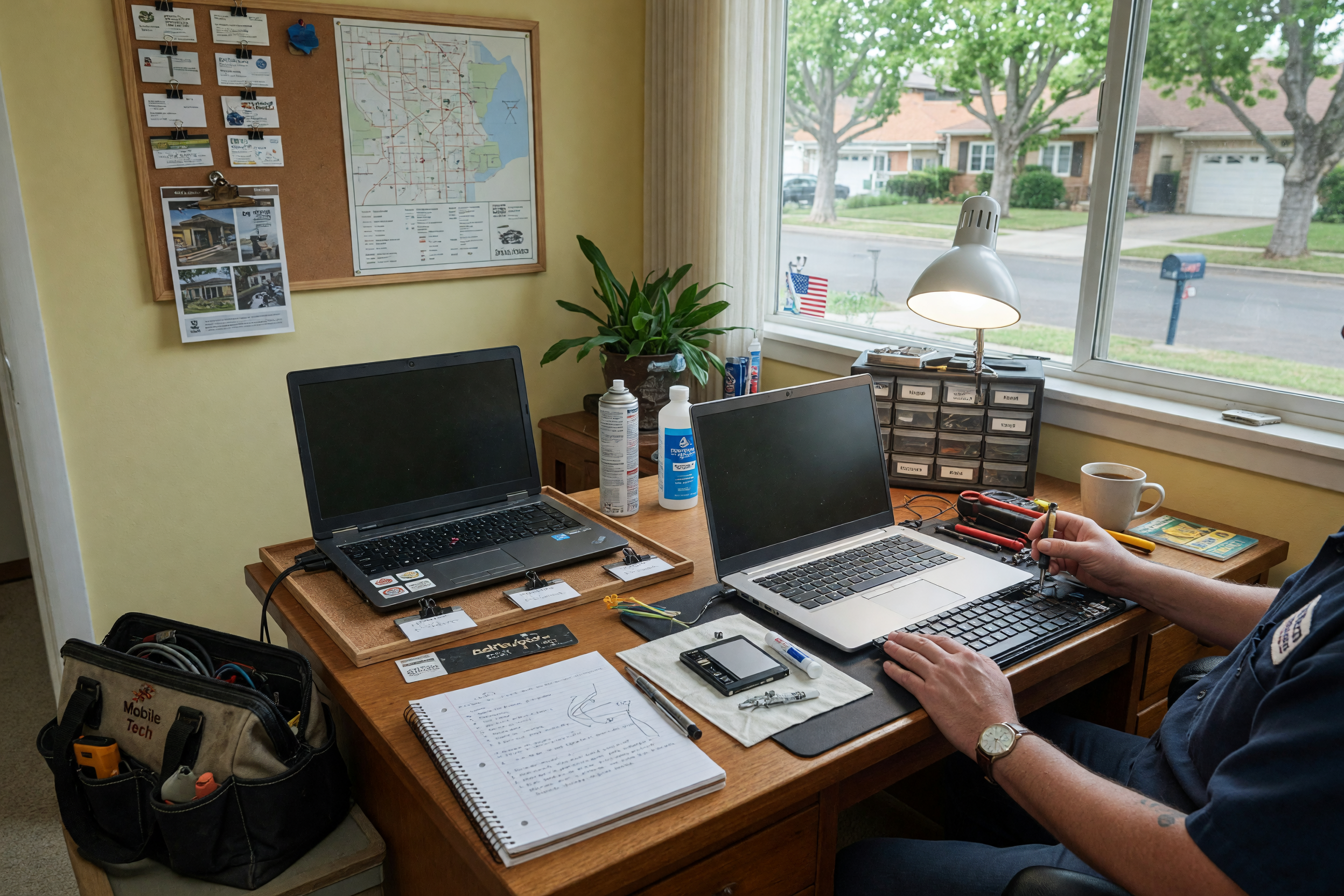
Local service buyers want to know whether you can actually reach them. In your Brixaz post, name Lakewood first, then add the nearby neighborhoods, apartment zones, office buildings, or surrounding streets you cover. If you only serve a portion of the city, say so. If you take jobs across a wider area, explain where travel fees begin. That small detail can reduce wasted messages and make your tech support listing feel more trustworthy.
You should also explain what kind of clients you help: home users, small offices, students, seniors, or remote workers. The more concrete you are, the easier it is for someone searching computer repair Lakewood to recognize that you are a match. If you offer same-day help, mention the cutoff time. If you only book appointments, say that too. Clear boundaries make your listing easier to compare against other local options.
2. Separate on-site support from remote support
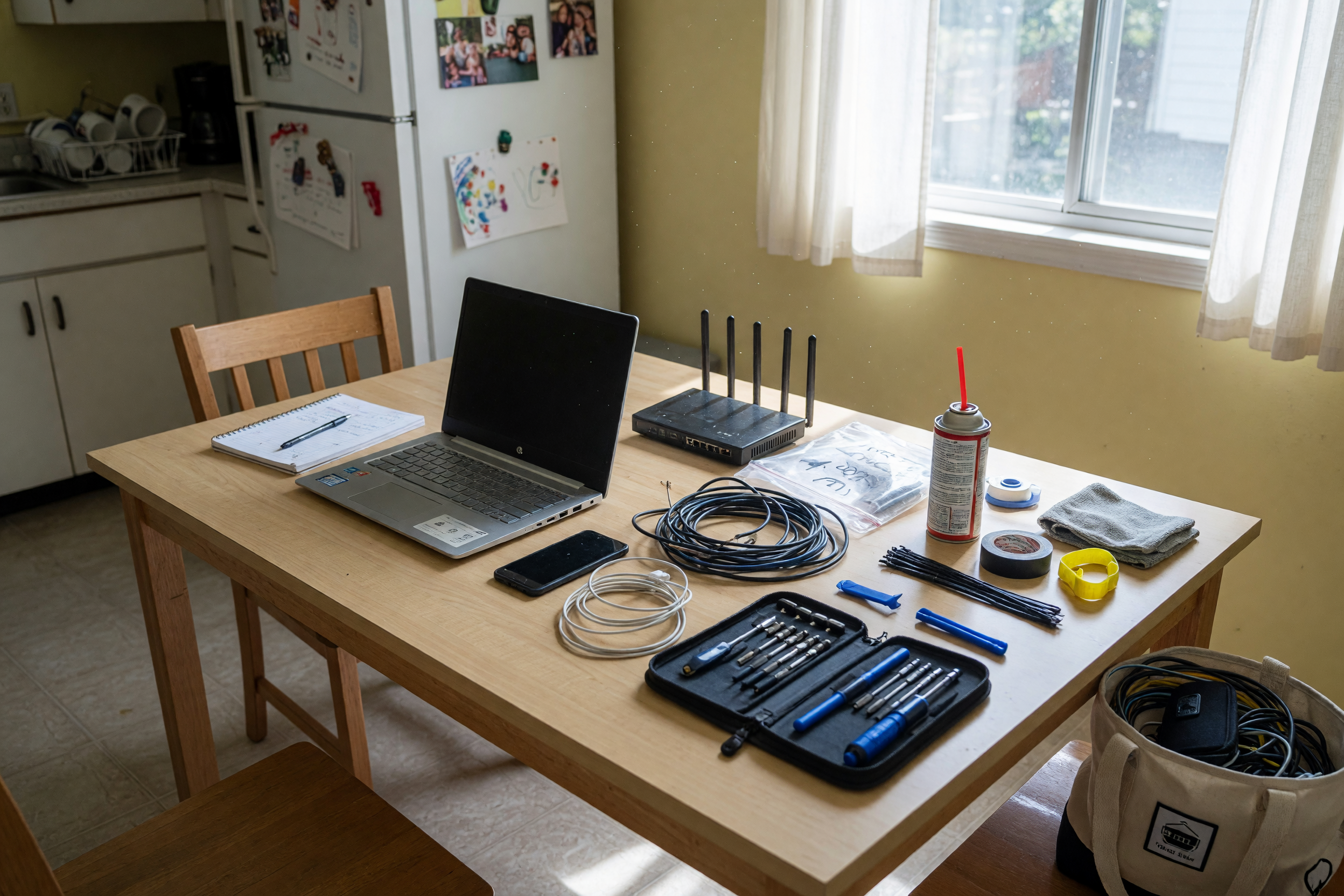
On-site computer help and remote support are not the same product, so they should not be priced or described the same way. On-site work usually includes travel, setup time, and the chance of more complex troubleshooting. Remote work is often faster for software issues, account recovery, printer setup, or malware scans. A strong listing tells buyers which problems are best for each option, which helps them choose the right service the first time.
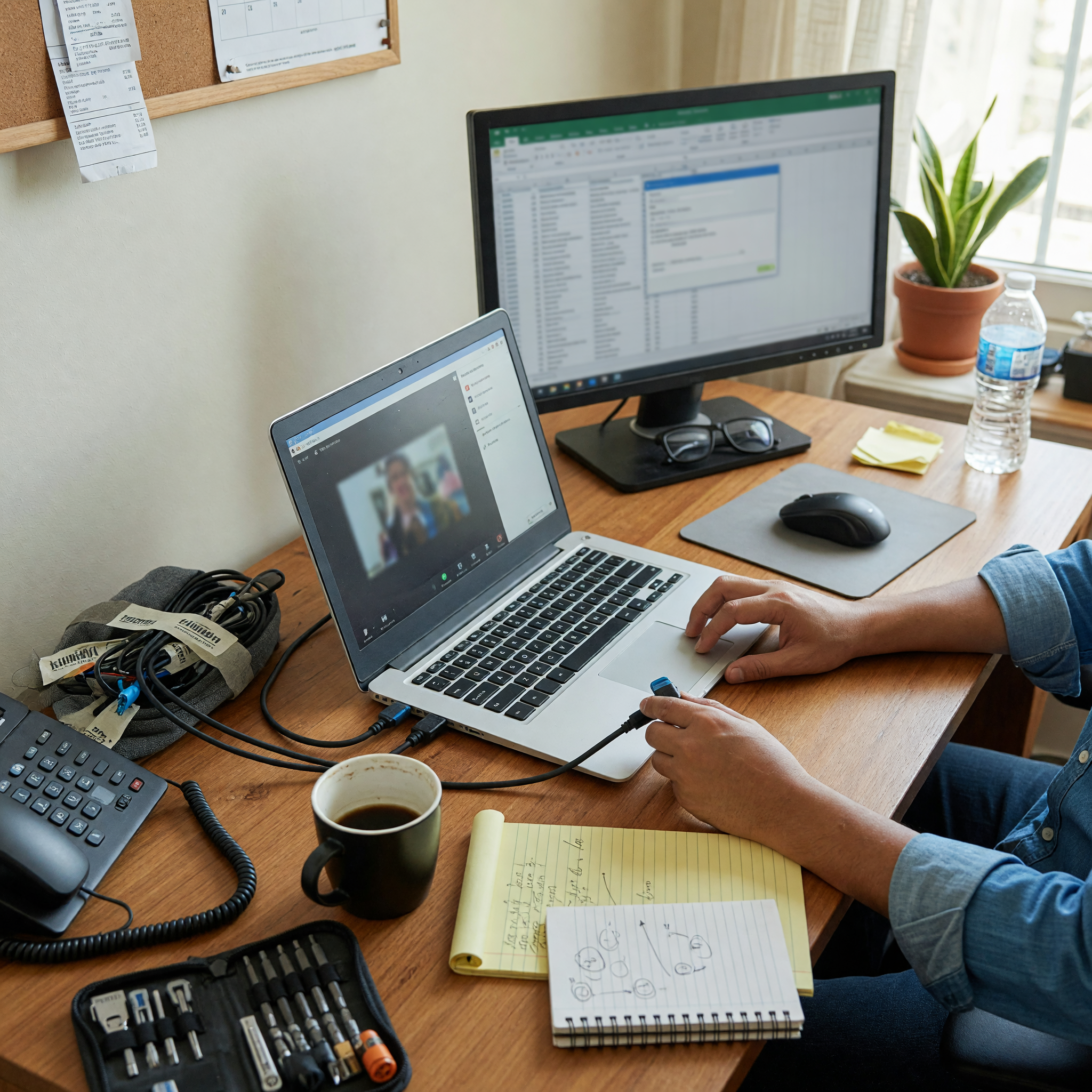
For Brixaz sellers, this distinction also makes your offer easier to buy. If someone needs on site computer help, they will expect a visit fee or minimum appointment price. If they want remote help, they may prefer a lower hourly rate or a flat session fee. Spell out whether remote sessions happen by phone, video call, or screen-share tool. Once people understand the format, they are more likely to message you with a real job instead of a vague question.
3. Price your work in a simple way customers understand
Most buyers do not want a complicated rate card. They want a simple answer: what does the visit cost, what is included, and what changes the price? A good starting structure is a trip fee, a diagnostic fee, and a labor rate or flat service price. If you offer remote support, give one price for a short session and another for longer work. If you repair hardware, list common ranges for screen swaps, battery issues, or software cleanup.
Be careful not to underprice yourself just to win clicks. Cheap listings can attract bargain shoppers who are not serious and may not understand the work involved. Instead, explain the value: faster response, local availability, same-day troubleshooting, or help with multiple devices. If you offer package pricing, note what is included so the customer can compare it with other tech support listings. That transparency helps your post look polished and reduces price-only negotiations.
4. Describe the jobs you take and the ones you skip
Specific service menus help buyers decide faster. List the most common tasks you handle, such as Wi-Fi setup, virus removal, laptop repair, printer configuration, backup help, OS updates, data transfer, and email troubleshooting. Then include a short note about what you do not cover, such as advanced board-level repair, enterprise network installs, or emergency after-hours calls. That honesty protects your time and keeps your inbox filled with relevant requests.
This section is also where you can highlight niche strengths. Maybe you work well with older adults, small business setups, gaming PCs, or home office troubleshooting. A person searching for it support near me often wants reassurance that the seller has handled their exact issue before. The more readable your service list is, the more likely your post will feel like the right fit. Simple language wins here; avoid jargon unless your customers already use it.
5. Make your listing easy to trust at a glance
Trust comes from details. Add your typical response time, whether you bring tools and replacement parts, and how you handle follow-up questions after the job. If you provide receipts, warranties, or a short service guarantee, mention that plainly. If you only accept certain payment types, include them. Buyers often compare local services quickly, so these small signals can move your post ahead of others in the same category.
Good formatting matters too. Use short paragraphs, clear bullet-style sentences inside your copy, and plain wording for the main offer. Avoid overpromising with phrases like “fix anything” or “guaranteed results.” Instead, say what you can reliably do. If you want your tech support listing to stand out, make it easy for a customer to understand the process from first message to completed job. Clear expectations usually create fewer disputes and better reviews later.
6. Write for the buyer who is ready to message now
People often contact local tech sellers when they are already frustrated: a laptop will not start, Wi-Fi dropped, or an update broke something important. Your listing should answer the questions that matter in that moment. State the device types you support, whether you do remote or on-site appointments, and the rough price range they should expect. That keeps the conversation focused and helps you avoid long back-and-forth threads.
Also think about how your listing appears in search results and category pages. A strong Brixaz post should quickly show that you are active in Lakewood, ready for practical work, and easy to contact. Use keywords naturally, especially computer repair Lakewood, it support near me, and on site computer help, but do not force them. Natural phrasing reads better and feels more professional. When the listing is clear, local buyers can decide fast and move into a real conversation.
Use why early listings matter when that is the next step. Use listing assistant when that is the next step.
Related: computer repair
Frequently asked questions
Should I list both on-site and remote support in one post?
Yes, if you actually offer both. Separate them clearly so buyers understand when each option makes sense and what each one costs.
What should I charge for a basic computer visit in Lakewood?
Use a simple structure such as a trip fee plus labor or a flat diagnostic price. Your exact number should reflect travel time, market demand, and your experience.
How can I make my tech support listing look more trustworthy?
Include your service area, response time, payment methods, common tasks, and any warranty or follow-up policy. Specific details help buyers feel confident.
Do I need to mention what I do not repair?
Yes. Saying what you skip saves time and reduces unrelated messages. It also makes your listing feel more honest and professional.
Which keywords should I include naturally?
Use phrases like computer repair Lakewood, it support near me, tech support listing, and on site computer help when they fit the sentence naturally.

Comments
Loading comments...
Checking sign-in status...