
House for Sale Listing Photos: A Buyer-Trust Guide
Use better house-for-sale listing photos to show condition, layout, and upgrades clearly. Get a simple photo plan, sample description, and checklist.
ARTICLE LANGUAGE
Showing original language
House for sale listing photos should show the home honestly, clearly, and in the right order so buyers can understand it fast. If you want a simple starting point, use Brixaz housing listings and make every image answer one buyer question.
Good photos help you sell a house by owner because they reduce confusion before the first message. In this guide, you’ll get a room-by-room photo plan, a paste-ready listing kit, and a home sale listing checklist you can use today.
Lead with the strongest room, not the driveway
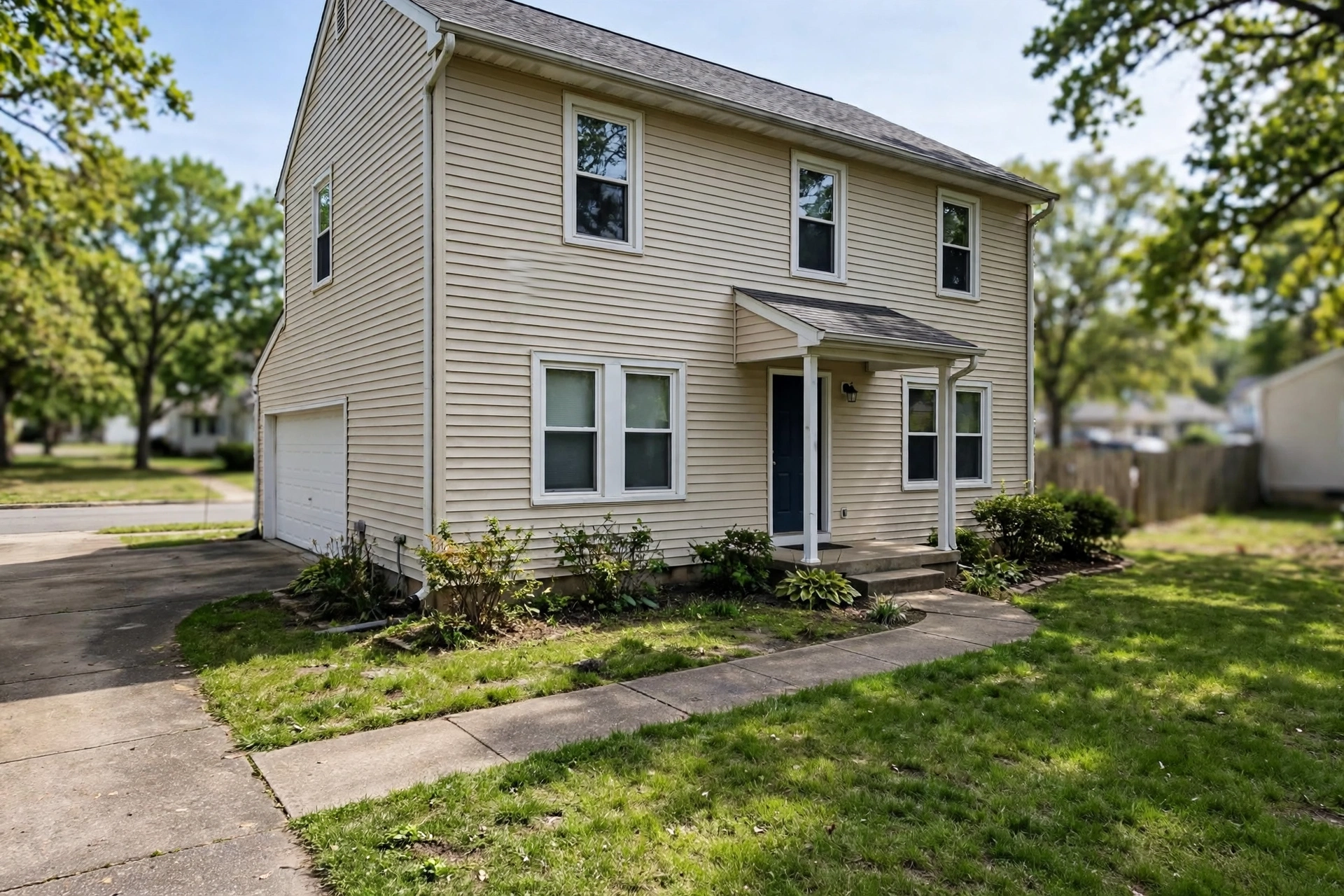
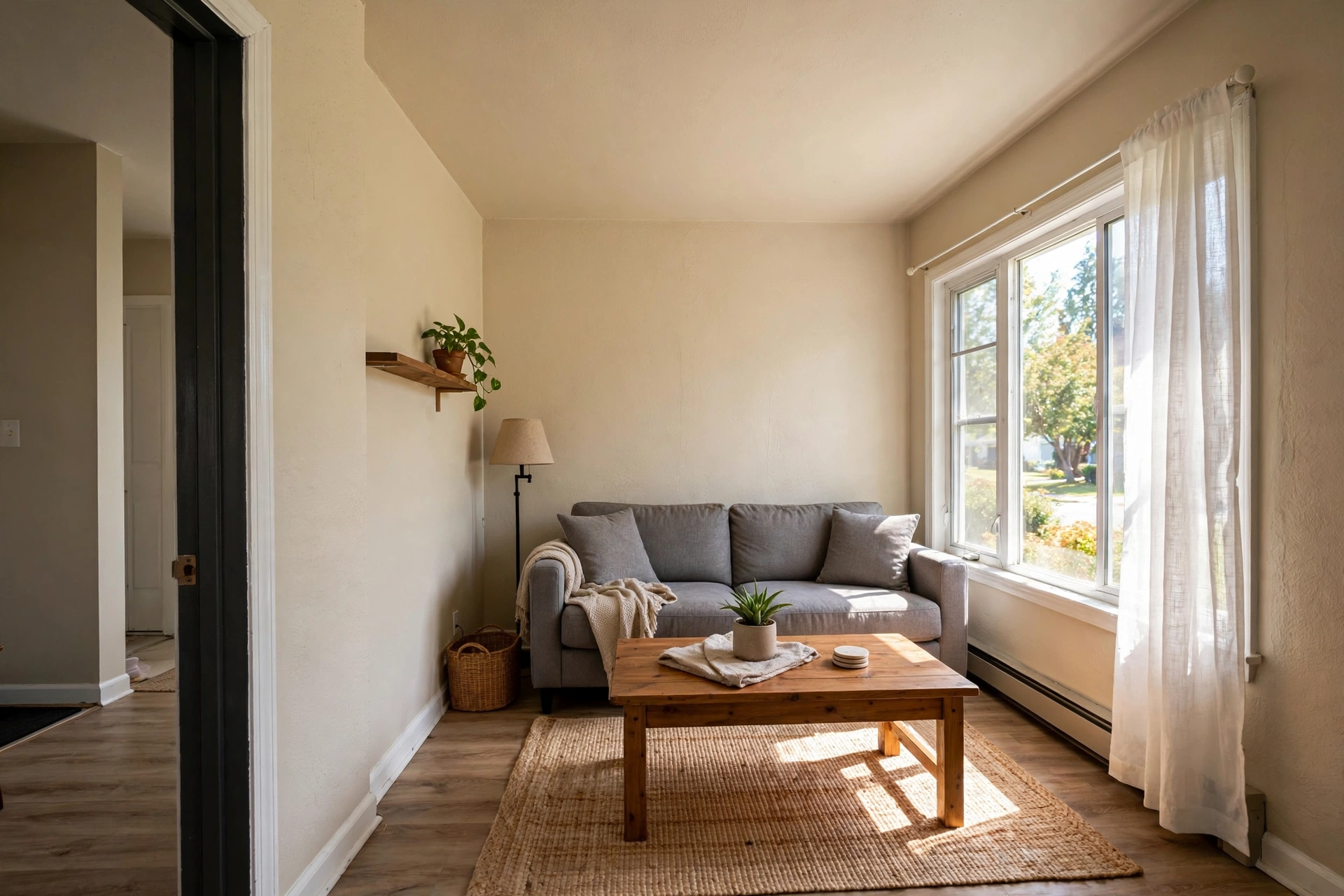
Start with the space that best proves the home’s condition, not the easiest photo to take. For many sellers, that means the living room, kitchen, or primary bedroom if it shows real light, clean finishes, and usable space. If the outside has strong curb appeal, use one exterior shot first, but avoid making the first images dark, crooked, or too far away. Buyers often decide whether to keep scrolling in seconds, so your first three photos should tell a simple story: where the home is, what the main rooms look like, and whether it feels cared for. Keep the angle level and shoot from chest height so the room looks natural. Open blinds, turn on lights, and remove trash cans, pet bowls, cords, and anything that makes the space feel temporary. If a room has a flaw you can’t hide, photograph it cleanly instead of trying to crop it out. Honest framing builds trust faster than a perfect-looking photo that surprises buyers later. That is especially important when you are trying to sell a home without a middleman and need messages from serious buyers, not people who feel misled.
Paste-ready listing kit for your post
- Title: Bright 3-Bed Home With Updated Kitchen
- Photo 1: Front exterior in daylight with the whole house visible
- Photo 2: Kitchen wide shot showing counters, cabinets, and appliances
- Photo 3: Primary bedroom with bed made and windows open
- Photo 4: Backyard, patio, garage, or another useful outdoor space
- Editable description sentence: “Well-kept home with a clean layout, visible natural light, and clear photos of the main rooms, so buyers can see the condition before they visit.”
Use that structure as a draft, then replace every broad phrase with a real detail from the house. If the kitchen has butcher block counters, say that. If the backyard is small but private, say that. Specifics are better than hype because buyers can compare them to similar local listings and decide whether your price makes sense. When you write your own version, keep each sentence simple enough that someone skimming on a phone can still understand the home. If you need more formatting ideas, free listing assistant can help you think through what a buyer expects to see in a strong local post.
A photo checklist that keeps you from missing the essentials
- Take one exterior shot from the street or driveway.
- Photograph every major room, even if one is small.
- Include kitchens, baths, storage, laundry, and outdoor space.
- Show upgrades close enough to verify them, like flooring or fixtures.
- Remove personal items, clutter, and anything with sensitive information.
- Use the same light level as much as possible across rooms.
- Retake any image that is blurry, tilted, or too dark.
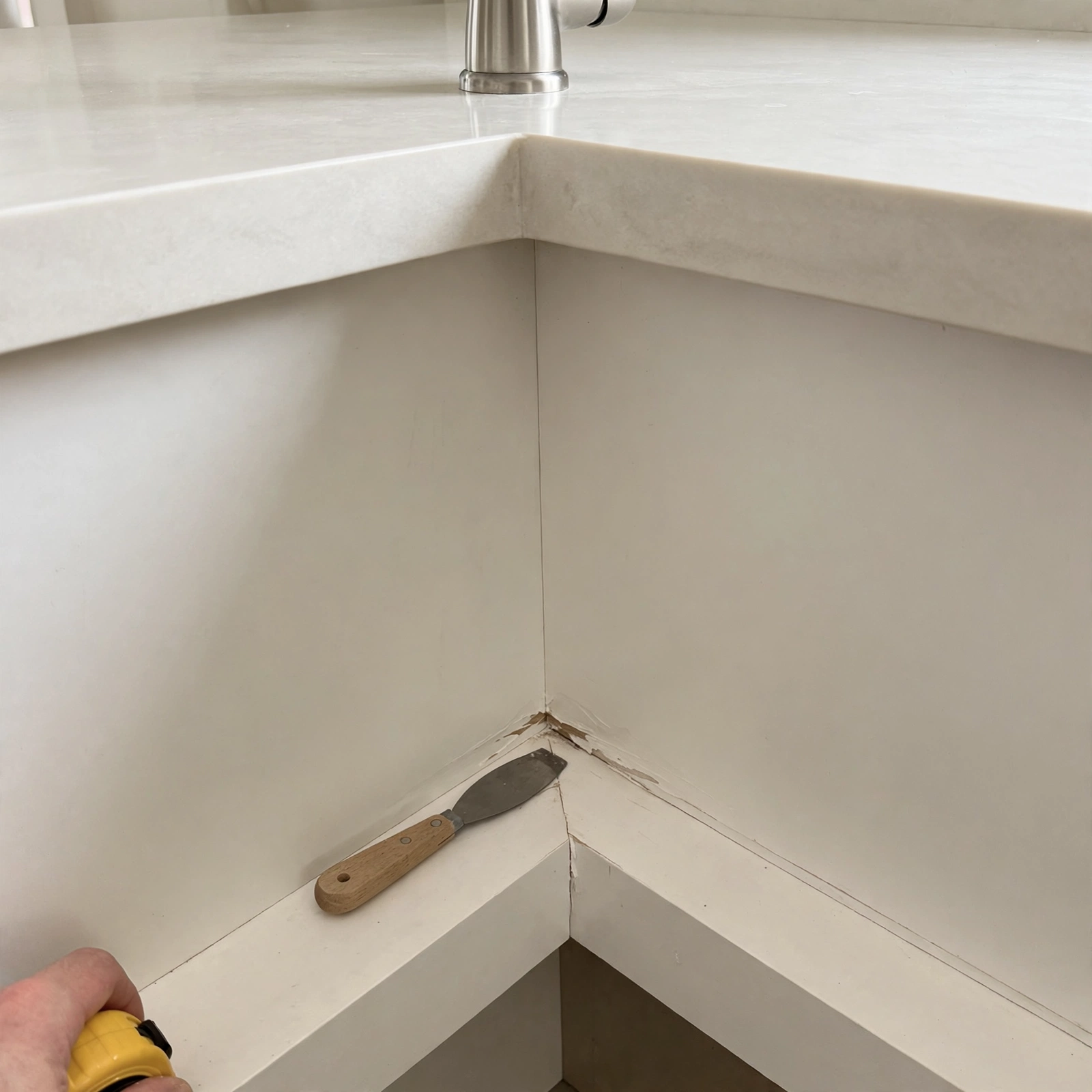
The common mistake is uploading only the best-looking areas and leaving out the spaces buyers will ask about anyway. If a room is unfinished, show it after a quick cleanup and say exactly what still needs work. A buyer who sees the issue early is more likely to keep reading. Also, avoid mixing wide shots and extreme close-ups without context. A close-up of a countertop edge is useful only after a wider photo shows the room it belongs to. Before you publish, compare the set to other local home listings and ask whether your photos explain the layout clearly enough for a first-time visitor. For a quick reminder while you post, Marketplace Photos: The Picture Checklist for Faster Messages can reinforce the parts of a listing that make buyers trust what they see.
Write the description so photos and words match
Your description should match the photos, not repeat them. If the photos show a tiled kitchen, say what stands out about it: open layout, natural light, recent cleanup, or visible storage. If the photos show a smaller bedroom, be direct about use instead of exaggerating size. Buyers get frustrated when words promise “spacious” but the photos suggest tight rooms, so keep the language factual and visual. Mention what can be verified from the listing itself: number of bedrooms, a finished basement, a fenced yard, a garage, or an updated bath. Leave out vague marketing phrases unless you can point to the proof in the photos. If you are not sure how to price the home, check comparable local listings with similar size, beds, baths, lot size, and condition, then see which homes look like yours in both photo quality and description. That helps you avoid overpricing a property that appears dated or under-capturing value in a home that has clear updates. Clear writing paired with clear photos usually gets better questions because buyers know what they are looking at before they contact you.
Avoid the mistakes that make buyers scroll past
The biggest photo mistakes are easy to fix but hard to recover from later. Don’t post dark photos taken at night unless the home truly shows well that way. Don’t shoot with a wide-angle filter that makes rooms look larger than they are. Don’t leave toilet seats up, mirrors dirty, beds unmade, or pets in the frame. Don’t hide important parts of the home, like a small yard, an older roofline, or a narrow driveway, because buyers will notice missing angles. Another mistake is uploading 30 similar photos of the same room while skipping the second bathroom or storage area. That makes the listing feel incomplete. One more: don’t let every image look edited differently, since mismatched color can make the home feel less trustworthy. Keep the look simple and consistent. If you need to show a repair, photograph the issue cleanly and explain it in one plain sentence. Buyers often respond better to a forthright post than to a polished one that leaves them guessing. In a direct-contact marketplace, that honesty can save you time by filtering out the wrong leads early.
Before you publish, confirm the details and package the post
Do one final pass before you publish: check the address or location field, count the rooms shown, confirm the order of the photos, and make sure the description matches the images. If you mention upgrades, verify that the photos actually show them. If you mention a city-specific rule, age requirement, or disclosure issue, confirm it with your city or state instead of guessing. Brixaz is free to post and lets buyers contact sellers directly, which makes accuracy even more important because there is no extra layer to smooth over mistakes. Your goal is to give a buyer enough confidence to ask a focused question, not to create mystery. A simple structure works best: a clear first photo, a handful of honest room shots, one short description that names the real features, and a price based on comparable local homes. When the photos, text, and details match, your post feels easier to trust and easier to act on. That is usually what turns a casual browser into a serious conversation.
Related guide: House for Sale Listing Photos: A Buyer-Trust Guide
Frequently Asked Questions
What are the best house for sale listing photos?
The best photos are the ones that show the home’s condition and layout clearly: exterior, living room, kitchen, bedrooms, bathrooms, storage, and any outdoor space. Use daylight, keep the camera level, and make sure each image answers a simple buyer question. If a room matters to the sale, show it. If it has a flaw, show it cleanly instead of hiding it.
How many photos should I post for a house for sale?
Post enough photos to show every major area buyers will expect to see, plus any upgrade that affects value. A complete set usually means more than just the front of the house and one interior shot. The goal is not volume for its own sake; it is coverage. If a space is important, include it. If two photos look almost the same, keep the better one.
How do I price a house from my listing photos?
Use the photos to judge condition, then compare your home to similar local listings with the same general size, bed and bath count, lot type, and level of finish. A house that looks updated can be compared to other updated homes; a dated house should not be priced like a remodeled one. Check nearby active listings and recent sold homes to see what your photos actually match.
Should I include repairs in house for sale listing photos?
Yes, if the repair affects what a buyer will see or ask about. Showing the issue clearly can prevent surprises and save time with unqualified leads. Pair the photo with a short, factual explanation. The point is not to apologize; it is to be specific. Buyers often trust a listing more when the photos and words acknowledge visible conditions upfront.
How do I make a home sale listing checklist?
Start with the spaces a buyer must see: exterior, kitchen, living area, each bedroom, each bath, storage, laundry, garage, and yard. Then add a quick cleanup step, a lighting check, and a final review for blurry or duplicate images. Compare your set to similar local listings and ask whether your checklist shows the whole home clearly enough for a first message.

Comments
Loading comments...
Checking sign-in status...