
Free Stuff Near Me: How to Find It Fast
A practical guide to finding free local items today, reading listings fast, and using Brixaz to contact the poster directly.
ARTICLE LANGUAGE
Showing original language
Free stuff near me usually means local giveaways you can claim quickly if you sort by newest, read the pickup details, and message right away. On Brixaz, start with Brixaz free stuff listings and look for listings that say where and when pickup happens.
This guide shows you how to find a real free item today, what to ask before you drive, and how to avoid wasted trips. Brixaz is free to post, uses direct buyer-seller contact, and is still growing, so the fastest wins come from clear listings and quick replies.
What to scan first in a free listing
Open each listing and check the first three facts: what the item is, where pickup happens, and when it must go. A useful free listing should name the item clearly, show a real photo, and say whether it is curbside, porch pickup, or handoff in person. If those details are missing, you may be guessing. A common mistake is to focus on the title only and miss the condition note, such as “needs cleaning,” “missing hardware,” or “must load yourself.” That matters more than the word free. Example: a couch with a close photo, pickup after 5 p.m., and “bring two people” is more actionable than a vague “living room set.” If you are searching in Brixaz, prioritize posts that describe the item size and pickup timing in one sentence. That saves you from sending extra messages and helps you move before someone else claims it.
A simple checklist before you reply
| Check | Why it matters |
|---|---|
| Item name | Confirms it is actually what you need |
| Condition note | Shows repair, cleaning, or missing parts |
| Pickup method | Tells you if you need help carrying |
| Pickup window | Helps you act before it is gone |
| Location detail | Prevents a wasted trip |
Use this checklist every time before you message. If any row is unclear, ask one short question instead of sending a long paragraph. For example: “Is the chair still available, and is pickup today only?” That is easier for the poster to answer than a general “Is this free?” Another mistake is contacting a listing without saying when you can arrive. Add a time you can actually make, such as “I can pick up between 6 and 7 tonight.” That gives the other person a real option. When you browse Brixaz, this checklist helps you move fast without sounding pushy. It also reduces no-shows, which are the main reason free items get relisted or handed to someone else.
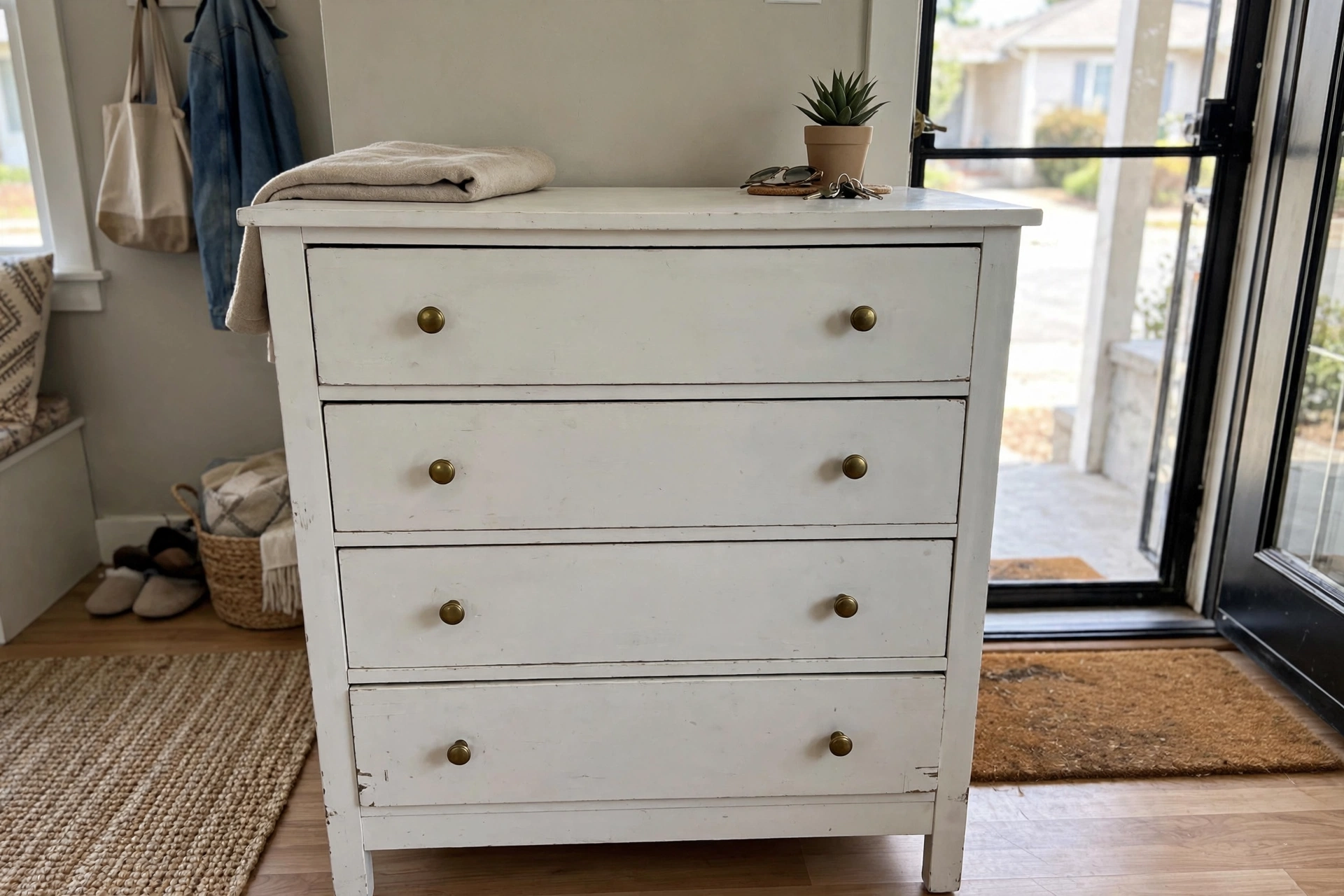
Paste-ready listing kit for same-day pickup
- Title: Free white wood dresser, porch pickup today
- Photo 1: front view of the full dresser in the room
- Photo 2: top drawer open to show inside condition
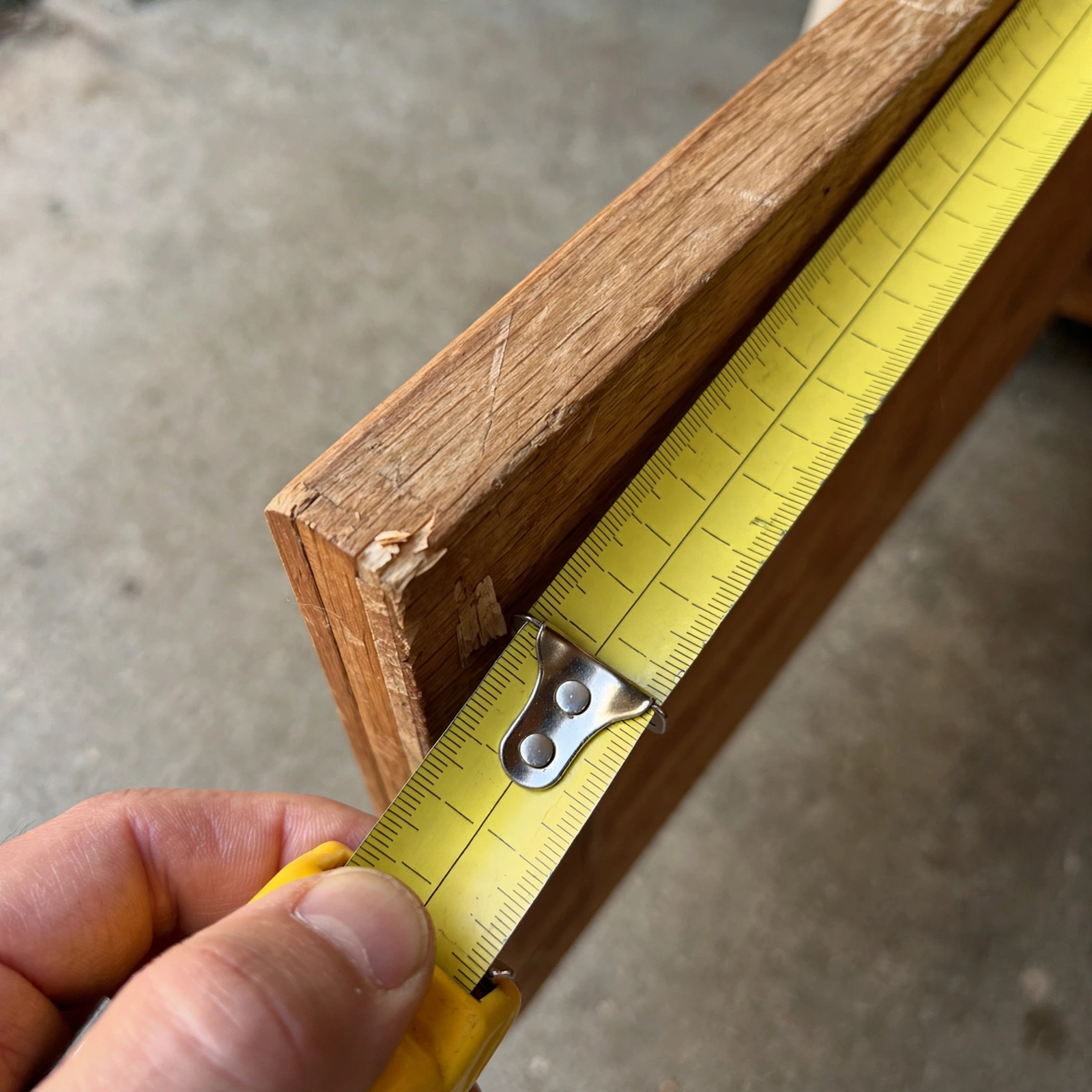
- Photo 3: close-up of any scratch, chip, or missing knob
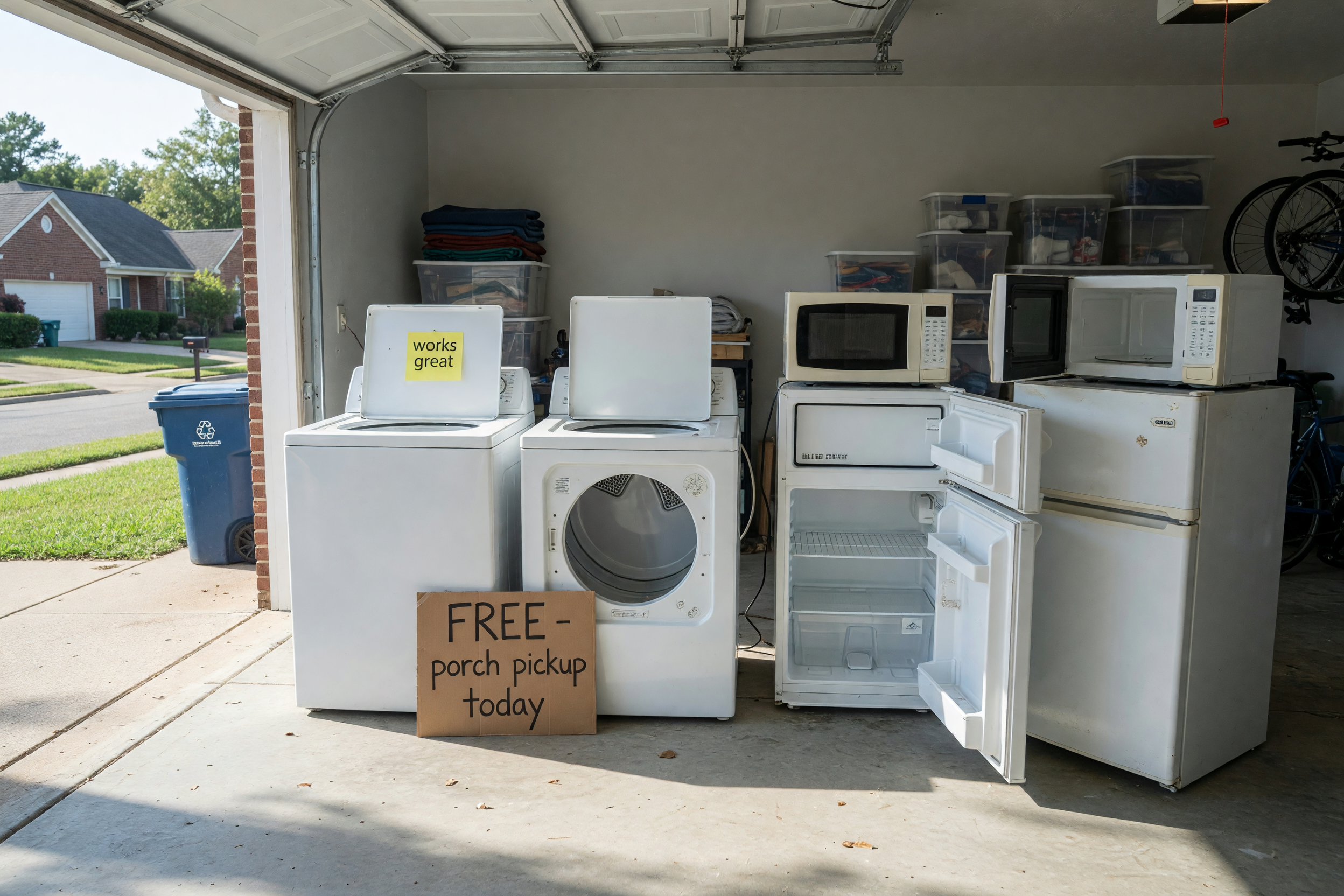
- Photo 4: the item staged near the door or garage for pickup
- Description sentence: “Free white wood dresser, solid but used, porch pickup today, message with your pickup time.”
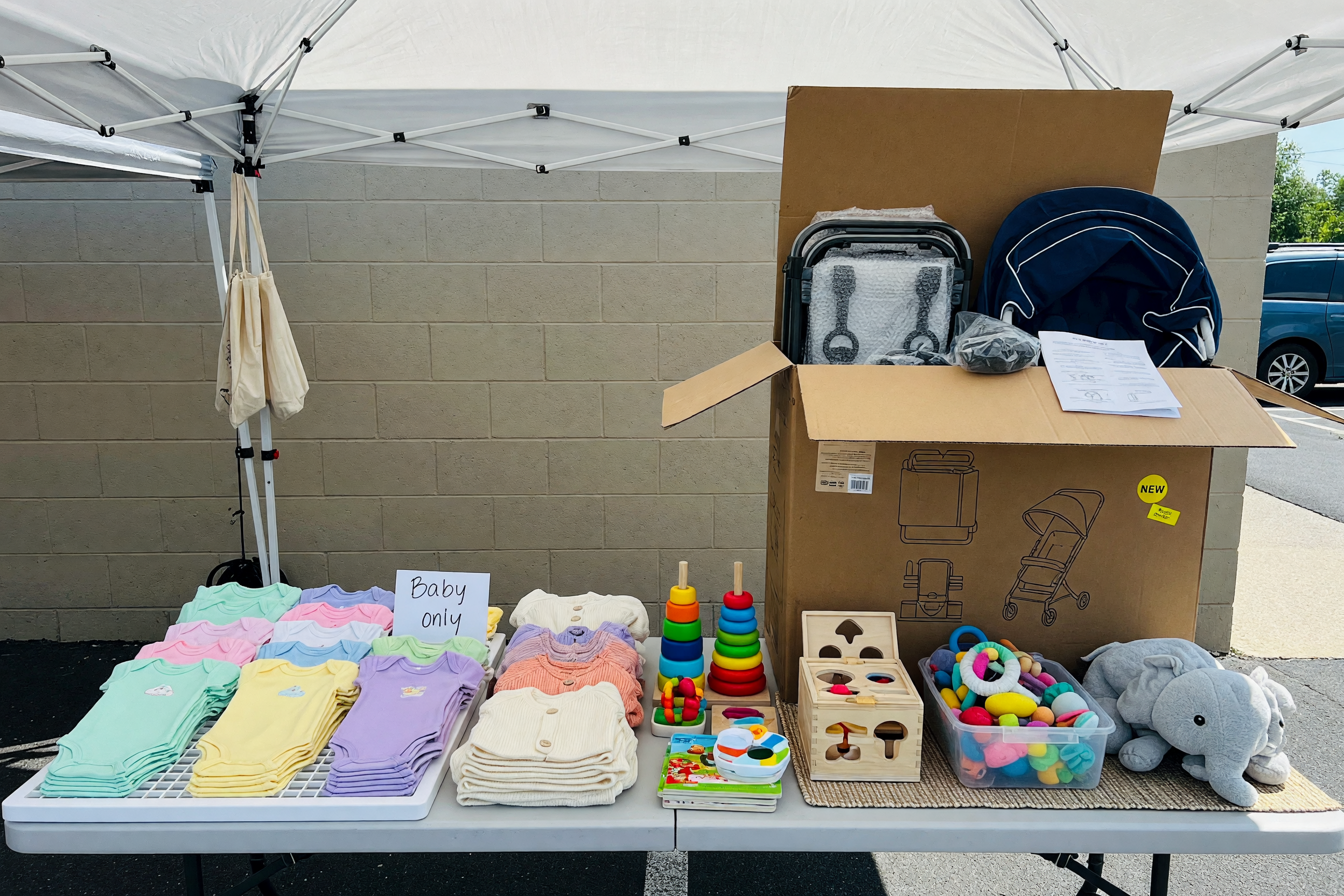
This kit is designed to help someone decide fast. Keep the title under 70 characters and put the most useful facts first: item type, color or material, and pickup timing. The four photos should answer the questions a buyer would ask in order: what is it, what condition is it in, what flaw should I expect, and how easy is pickup? If you are posting a different item, swap in your own details but keep the structure. For example, a free stroller should show the whole stroller, folded view, wheel wear, and the pickup spot. If you want to give away items fast, avoid blurry wide shots and do not hide damage. Clear photos are better than perfect styling. free listing assistant can be used in the message when you want to point someone straight to the giveaway, and Curb Alert: Give Away Furniture the Same Day helps if you are sharing a second item in the same thread.
How to message without getting skipped
When you find a good post, send one short message that answers three things: you can pick up, you understand the condition, and you can arrive soon. Example: “Hi, I can pick up the lamp today after 4 p.m. I saw it is curbside and used. Is it still available?” That works better than “Interested” because it shows intent. If the item requires loading, say you can bring help. If you need directions, ask for the exact pickup spot only after you are chosen. A common mistake is asking ten questions before saying when you can come. The poster may stop replying if the message feels like work. On Brixaz, direct contact makes speed matter, so keep your first note short and useful. If the listing mentions a curb alert pickup window, respect it and arrive inside that window. If you cannot make it, say so quickly so the poster can move to the next person.
Avoid the most common free-item mistakes
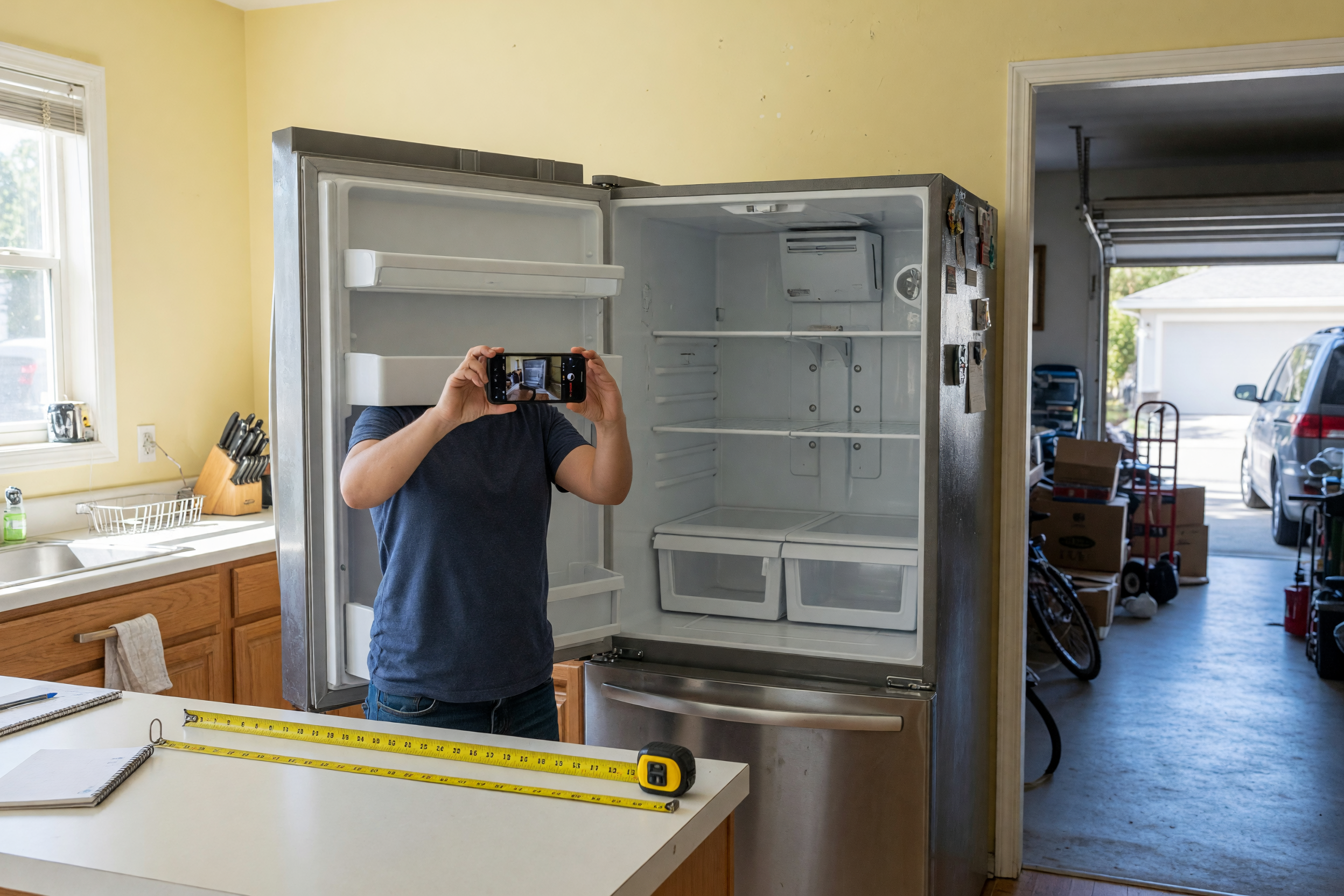
The biggest mistake is treating every free listing like a guaranteed hold. It is not. Free items often go to the first reliable person who can pick up on time. Another mistake is ignoring size. A lamp, chair, and dresser all say “free,” but they need very different vehicles and lifting help. Measure your car space before you leave. Also, do not assume “porch pickup” means no contact; some posters still want a heads-up. Finally, never bring cash expectations into a free exchange unless the listing clearly says otherwise. If you are trying to find free stuff near me, keep your search flexible and your reply fast. Brixaz works best when the listing is clear, the buyer is ready, and both sides know the pickup plan. If anything seems vague, move to the next post instead of hoping it will work out later.
What to do after you claim an item
Once a poster agrees, confirm the pickup time in one line and save the message. Then prepare the right vehicle, tools, or helper before you leave. A chair may fit in a sedan; a dresser may need blankets, straps, or two people. Bring gloves for rough edges and a flashlight if the pickup is near dusk. If the item is outdoors, check photos again so you can spot the same item quickly. A useful habit is to arrive a few minutes early, not much earlier, so you do not pressure the seller. If your plans change, send a quick update rather than disappearing. That keeps the exchange smooth and makes you more likely to be chosen next time. For local giveaways, reliability matters as much as speed. If you stay organized, you will waste less gas and find better items with less stress.
Frequently Asked Questions
How do I find free stuff near me fast?
Sort local free listings by newest, then open the posts with real photos, a clear pickup time, and an exact item name. Message the ones you can pick up right away. The fastest wins usually go to people who reply with a specific arrival window instead of a vague “interested.”
What should I ask before I pick up a free item?
Ask whether it is still available, where pickup happens, and whether you need to bring help or tools. If the listing mentions damage or missing parts, confirm those details too. Keep it short so the poster can answer quickly. One good message is usually better than a long list of questions.
How do I post free stuff near me and get replies?
Use a clear title, add four useful photos, and state the pickup timing in the first sentence of your description. Say whether it is porch pickup, curbside, or handoff in person. People reply faster when they can see the item, understand the condition, and know exactly when they can get it.
Is it okay to ask for a pickup window on free listings?
Yes. A pickup window helps both sides avoid missed connections, especially for items left outside or posted for same-day pickup. Ask politely and keep it specific, like “Can I pick up between 5 and 6?” That makes it easier for the poster to choose you over someone who is less prepared.
What is the best way to avoid wasting a trip?
Read the full post, check the photos, and confirm the pickup plan before you leave. If the item is large, measure your space and plan for loading help. A quick confirmation message saves gas and time. If the details are vague, it is often better to move on to another listing.

Comments
Loading comments...
Checking sign-in status...