
Finish Your Brixaz Listing and Get It Live Faster
If your Brixaz form is open but the listing is not live yet, this guide shows how to finish the listing you started, tighten the details, and publish with more confidence.

ARTICLE LANGUAGE
Showing original language
If you can post today, start on conversion and keep the listing specific enough that a local buyer can decide fast.
Use why early listings matter if you want the no-fee, direct-contact trade-off in plain words.
Start by finding the strongest version of the item
Before you touch the form again, decide what you are really selling. A strong listing begins with one clear item, one clear condition, and one clear outcome for the buyer. If your draft has too many side notes, cut them away first. The easiest way to finish the listing is to think like a buyer who found your post in a search feed: what would help them decide in five seconds? Name the item plainly, note the brand or type if it matters, and choose the most accurate condition you can defend. If the listing is for a used item, do not over-polish the language. Honest, direct wording usually converts better than vague praise.
Use the draft as a container, not a script. If the original title or notes feel messy, rewrite from scratch inside the form instead of trying to rescue every sentence. That makes it easier to move from form open no listing to a clean draft ready to publish. You are not trying to impress everyone. You are trying to make the post easy to understand, easy to trust, and easy to act on.
Write a title that matches real buyer searches
Your title should do one job: help the right buyer recognize the item immediately. Keep it short, literal, and searchable. Start with the item name, then add the detail people care about most, such as size, model, color, or condition. If you sell a used item, a title that sounds like a category plus a real descriptor usually performs better than a clever phrase. The buyer should not need to decode what you meant. They should be able to scan the title and know whether to open the post.
To finish listing faster, compare your title to the words a buyer would type into search. If your draft title is too broad, too emotional, or too long, trim it. Avoid packing in every feature. A title that is precise and human often wins because it matches intent. If you are working from a stalled draft, ask yourself whether the current title still represents the item after the latest edits. When the title is aligned, the rest of the form becomes much easier to complete.
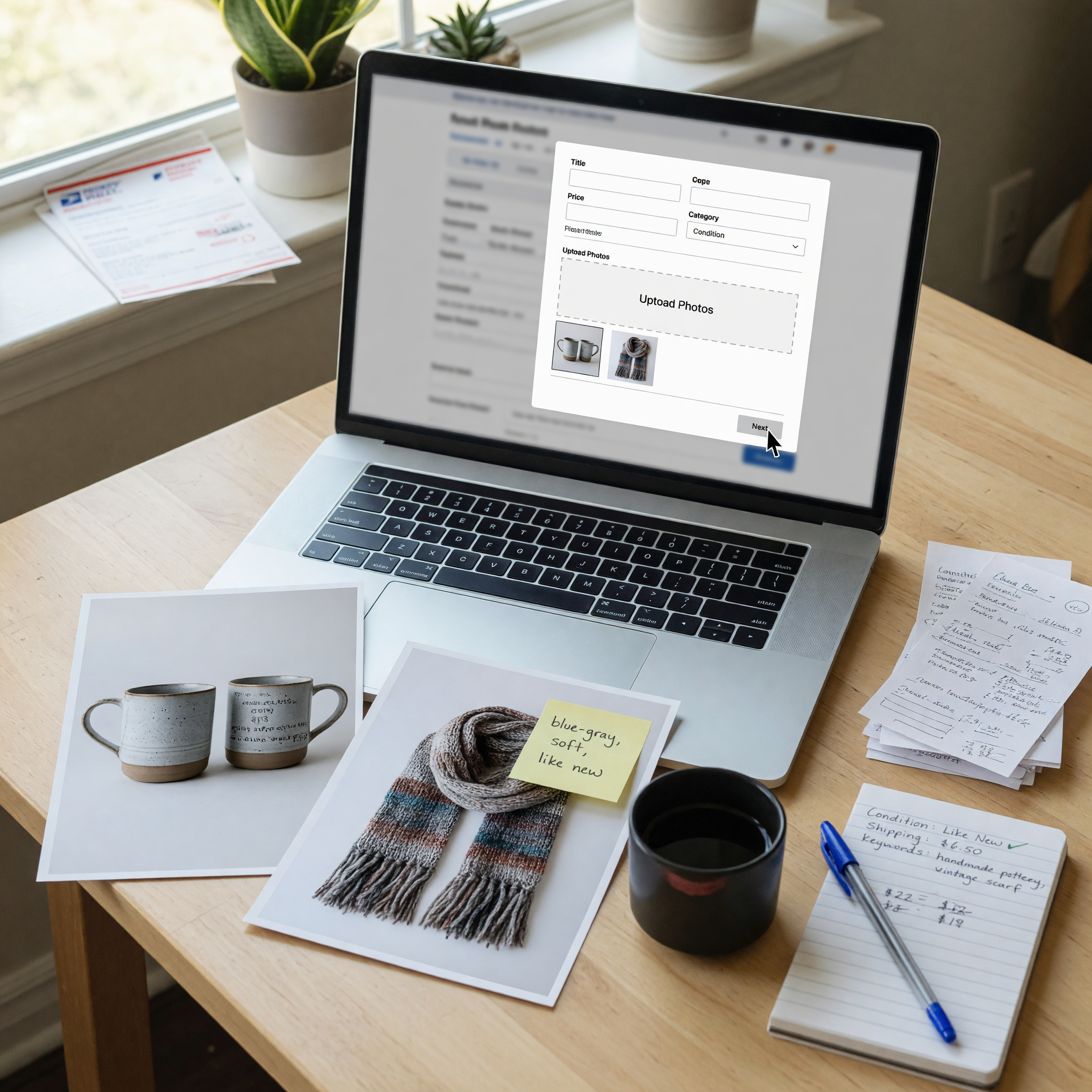
Use the description to remove doubt, not add noise
A good description answers questions before a buyer asks them. Focus on the details that reduce uncertainty: what it is, how it was used, what condition it is in, and what the buyer should expect when they get it. Keep the structure simple. Lead with the key facts, then add a short list of meaningful specifics, then close with any practical notes. The best descriptions for used items are usually the ones that feel straightforward and complete, not the ones that try too hard to sell.
If you feel stuck in the middle of the form, read the description out loud and remove anything that does not help a buyer decide. Replace filler with proof. For example, instead of saying something is great, explain why it is in good shape. Instead of saying it is barely used, say what use it had and what condition remains. This is how you move from a half-finished draft to a polished post. Buyers tend to trust listings that sound like a person wrote them carefully, not quickly. That trust can make the difference between a view and a message.
Choose photos that make the draft feel finished
Photos are often the final step that turns a draft into a real listing. If the listing feels unfinished, the photos may be the reason. Use clear images that show the item from the front, side, back, and any important detail such as wear, labels, or included accessories. Natural light helps, and so does a plain background. You do not need studio quality, but you do need enough clarity that a buyer can understand the item without guessing.
When a form open no listing issue happens, it is sometimes because the post looks incomplete from the start. Weak photos make that feeling worse. Make sure the first image is the strongest one and that the set tells a full story. If there is a scratch, stain, or flaw, include a photo of it. That honesty can save time later and filter out the wrong buyers. A finished-looking listing is not about perfect photos. It is about photos that answer the obvious questions fast and support the claims in your description.
Set price and pickup details buyers can trust
Price and logistics are where many drafts stall. If you are unsure about price, compare similar items in your area and choose a number that reflects condition, demand, and speed. A fair price helps your listing look active and realistic. Overpricing can keep a good item buried, while underpricing can make buyers suspicious. You want the price to feel intentional, not guessed. If negotiation is allowed, make that clear in a simple way so buyers know what to expect.
Pickup or delivery details matter just as much. Say where the item can be collected, when you are available, and whether the buyer needs to bring anything. If there are stairs, heavy lifting, or a narrow window for pickup, mention it. These small notes improve conversion because they prevent confusion. When a buyer sees a listing that already answers the practical questions, they are more likely to reply. Finishing the listing is not just about filling blanks. It is about removing friction so the next step feels easy.
Review the draft like a buyer before you publish
Before you submit, switch from seller mode to buyer mode. Read the title, description, photos, price, and pickup details in one pass. Ask whether the post feels complete without extra explanation. If a stranger landed on the listing right now, would they understand what it is and what to do next? If the answer is no, there is still one more edit to make. This final review is often what separates a rough draft from a live post that performs.
Look for missing facts, inconsistent wording, or anything that sounds uncertain. Remove repeated phrases and make sure the item name is the same everywhere. If you started with a messy draft and now have a cleaner version, save it and publish instead of waiting for perfect. Sellers often lose momentum by reopening the form too many times. A good finishing process is focused: check the essentials, confirm the details, and move on. That is how you finish the listing you started after list and manage Brixaz from your draft without letting it sit unfinished.
Use listing assistant when that is the next step.
Frequently asked questions
What does finish the listing mean on Brixaz?
It means completing the draft fields, checking the details, and publishing the post so buyers can actually see it.
Why does my form stay open with no listing showing?
Usually the draft still needs one or more required details, or the post has not been submitted all the way through.
How long should my Brixaz title be?
Short enough to scan quickly, but specific enough to identify the item, condition, or model at a glance.
What makes a used item listing more trustworthy?
Clear photos, honest condition notes, a fair price, and simple pickup details that remove uncertainty.
Should I rewrite a messy draft or keep editing it?
If the draft feels hard to fix, rewriting it cleanly is often faster and makes the listing easier for buyers to read.



Comments
Loading comments...
Checking sign-in status...