
Search Any US City or ZIP — and Housing Gets Its Own Home on Brixaz
Every US city and ZIP is now searchable with a radius in miles and a live cluster map — and housing gets its own hub with rent, sale, and wanted tabs.
ARTICLE LANGUAGE
Showing original language
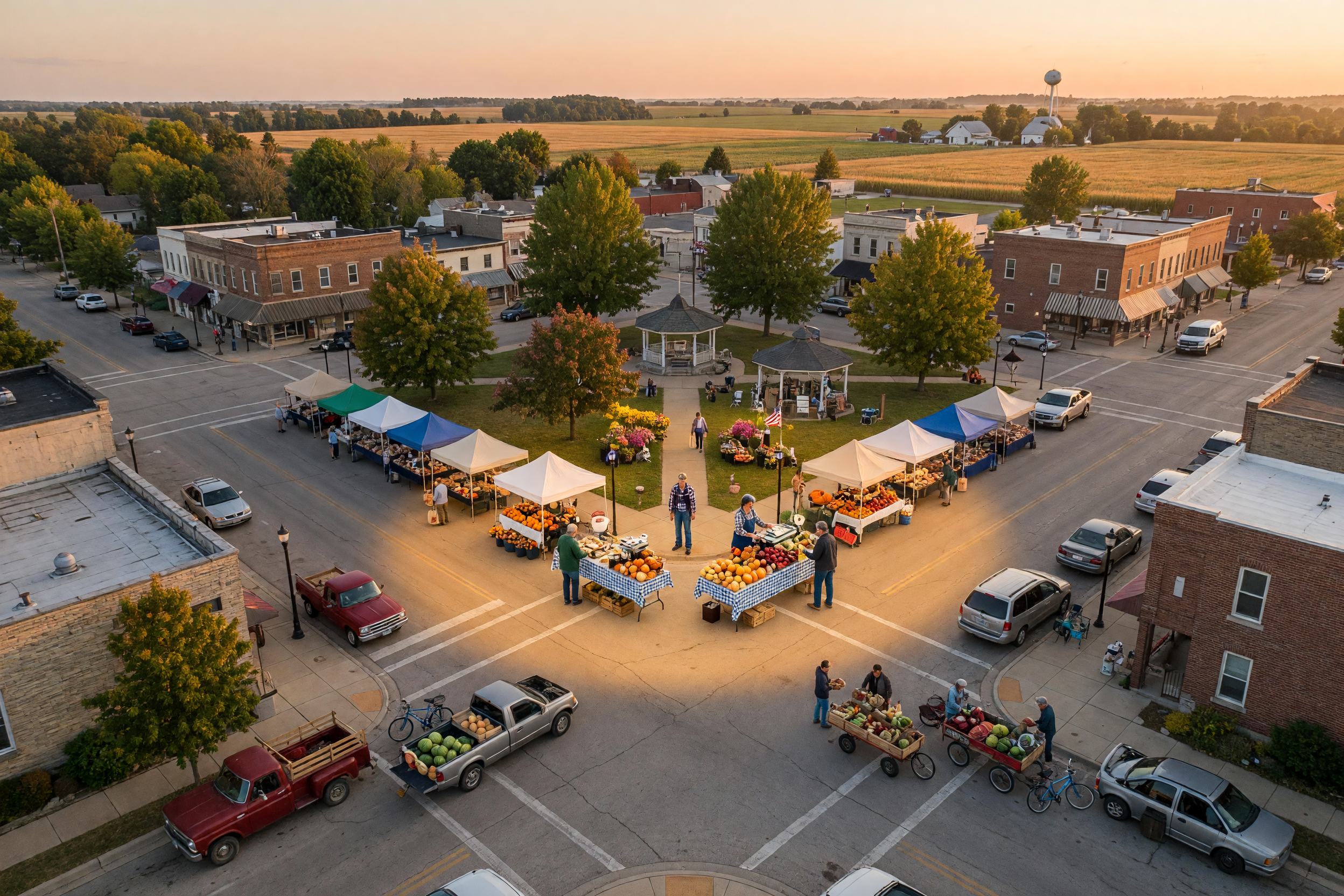
Until this week, browsing Brixaz meant picking from a list of a few hundred hub cities. Great if you live in Austin or Atlanta — less great if you live twenty minutes outside Abilene and the nearest "city" on the list was a hundred miles from your couch. That era is over. Brixaz search now understands every city, town, and ZIP code in the United States, lets you draw a radius in miles around any of them, and shows the results on a live map that clusters by area the way you would expect from a serious classifieds site.
And because the single biggest thing people search for locally is a place to live, housing is getting the same treatment: a dedicated Housing hub with its own tabs for rentals, sales, and wanted posts, live counts for every category, and the new map built right in.
Type any city or ZIP — not just the big metros
The location picker in the header and the search filters now runs on a full national geography: more than 40,000 ZIP codes and roughly 19,000 cities and towns, all searchable with instant suggestions. Type "79601" and you get Abilene, Texas. Type "Graham, TX" — population eight thousand and change — and you get Graham, Texas, even though it has never appeared on any hub-city list. Type "abliene" with the letters scrambled and the search quietly figures out what you meant.
Suggestions understand state qualifiers too. "Springfield MO" goes straight to the Missouri one, and typing a bare state name like "Texas" offers the whole state as a browse target. Cities that have full Brixaz hub pages still link to those hubs, with their neighborhood pages and category landings; every other town becomes a radius search automatically, so no pick ever leads to a dead end.
Pick a radius in miles and let the map work
Every location can now carry a radius: 5, 10, 25, 50, 100, or 250 miles. Choose "Austin + 50 miles" and results include Round Rock, San Marcos, Georgetown, and every seller-dropped pin inside the circle — sorted nearest-first by default, with the distance from your search center shown on the results. If a search comes up empty, one tap widens the circle to the next size up instead of leaving you at a zero-results wall.
The map view got the biggest visual upgrade. Listings now cluster into count bubbles by area — glance at a region and see where the inventory actually is — and the bubbles split apart into individual pins as you zoom in. Your search radius draws as a circle on the map with its center marked, and the "search this area" button re-runs the search for wherever you have panned. It is the map experience buyers expect from the best classifieds sites, tuned for how Americans actually shop: by drive time, not by city-limit lines.
The "near me" button also got smarter. Instead of snapping you to the nearest big city, it now searches a real circle around where you are standing — which means the listings one town over finally show up, because your actual market has never respected municipal boundaries.
Save your market once, browse it forever
If you always shop the same area — and almost everyone does — you can now save it. In your profile there is a new "My market" card: pick any city, town, or ZIP, choose your radius in miles, and save. From then on the location picker in the header shows your market as a one-tap shortcut, right above your three most recent locations. Signed-in users can also tap the star next to any suggestion to make it their default on the spot.
It is a small thing that removes the most repeated step in local browsing. Set "79601 + 50 miles" once and every visit starts where your life actually happens.
Housing gets its own home
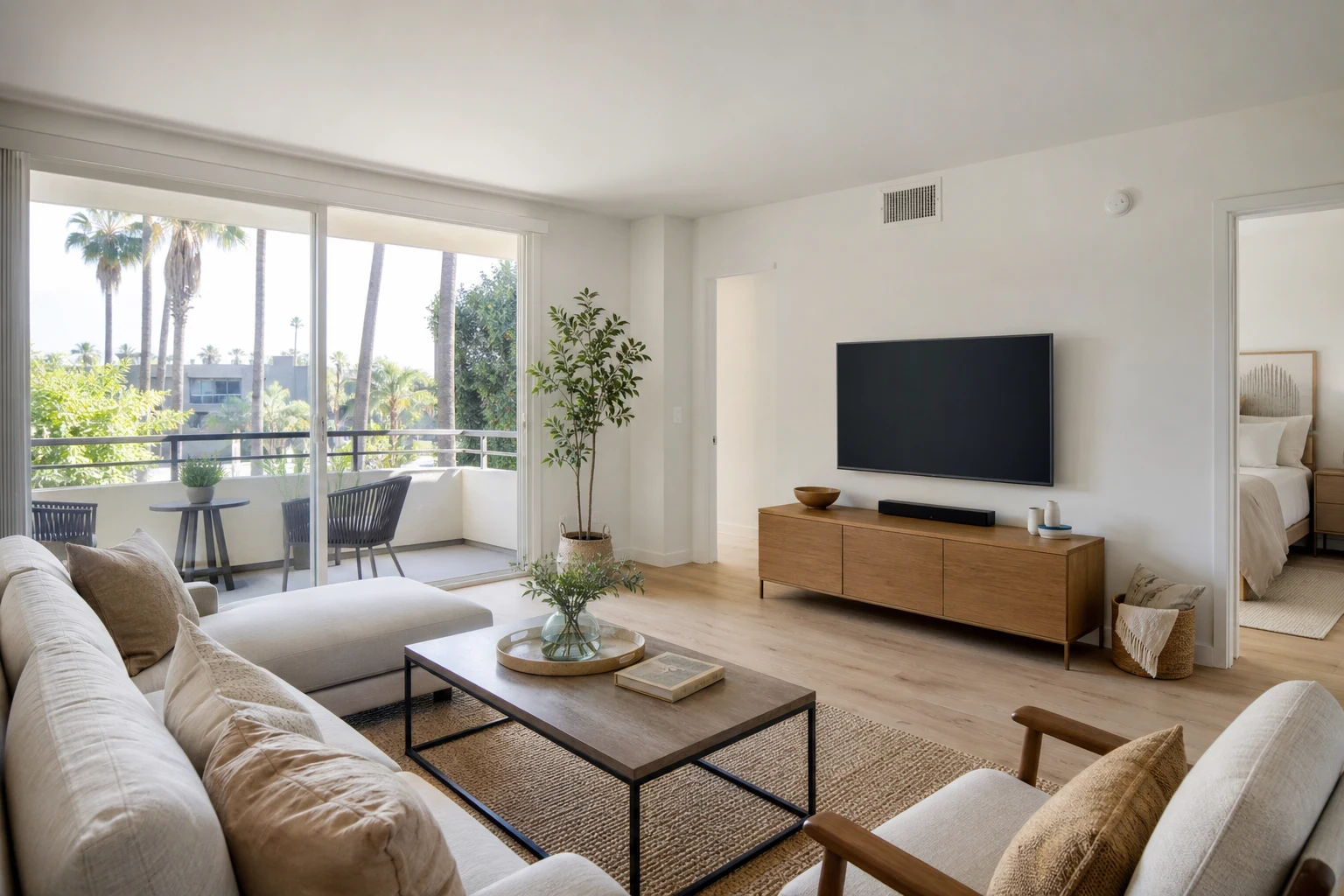
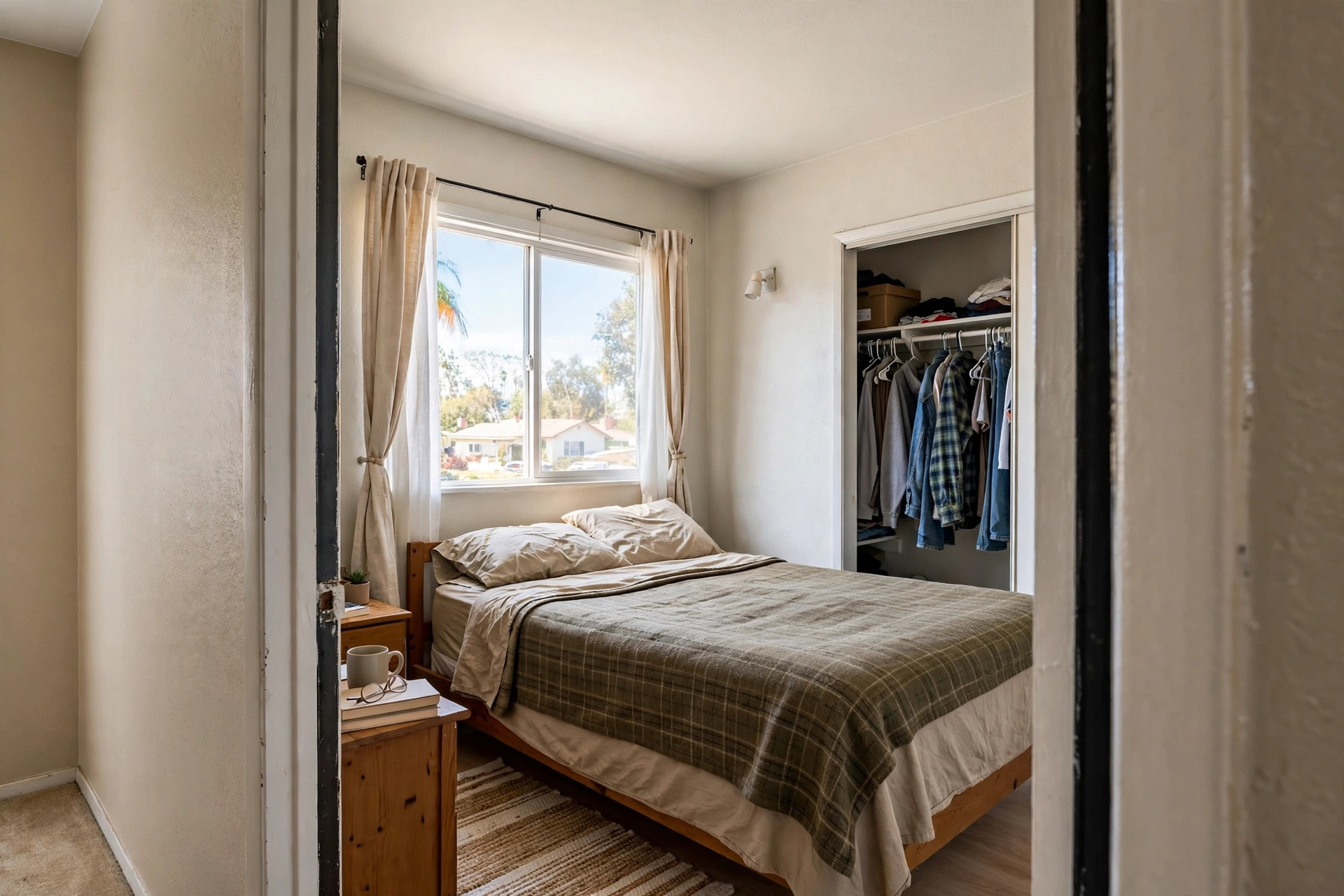
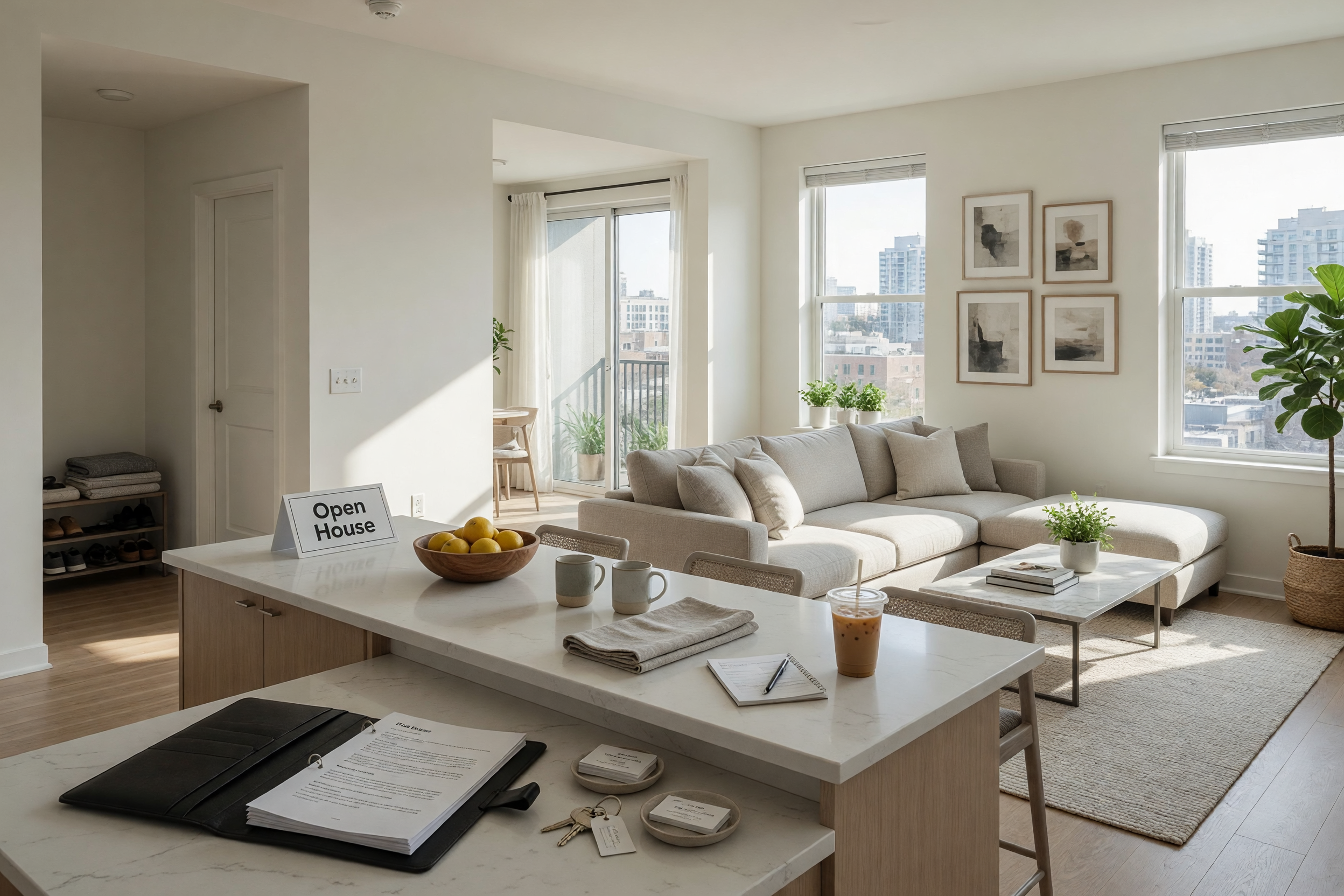
Housing has always been the heart of local classifieds — craigslist has organized it into rentals, real estate, rooms, sublets, and "wanted" posts for decades, because that is genuinely how people think about a roof. Brixaz now has that same front door: a dedicated Housing hub.
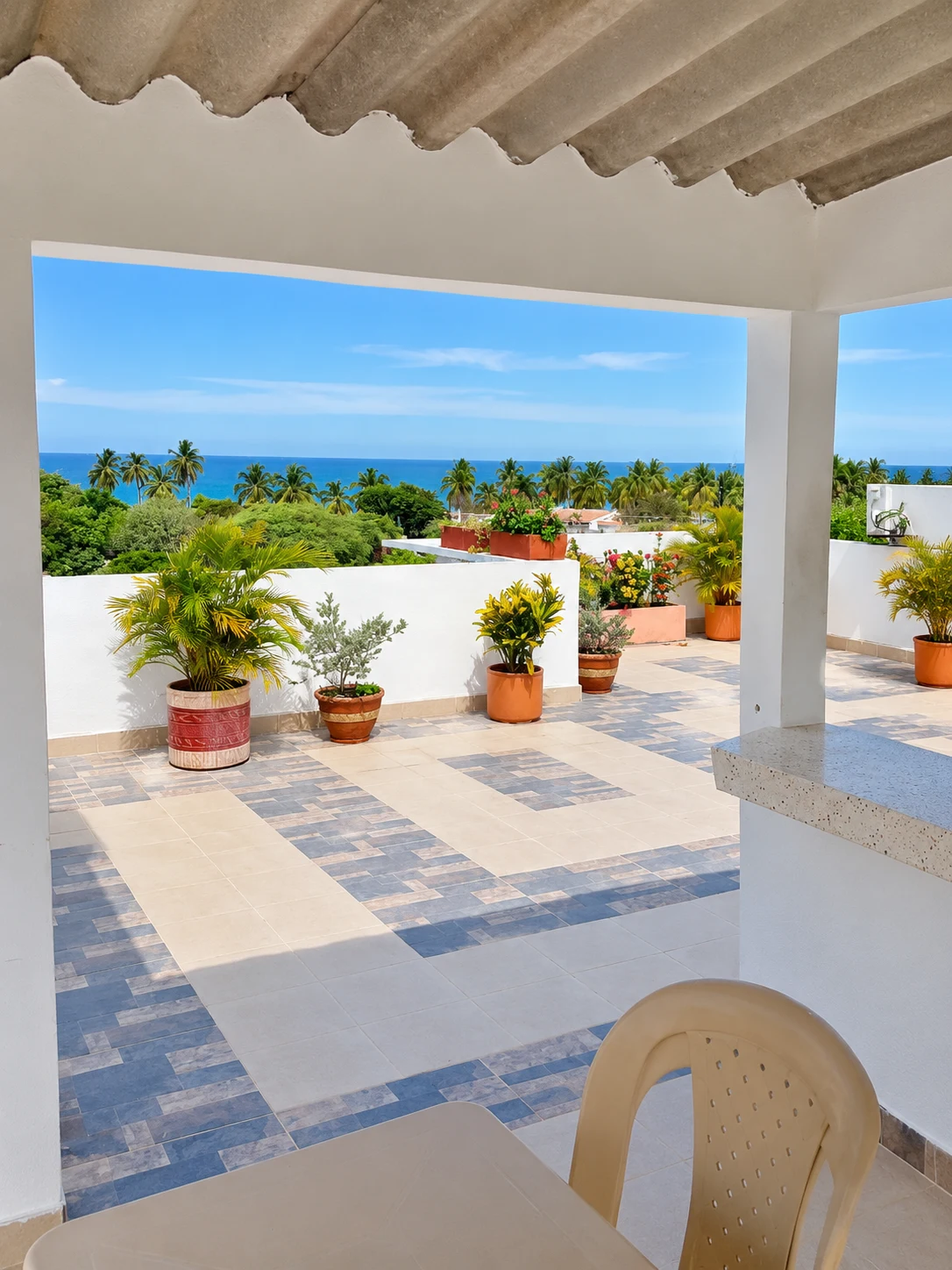
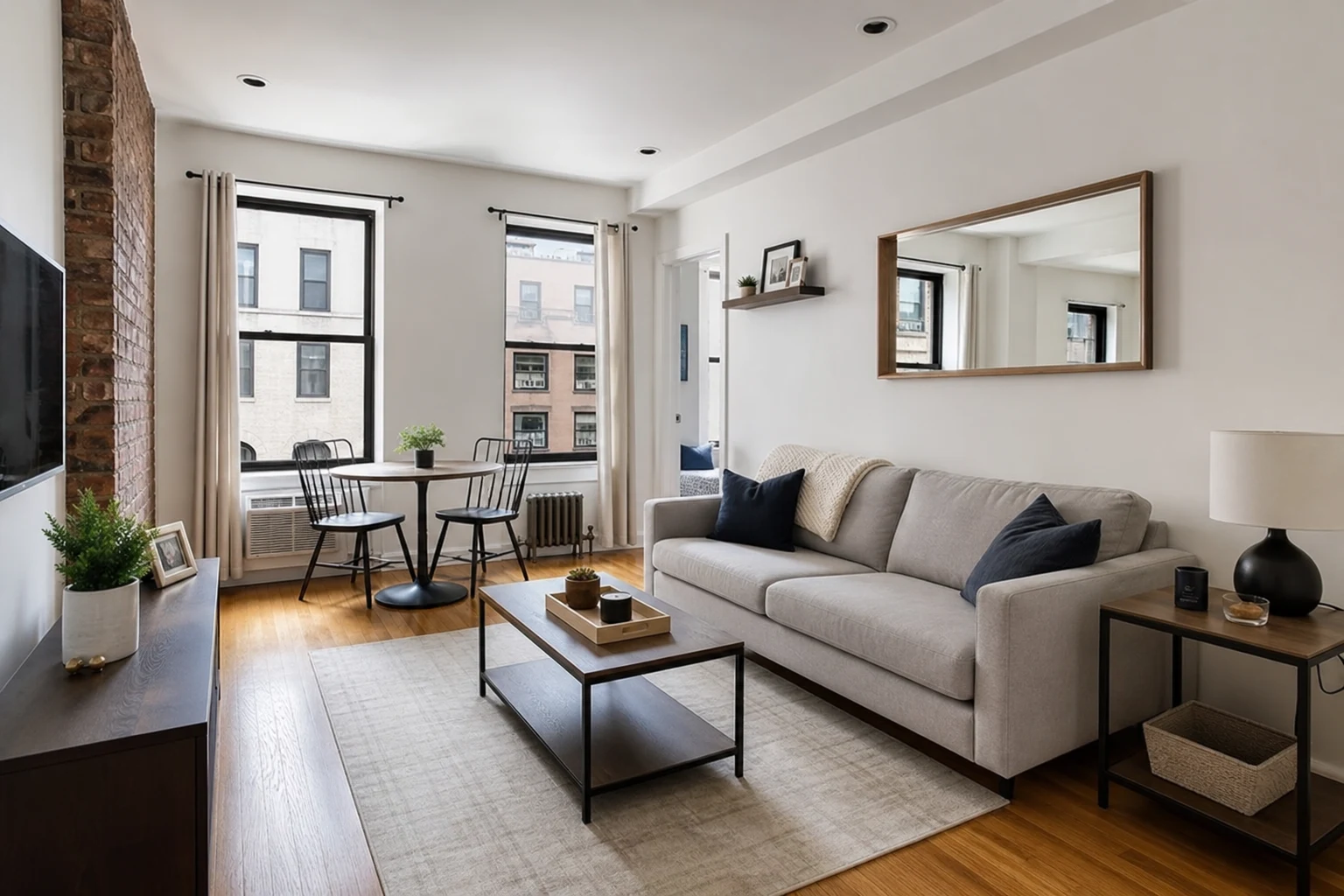
The hub opens with three tabs that match real intent: For rent, For sale, and Wanted — that last one collecting every "looking for a 2-bedroom", "need a room by the 1st", and "searching for monthly parking" post, because demand deserves a surface too. Under the tabs, every housing category shows a live count: apartments, houses, rooms and roommates, short-term and vacation rentals, offices and commercial, land, farms and ranches, cabins — and a brand-new category, Parking & Storage, for monthly parking spots, garages, and storage units, one of the busiest housing buckets on any classifieds site and now a first-class citizen on Brixaz.
The cluster map is embedded right on the hub, so you can see where rentals concentrate before you ever open a listing. And everything links into the full search experience — radius, price, bedrooms, photos — when you want to go deep. Listing your own place takes a couple of minutes with the posting form pre-filled for housing, and it is free, like everything on Brixaz.
Getting the most out of the new tools
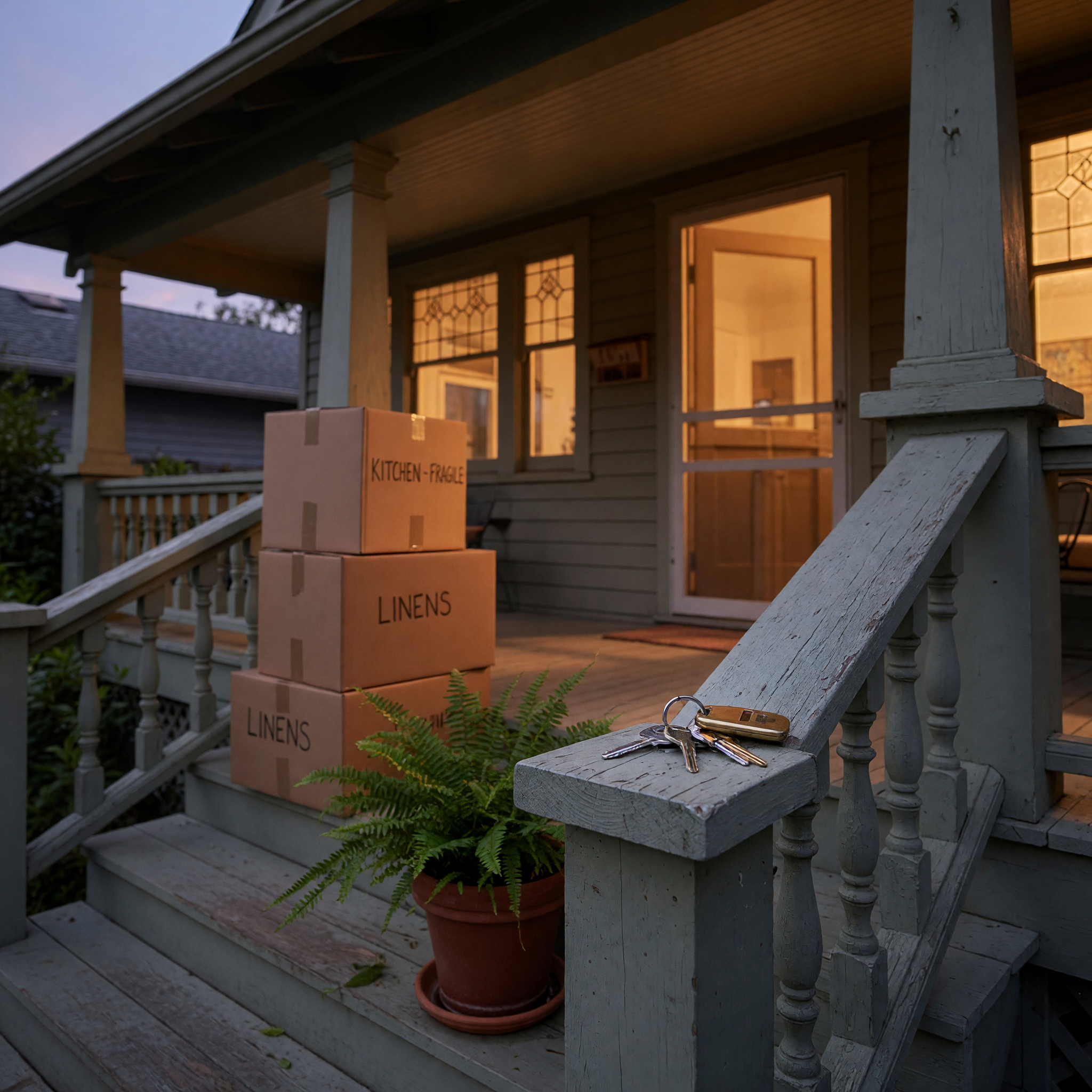
If you are hunting for a place: start from the Housing hub, pick your tab, then jump into the map with a radius that matches your commute tolerance. Sort stays nearest-first, so the top of the list is always the shortest drive. If your town is small, do not shrink the radius too far — a 25-mile circle around a rural ZIP routinely triples the inventory without meaningfully changing your life logistics.
If you have a place to fill: post it in the right category with real photos, an honest price, and the neighborhood named. Renters filter hard; a listing with photos and a precise location gets dramatically more contact. Deeded parking spot? Empty garage? That is a Parking & Storage listing now, and demand for monthly parking in dense neighborhoods is chronically underserved.
If you cannot find what you need: flip it around and post in Wanted — describe what you are looking for, your budget, and your timing, and let landlords and sellers come to you. It is the same direct-contact model as the rest of Brixaz: no fees, no middleman, just fresh local inventory and real neighbors. And if your move is producing a pile of things you no longer need, our Free Stuff section and the guide to selling used furniture fast will empty the garage before the truck arrives.
Frequently asked questions
Do I have to live in a big city to use Brixaz now?
No — that is exactly what changed. Search understands every US city, town, and ZIP code. Small towns become radius searches automatically, so you see everything within a drive you choose, not just listings that happen to share your town name.
How does the radius search decide what is inside the circle?
A listing counts if its city sits inside your radius or if the seller dropped a precise map pin inside it. Distances are measured from the center of the city or ZIP you picked, and results sort nearest-first so the closest options always lead.
Can I save my location so I do not have to set it every visit?
Yes. Open your profile and set "My market" — any location plus a radius in miles. The header location picker then offers it as a one-tap shortcut, and the star next to any suggestion saves a new default instantly.
What belongs in the new Parking & Storage category?
Monthly parking spots, driveways and garages for rent, storage units, basement or attic storage space, and RV or boat parking. If it is space someone can park in or stash things in, it belongs there — for rent or for sale.
What is the Wanted tab for?
Posts from people looking for housing rather than offering it: apartment hunters, roommates seeking rooms, families that need a rental by a specific date, drivers who need monthly parking. If you have what they describe, message them directly.
Does any of this cost anything?
No. Searching, posting, saving your market, and contacting other users are all free. Brixaz charges no listing fees and no commissions on housing or anything else.

Comments
Loading comments...
Checking sign-in status...