
Post Free Stuff on Brixaz: Photos, Curb Alert, and Pickup Timing
A strong free stuff listing on Brixaz is simple, specific, and easy to act on. Use clear photos, a curb alert style description, and a pickup window that fits real schedules so your item moves quickly.
ARTICLE LANGUAGE
Showing original language
If you can post today, start on free-stuff and keep the listing specific enough that a local buyer can decide fast.
Use why early listings matter if you want the no-fee, direct-contact trade-off in plain words.
Start with the right free item and a quick condition check
Before you write anything, decide whether the item is truly worth giving away. Free listings work best for things that are still useful, easy to carry, and simple to explain. Chairs, shelves, lamps, small appliances, boxes of books, and unopened household extras usually move faster than bulky or confusing items. If the item has missing parts, power issues, stains, or wear, say so early. A clear free stuff listing saves time because people who cannot use it will scroll past instead of sending questions.
Check the item from a pickup point of view. Can one person lift it? Does it fit in a car? Is it already outside, or will you need to move it? If the item is heavy, make that obvious in the first line so local responders know what they are taking on. A short condition check also helps you set expectations around urgency. If the item should leave today, say that. If it is only available after a certain hour, include that too. When the post reflects reality, you spend less time sorting through weak replies.
Take photos that answer the first three questions
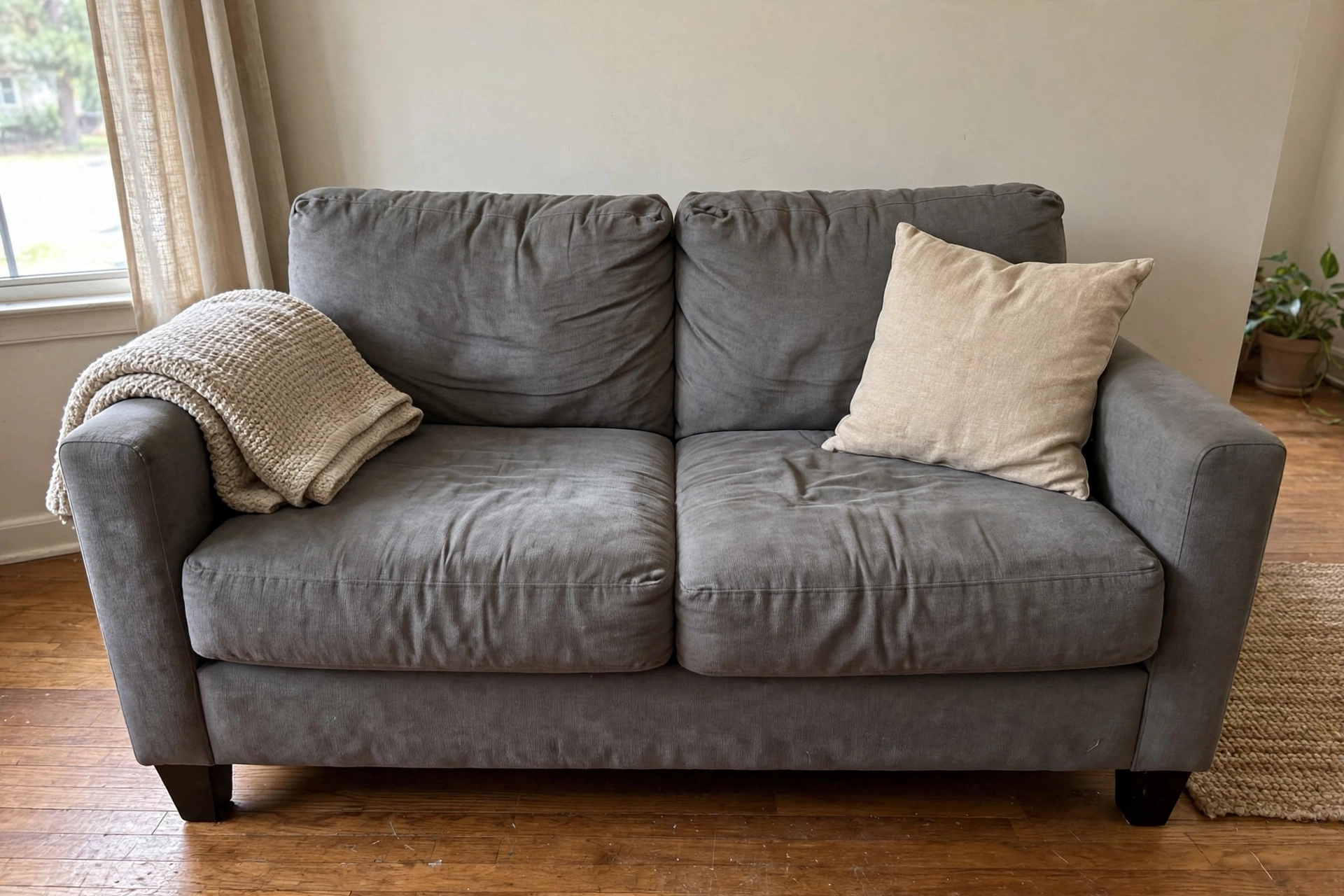
Good photos do more than show the item. They answer the first three questions every viewer has: what is it, what condition is it in, and how big is it? Use natural light if possible and take the photos from a few angles. One wide photo should show the full item, one close photo should show the surface or detail, and one photo should show any wear, damage, or missing parts. If you are giving away a set of items, include a photo that shows the group together so people know how much they are claiming.
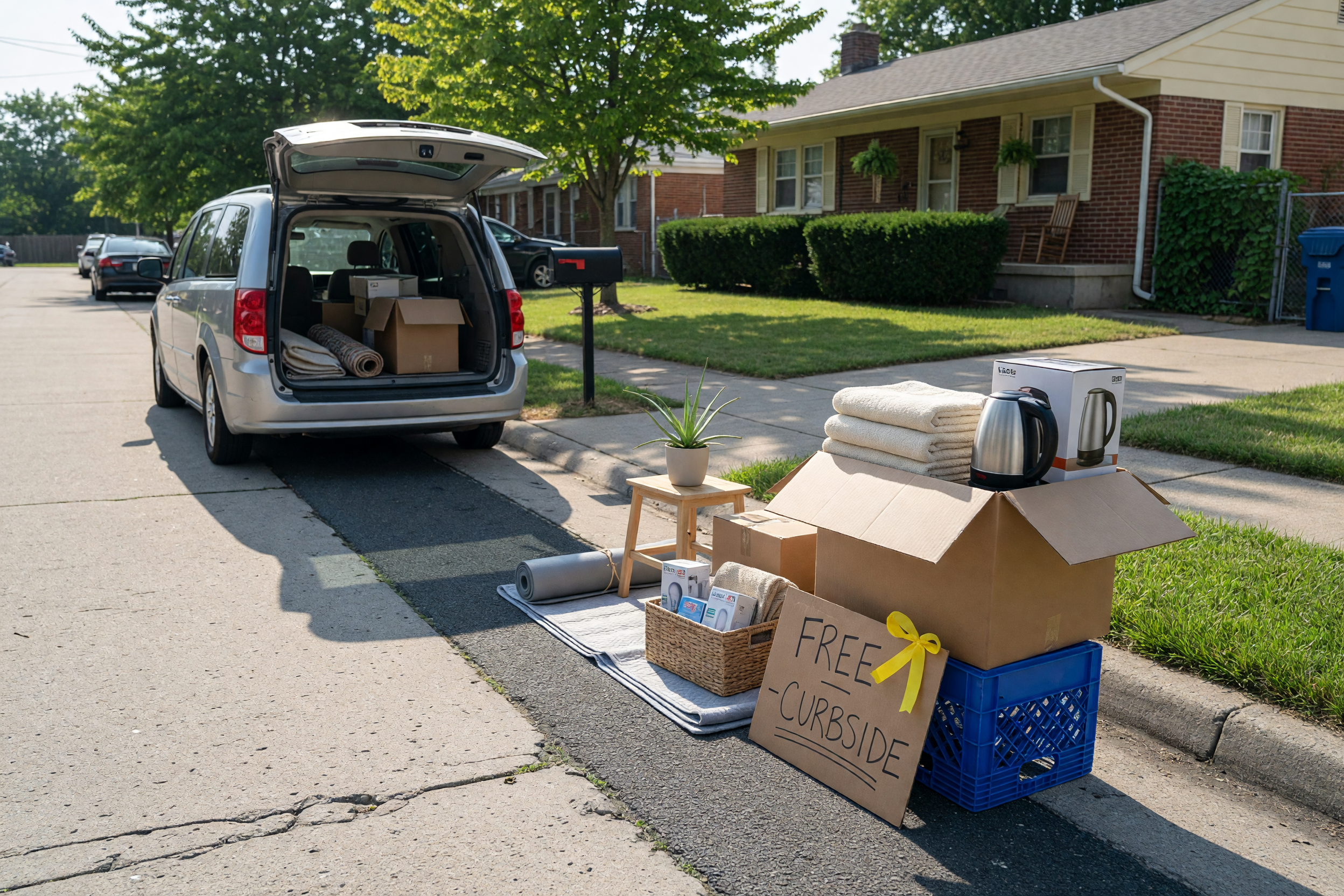
Keep the background simple. A cluttered room makes the item look harder to collect and less desirable. Place the item against a plain wall, driveway, or open floor if you can. Avoid filters that change the color or blur details. A real-looking photo builds trust and helps your free stuff listing stand out in local search results. If the item is already on the curb, include a clear photo of the exact spot so the pickup process feels easy. The goal is not perfect design. The goal is fast understanding.
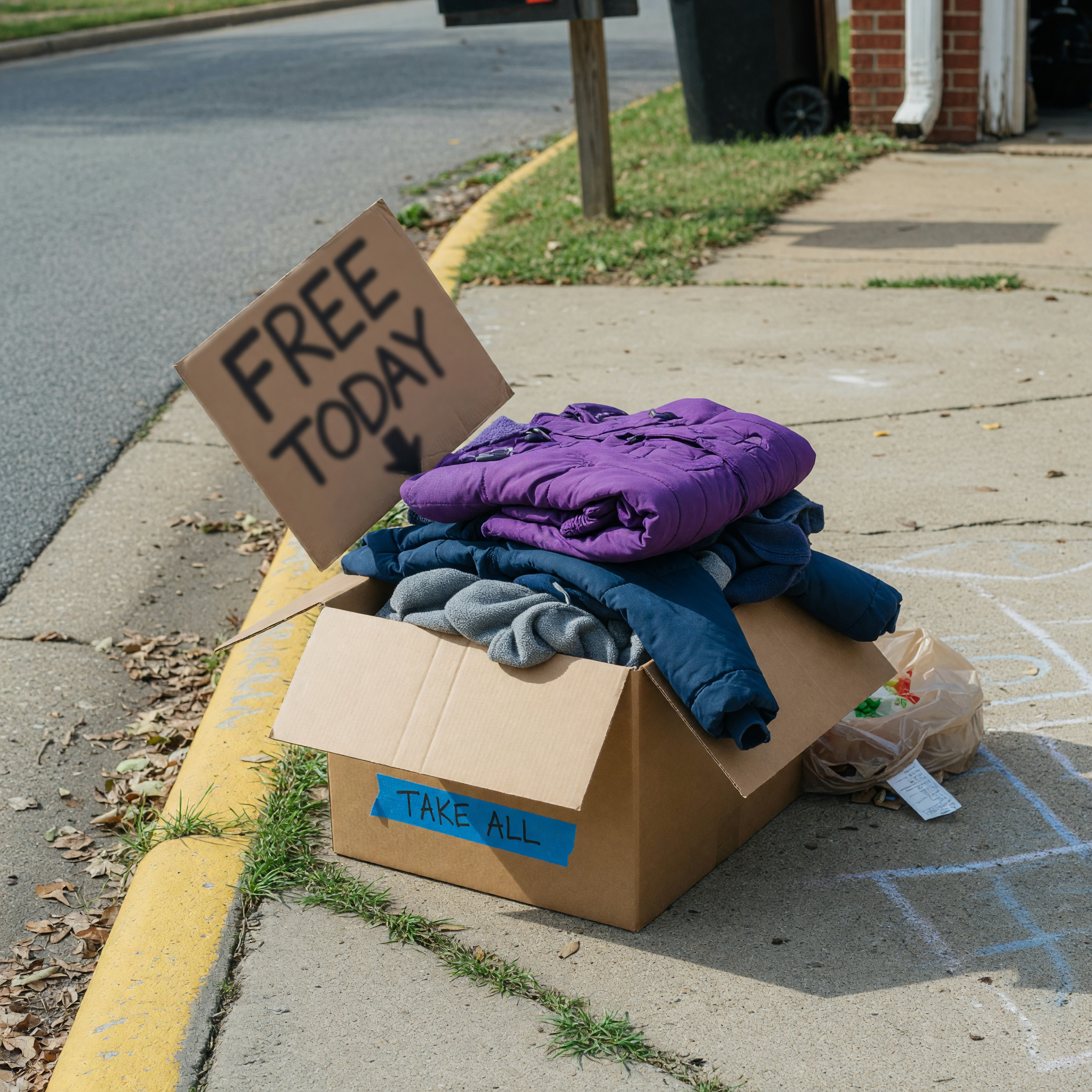
Write a curb alert message that is short and direct
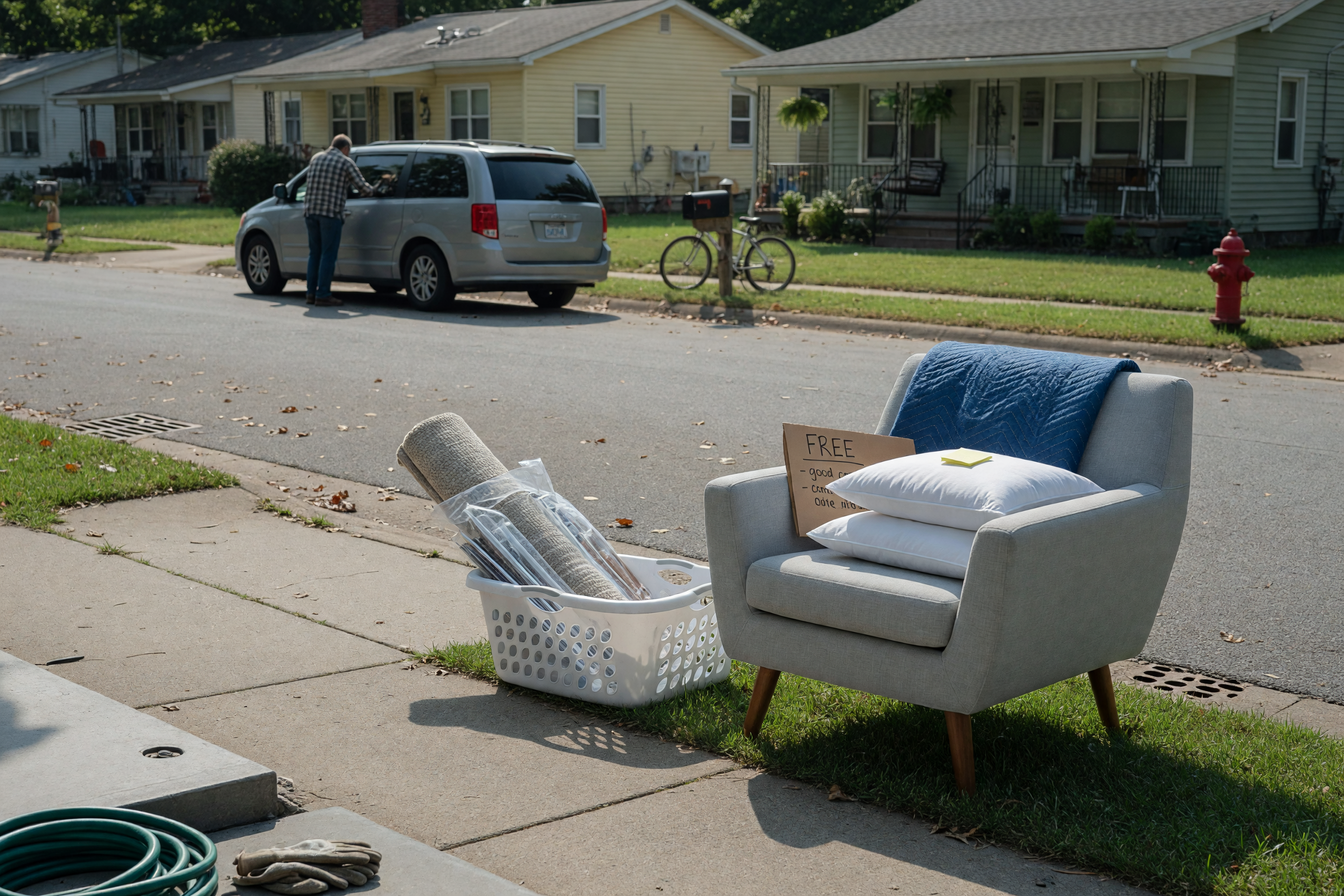
A curb alert works because it gives people a simple yes-or-no decision. Your title should say what the item is and that it is free. Your first sentence should say whether it is outside, where it is placed, and whether it must be taken today. Keep the wording plain. People searching for a curb alert want speed, not a long story. If the item is on the curb, driveway, porch, or apartment lobby, name the exact pickup spot so there is no guessing.
Include useful details without crowding the post. Mention any stairs, loading help, parking notes, or size limits. If the item is first come, first served, say that. If you prefer a quick message before pickup, note that too. The strongest curb alert posts remove friction by telling people exactly what to do next. Avoid vague phrases like “come get it soon” because they do not create urgency or clarity. Instead, write something that a neighbor can act on right away. In a free stuff listing, clarity is what turns a casual view into a real pickup.
Choose a pickup window that matches real life
Pickup timing can make or break a free item listing. If you are too open-ended, your post may attract replies from people who never arrive. If you are too narrow, you may miss good local responders who could have come later. A practical pickup window gives enough time for nearby people to plan while still protecting your schedule. The best range is usually same-day, next-day, or a short block of a few hours. That keeps the item feeling available without turning it into a long project.
Be specific about the window. Say morning, afternoon, or after work if that is what you can manage. If someone needs to text before arriving, include that rule. If the item must be gone by a certain hour, make the deadline visible in the main text. For larger items, think through access and loading time. A pickup window that works should also match how fast you can respond to messages. When you are easy to coordinate with, you look reliable and your free stuff listing gets more successful replies. Simple timing details help you give away locally without endless back-and-forth.
Set contact rules so the right person claims it
Clear contact rules help your listing stay organized. Decide whether you want the first person who can arrive, the first person who messages, or the first person who confirms a time. Then say it in one short sentence. This prevents confusion and reduces follow-up questions. In a free stuff listing, people move quickly, so the rules should be easy to understand at a glance. If you need a message that includes a pickup time, ask for that directly. If you only want serious local responses, say that you will prioritize people ready to pick up soon.
It also helps to avoid overexplaining your personal schedule. Give just enough detail for coordination. You do not need to share your full day, travel plans, or work routine. Keep the focus on the item and the handoff. If multiple people reply, respond in the order that matches your rule, not whichever message is longest. That keeps the process fair and reduces stress. Good contact rules support a smoother curb alert experience because the person who can actually pick up has the best chance of getting it.
Close the listing cleanly after pickup or a handoff
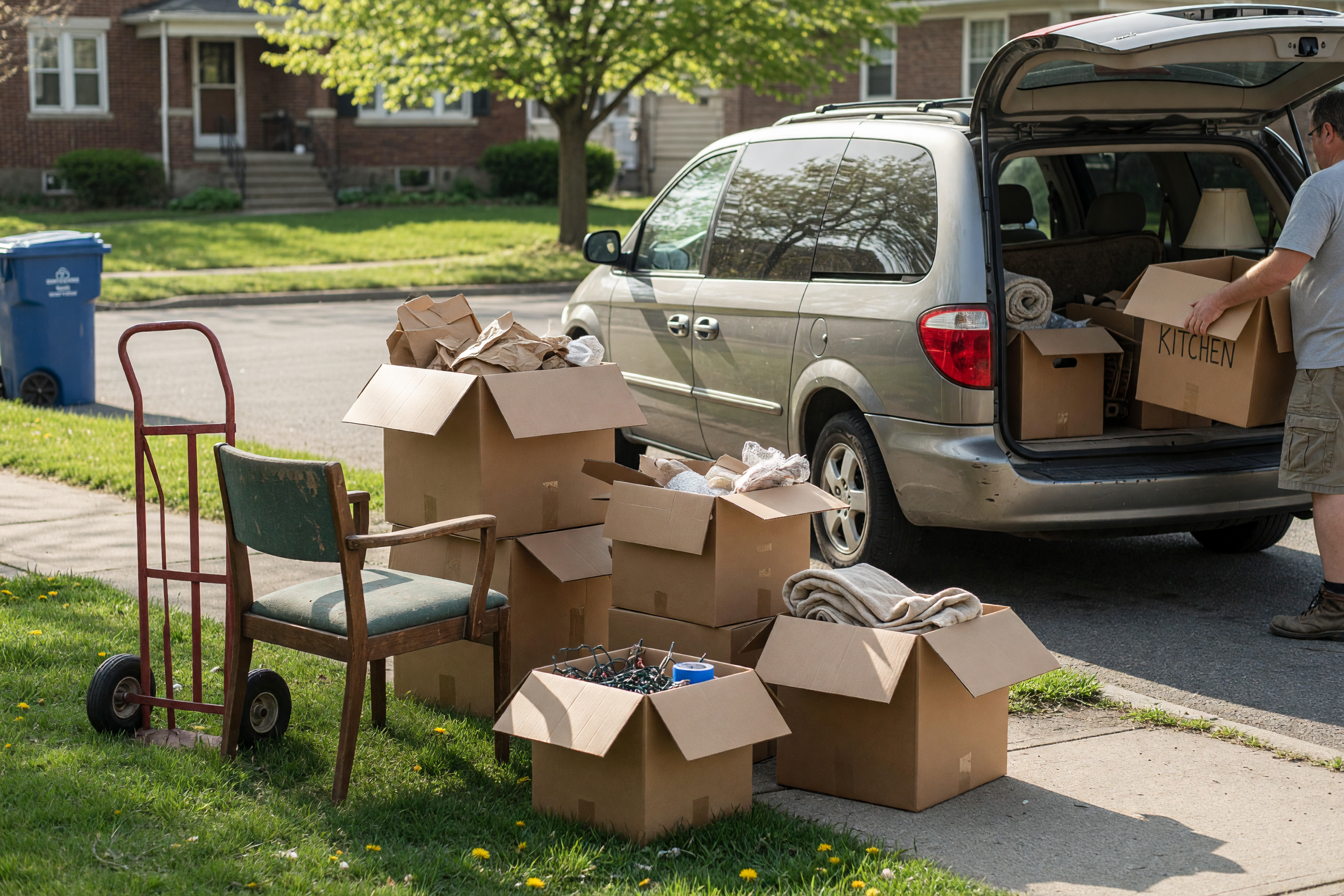
Once the item is claimed, close the loop quickly. Update the post so other people know it is no longer available. That saves time and keeps your free stuff listing trustworthy for future posts. If the item was picked up from the curb, remove any remaining photos or notes that might confuse new viewers. If you promised a window and someone arrived within it, confirm the handoff and stop new requests as soon as you can.
A clean finish also helps you build a good habit for the next giveaway. Note what worked: maybe the photos were strong, but the pickup window was too short. Maybe the curb alert wording brought fast replies, but you needed a clearer description of size. Small improvements make future posts easier and faster. If you often give away locally, a repeatable process will save you effort every time. Think of each listing as a quick local exchange: clear item, clear photo, clear timing, clear close. That pattern is what makes free items move without extra stress.
Use listing assistant when that is the next step.
Related: free-stuff posting tips
Frequently asked questions
What should I include in a free stuff listing?
Include a short item name, condition notes, clear photos, pickup location details, and a pickup window that is realistic. If there are size, weight, or access issues, mention them up front so the right person responds.
How do I make a curb alert easier to claim?
Say exactly where the item is placed, whether it is first come, first served, and how long it will remain available. Keep the message short so local readers can decide quickly.
What photos work best for free items?
Use bright, honest photos from a few angles. Show the full item, one close detail, and any wear or damage. Simple backgrounds make the item easier to judge and trust.
How long should a pickup window be?
A short window usually works best, such as same-day, next-day, or a few hours that match your schedule. The goal is to give enough time for nearby people to respond without stretching the process out.
How can I give away locally without lots of back-and-forth?
State the item clearly, set one contact rule, and share only the pickup details that matter. The fewer surprises in the post, the fewer messages you will need to answer.


Comments
Loading comments...
Checking sign-in status...