
Finish Your Room-for-Rent Post Before You Publish
If you started a room-for-rent listing and left it unfinished, this guide shows how to complete the key details renters need before you publish.
ARTICLE LANGUAGE
Showing original language
If you can post today, start on conversion and keep the listing specific enough that a local buyer can decide fast.
Use why early listings matter if you want the no-fee, direct-contact trade-off in plain words.
Start by finishing the essentials renters scan first
When a room-for-rent post is incomplete, renters usually leave before asking a question. The fastest way to finish the announcement is to write the basics in plain language: room type, rent amount, location, available date, and who the room is best for. Keep each item easy to scan, because most readers decide in seconds whether your listing feels worth opening. If the post was started from List a Room for Rent: Utilities, Rules, Move-In Costs, the goal is not to write more words. The goal is to write the right words in the right order.
Use simple labels instead of long paragraphs. Say whether the room is private or shared, whether the bathroom is private or shared, and whether the lease is month-to-month or longer term. If you already drafted part of the post, check for gaps that create confusion. A renter should be able to understand the offer without sending a message just to learn the basics. That clarity is what turns a draft into a real listing and reduces the chance that the post stays half-finished in a formulario sin publicar state.
Explain utilities in a way that avoids follow-up questions
Utilities are one of the first details renters look for, and one of the easiest places to lose trust if the wording is vague. Instead of writing “utilities included” without context, name exactly what is covered. State whether water, electricity, gas, internet, trash, and heating are included in the rent or paid separately. If there is a cap, mention it. If costs are shared with other tenants, say how the split works. Clear utility language helps renters compare your room fairly and reduces back-and-forth before they reach out.
It also helps to mention timing. For example, if utilities are billed monthly, explain whether they are due with rent or later. If the property has seasonal changes, note whether costs may vary in summer or winter. This does not need to sound legal or formal; it just needs to be understandable. The more specific you are, the more confident a renter feels about the total monthly cost. That confidence matters when someone is deciding between several room listings, especially if your post began as a draft and still needs the utility section completed.
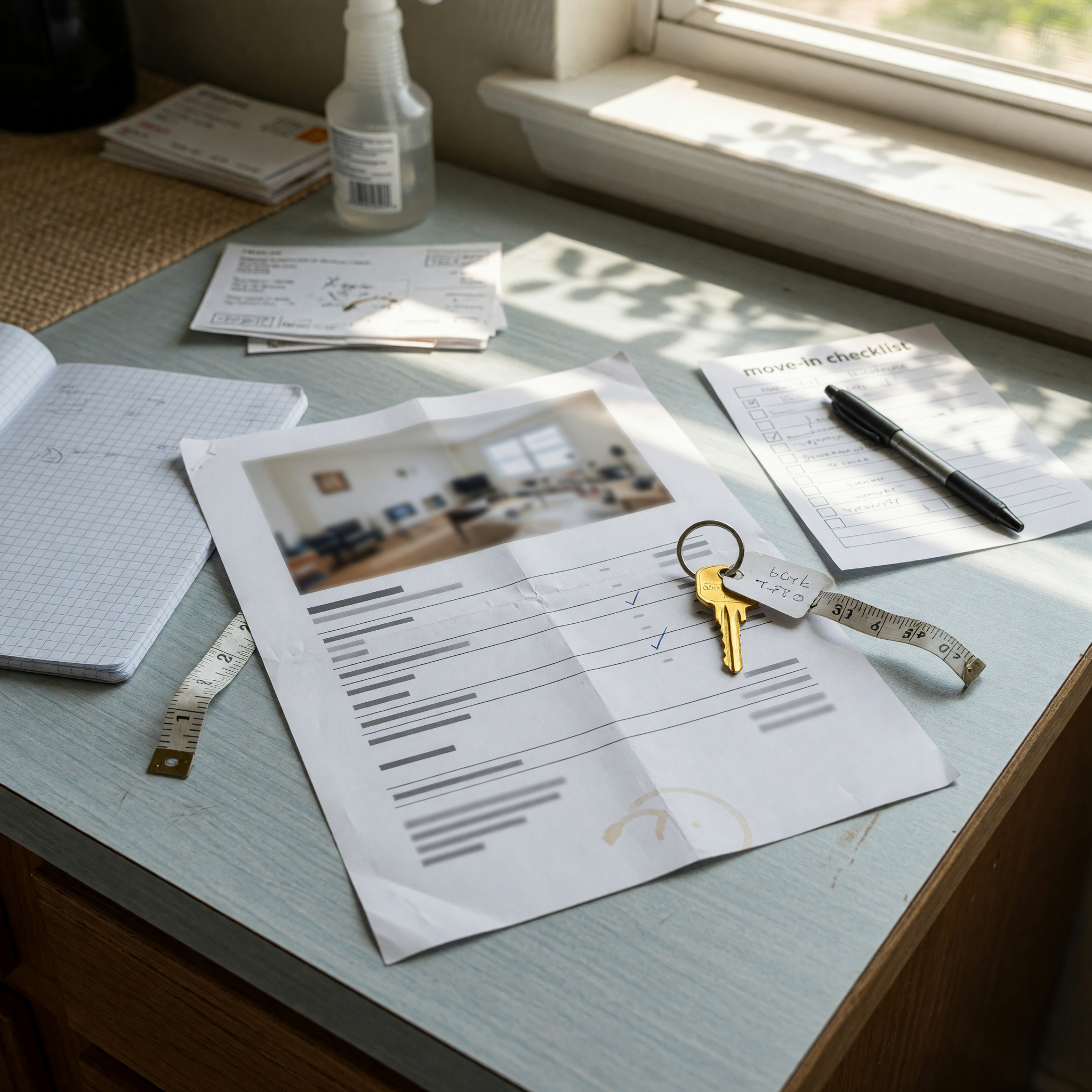
Spell out rules so the room feels fair, not restrictive
Rules do not push good renters away when they are written clearly. In fact, they often make a listing feel more serious and easier to trust. The key is to separate important rules from minor preferences. Start with the rules that affect daily life: smoking, pets, guests, quiet hours, shared kitchen use, parking, and cleaning expectations. If the home has limits, state them directly and respectfully. A short sentence is better than a long explanation that sounds uncertain or apologetic.
Try to frame rules as part of how the home functions, not as a list of warnings. For example, instead of writing “no loud people,” say “quiet hours are observed after 10 p.m.” That sounds clearer and more professional. If there are special house routines, like rotating chores or no overnight guests, mention them before publishing. This saves time later because renters self-select based on fit. A finished rules section also helps complete the terminar anuncio step with less friction, since readers can quickly decide whether the room matches their habits and expectations.
Break down move-in costs before someone messages you
One of the biggest reasons room listings lose momentum is unclear move-in pricing. Renters want to know the exact amount they need before the keys change hands. List the monthly rent, security deposit, application fee if any, first month’s rent, and any required cleaning or move-in charge. If something is refundable, say so. If you accept a deposit alternative, explain that too. The more transparent the move-in total, the easier it is for renters to plan and respond with confidence.
It also helps to say when each payment is due. Some landlords collect everything before move-in, while others split the amount across dates. If you require proof of income, identification, or references before payment, mention that as part of the process. This keeps the listing organized and avoids confusion later. A clear move-in cost section reduces unnecessary questions and makes the post feel complete, not improvised. If you started from the blog flow and never got past the draft stage, this section is usually the last piece needed to make the listing ready to publish.
Write the details that make the room feel real
After the basics, add a few details that help renters picture daily life in the room. Mention bed size, closet space, natural light, furniture included, internet speed if known, and whether the room is furnished or unfurnished. If the space has special advantages, like a private entrance, on-site laundry, or proximity to transit, include them. These details do not need to be lengthy. They just need to help the renter imagine what living there would be like.
A strong listing sounds concrete because it uses facts instead of general praise. Avoid lines like “great place” or “amazing opportunity” unless you also explain why. A renter trusts specifics more than enthusiasm. If you already have photos in the draft, make sure the written details match what is visible. Consistency helps buyers and renters feel that the listing is honest. When the room feels real, the post is easier to complete and less likely to remain an unfinished formulario sin publicar that never reaches the audience you wanted.
Review, tighten, and publish without leaving gaps
Before you publish, read the listing as if you were a renter seeing it for the first time. Check whether every core question is answered: What is the room? How much is it? What does it include? What are the rules? What does move-in cost? If any answer feels buried or missing, fix it before posting. This last review is where many drafts become effective listings because the writer notices what a stranger would not understand.
Also look for repetition, broken sentences, and mixed signals. If one section says utilities are included and another says they are extra, the listing will create doubt. Keep the language consistent from top to bottom and use short paragraphs to improve readability. Once the post is clean, you can publish with more confidence because the reader is less likely to bounce. The best room-for-rent posts do not try to sound perfect; they try to feel complete, accurate, and easy to trust. That is what finishing the announcement is really about.
Use listing assistant when that is the next step.
Related guide: Finish Your Room-for-Rent Post Before You Publish
Frequently asked questions
What should I finish first in a room-for-rent listing?
Start with the basics renters scan first: rent, location, room type, availability date, and whether the room is private or shared. Those details create the fastest path from draft to a complete listing.
How detailed should the utilities section be?
List each utility clearly and say whether it is included, shared, capped, or billed separately. Specific utility details reduce questions and help renters compare your listing quickly.
Which rules should I include in the post?
Focus on the rules that affect everyday living, such as smoking, pets, guests, quiet hours, parking, and shared-space use. Keep the wording respectful and direct.
What move-in costs should I mention?
Include monthly rent, deposit, application fee, first month’s rent, and any cleaning or move-in charge. If any payment is refundable, state that clearly.
How do I know if my draft is ready to publish?
Your draft is ready when a renter can understand the offer without asking basic follow-up questions. If the main details are clear and consistent, the post is ready to go live.


Comments
Loading comments...
Checking sign-in status...